




LaserJet Enterprise M806Z
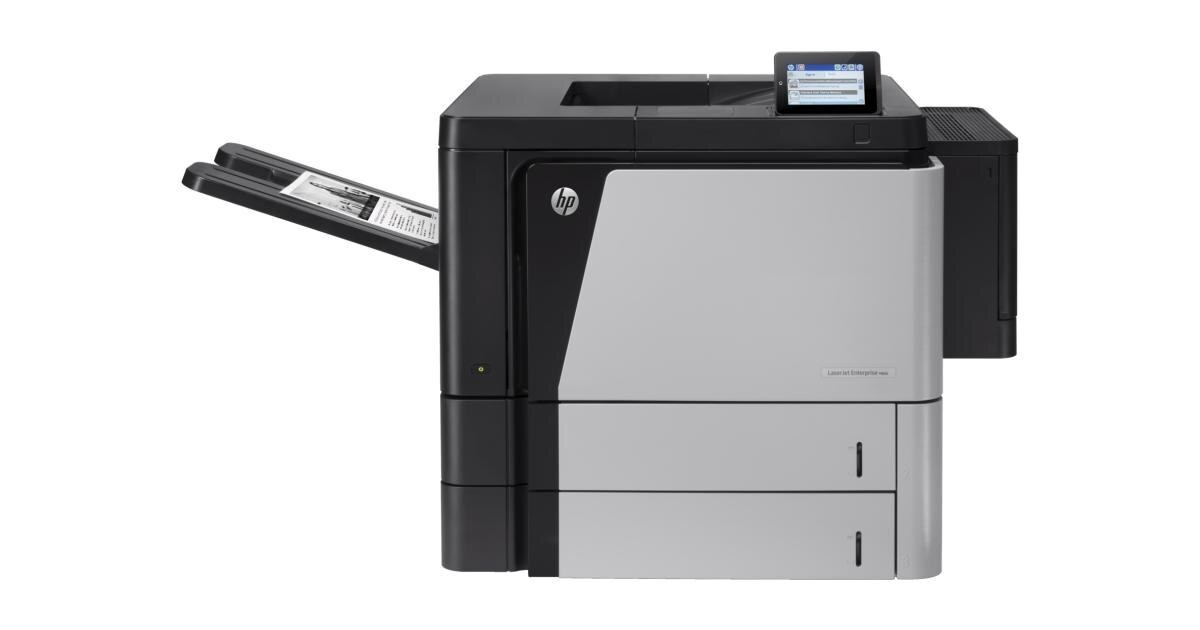
As a early-2010s mono single-function printer, the LaserJet Enterprise M806Z earned its reputation the slow way — page after page of clean, reliable output. Day in and day out, the LaserJet Enterprise M806Z proves itself at high-volume departmental printing — the kind of reliability that made LaserJet a fixture in offices.
HP built the LaserJet Enterprise M806Z around the HP 25X cartridge family, so the CF325X you need is the same one 18 sibling models use. Our HP 25X lineup for the LaserJet Enterprise M806Z covers both bases — genuine OEM CF325X cartridges and dependable compatible alternatives.
Toner Cartridges for LaserJet Enterprise M806Z
This printer works with the following toner cartridges:
- HP CF325X
More HP Printers
- LaserJet Enterprise flow M830
- LaserJet Enterprise flow M830Z
- LaserJet Enterprise M806
- LaserJet Enterprise M806DN
- LaserJet Enterprise M806X
- LaserJet Enterprise M806X+
- LaserJet Enterprise M806X+ NFC
- LaserJet Enterprise M830Z
- LaserJet Enterprise MFP Flow M830
- LaserJet Enterprise MFP Flow M830Z
- LaserJet Enterprise MFP Flow M830Z NFC
- LaserJet M806
- LaserJet M806DN
- LaserJet M806X
- LaserJet M806X+
- LaserJet M806X+NFC
- LaserJet M806Z
- LaserJet MFP Flow M830
Frequently Asked Questions
Which cartridge codes fit the LaserJet Enterprise M806Z?
The LaserJet Enterprise M806Z fits CF325X. The code printed on the box is what matters; matching it exactly is how you avoid returns.
When should I replace the toner in my LaserJet Enterprise M806Z?
Swap the CF325X when prints from the LaserJet Enterprise M806Z fade, streak, or the printer reports the cartridge as empty. "Toner low" warnings arrive earlier and still leave room to print, so keep a spare CF325X ready. Change it when quality visibly drops, not at the first warning.
How do I fix faded or streaky prints on my LaserJet Enterprise M806Z?
Check the toner level first — the LaserJet Enterprise M806Z flags a low CF325X before quality drops. Try reseating the cartridge and running a cleaning cycle from the printer's maintenance menu. If streaks persist with a fresh CF325X, the issue is likely elsewhere in the paper path.