




Color LaserJet M451DW
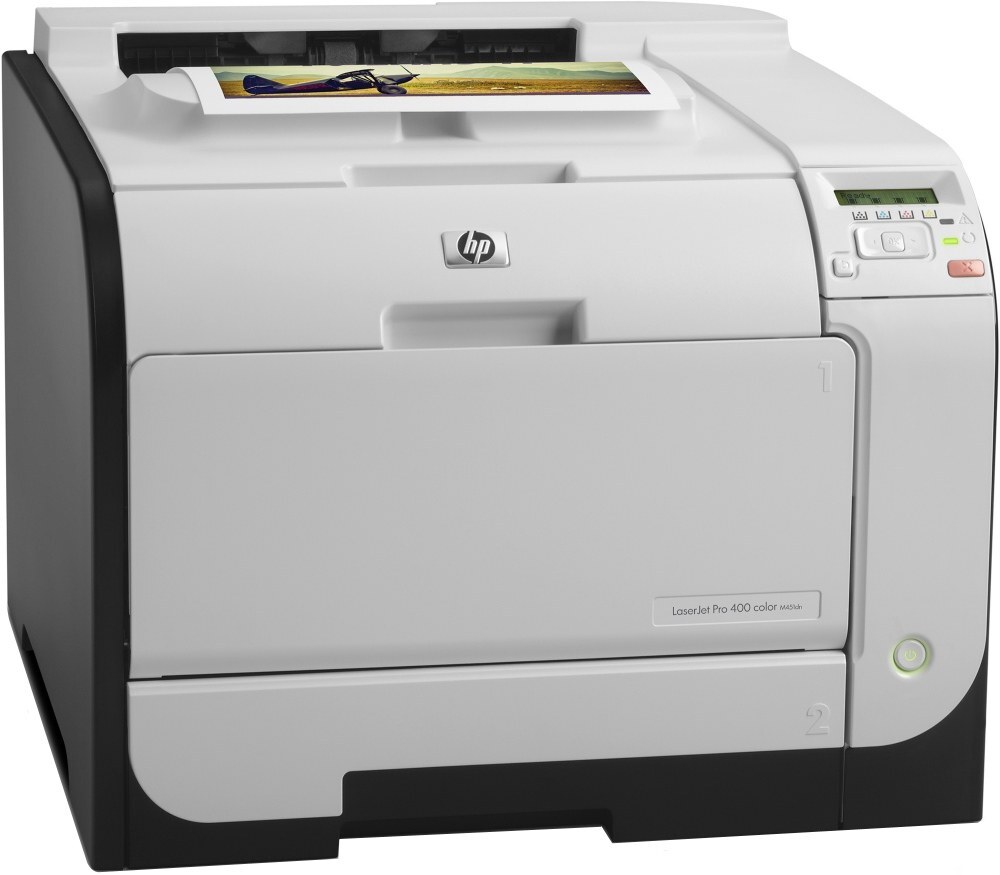
Duplex and wireless in the 2012-era small-business line — the M451DW prints two-sided without a cable. Laptops join over Wi-Fi and the machine handles the rest.
Toner is HP 305A/305X: CE410A black (high-yield CE410X) with CE411A, CE412A, CE413A color. Genuine OEM and compatible cartridges are both on the shelf here.
Toner Cartridges for Color LaserJet M451DW
This printer works with the following toner cartridges:
- HP CE410A
- HP CE410X
- HP CE411A
- HP CE412A
- HP CE413A
More HP Printers
- Color LaserJet M351
- Color LaserJet M351A
- Color LaserJet M375 MFP
- Color LaserJet M375NW MFP
- Color LaserJet M451
- Color LaserJet M451DN
- Color LaserJet M451NW
- Color LaserJet M475
- Color LaserJet M475DN
- Color LaserJet M475DW
- LaserJet Pro 300 Color M375NW
- LaserJet Pro 300 Color MFP M375
- LaserJet Pro 300 Color MFP M375NW
- LaserJet Pro 300 Color Printer M351
- LaserJet Pro 300 Color Printer M351A
- LaserJet Pro 400 Color M451
- LaserJet Pro 400 Color M451DN
- LaserJet Pro 400 Color M451DW
- LaserJet Pro 400 Color M451NW
- LaserJet Pro 400 Color M475
- LaserJet Pro 400 Color M475DW
- LaserJet Pro 400 Color MFP M475
- LaserJet Pro 400 Color MFP M475DN
- LaserJet Pro 400 color MFP M475DW
- LaserJet Pro 400 Color Printer M451
- LaserJet Pro 400 Color Printer M451DN
- LaserJet Pro 400 Color Printer M451DW
- LaserJet Pro 400 color Printer M451NW
Frequently Asked Questions
Which toner cartridges work with the Color LaserJet M451DW?
CE410A, CE410X, CE411A, CE412A and CE413A are the cartridge codes for the Color LaserJet M451DW. Checking the label on the old cartridge is the fastest way to confirm.
Why is my Color LaserJet M451DW printing blank pages?
Blank pages from the Color LaserJet M451DW usually mean a cartridge seal was left on, a cartridge is empty, or a setting is off. Reseat the CE410A cartridge, confirm the seal was pulled, and check that paper is loaded properly.
Can the Color LaserJet M451DW print envelopes or labels?
Yes — feed envelopes or label sheets through the Color LaserJet M451DW's manual tray and choose the right media size in the print dialog. Print one sheet first to check alignment.