




Color LaserJet M375NW MFP
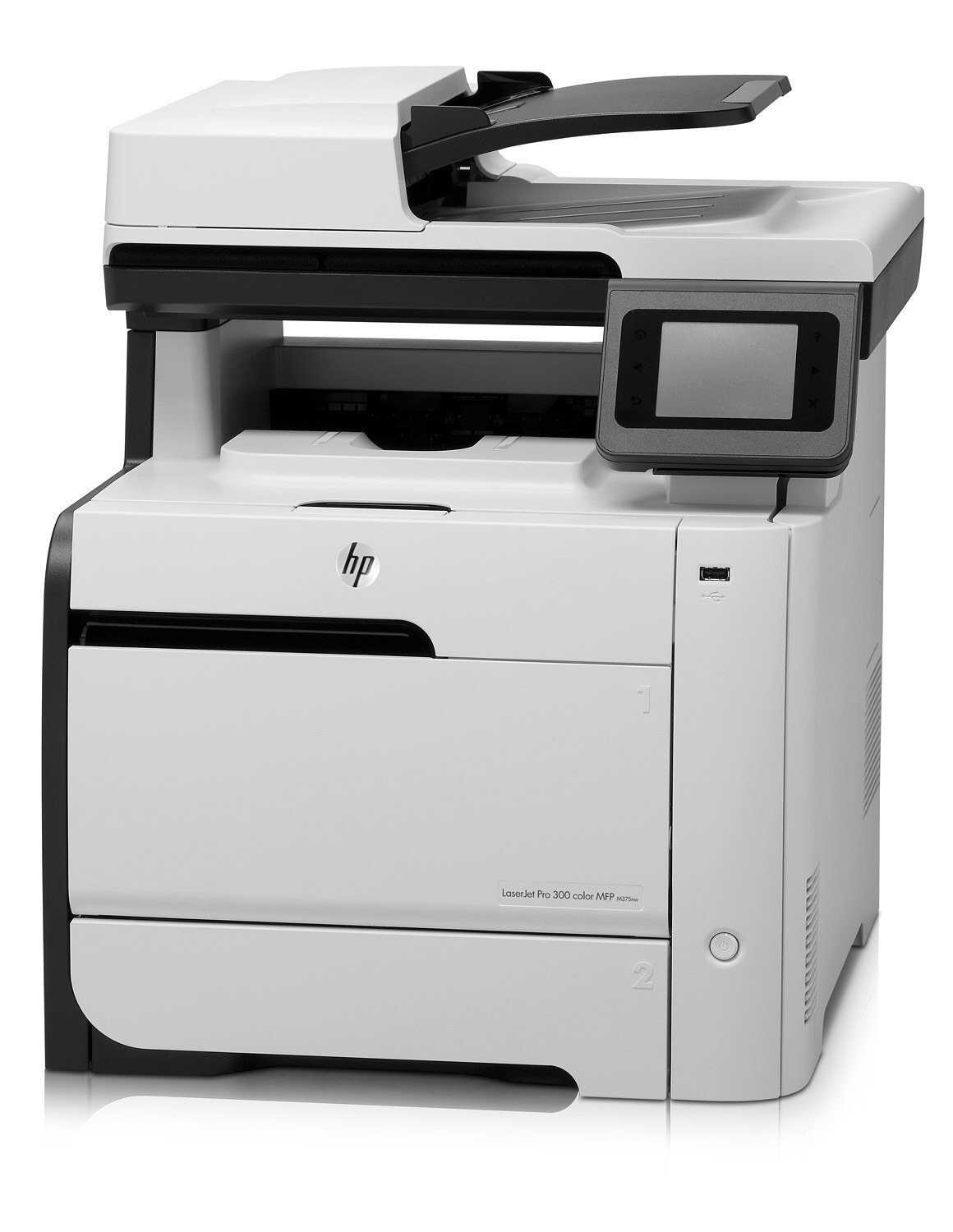
HP positioned the Color LaserJet M375NW MFP as a 2012-era color print/scan/copy unit where small businesses take priority. Years after launch, replacement toner for this printer remains easy to find. It takes the HP 305A/305X toner family (CE410A, CE410X). For color, the M375NW MFP draws on the 305A trio — CE411A cyan, CE412A yellow and CE413A magenta.
Genuine OEM CE410A, CE410X toner keeps the Color LaserJet M375NW MFP printing exactly as HP intended, and compatible cartridges keep high-volume offices economical. We stock both so you never wait on toner.
Toner Cartridges for Color LaserJet M375NW MFP
This printer works with the following toner cartridges:
- HP CE410A
- HP CE410X
- HP CE411A
- HP CE412A
- HP CE413A
More HP Printers
- Color LaserJet M351
- Color LaserJet M351A
- Color LaserJet M375 MFP
- Color LaserJet M451
- Color LaserJet M451DN
- Color LaserJet M451DW
- Color LaserJet M451NW
- Color LaserJet M475
- Color LaserJet M475DN
- Color LaserJet M475DW
- LaserJet Pro 300 Color M375NW
- LaserJet Pro 300 Color MFP M375
- LaserJet Pro 300 Color MFP M375NW
- LaserJet Pro 300 Color Printer M351
- LaserJet Pro 300 Color Printer M351A
- LaserJet Pro 400 Color M451
- LaserJet Pro 400 Color M451DN
- LaserJet Pro 400 Color M451DW
- LaserJet Pro 400 Color M451NW
- LaserJet Pro 400 Color M475
- LaserJet Pro 400 Color M475DW
- LaserJet Pro 400 Color MFP M475
- LaserJet Pro 400 Color MFP M475DN
- LaserJet Pro 400 color MFP M475DW
- LaserJet Pro 400 Color Printer M451
- LaserJet Pro 400 Color Printer M451DN
- LaserJet Pro 400 Color Printer M451DW
- LaserJet Pro 400 color Printer M451NW
Frequently Asked Questions
Which toner cartridges work with the Color LaserJet M375NW MFP?
CE410A, CE410X, CE411A, CE412A and CE413A are the cartridge codes for the Color LaserJet M375NW MFP. Checking the label on the old cartridge is the fastest way to confirm.
How do I install a replacement CE410A cartridge in the Color LaserJet M375NW MFP?
Power the Color LaserJet M375NW MFP on, open the cartridge door, and slide the old CE410A out. Remove the seal and packing clips from the new cartridge, insert it firmly, close the door, and print a test page to confirm.
How do I fix wrong or washed-out colors on the Color LaserJet M375NW MFP?
Run the color calibration or cleaning routine from the Color LaserJet M375NW MFP's menu and make sure all four cartridges (CE410A, CE410X, CE411A, CE412A and CE413A) are seated. If a single color is missing from prints, replace that cartridge.