




Laser B5460
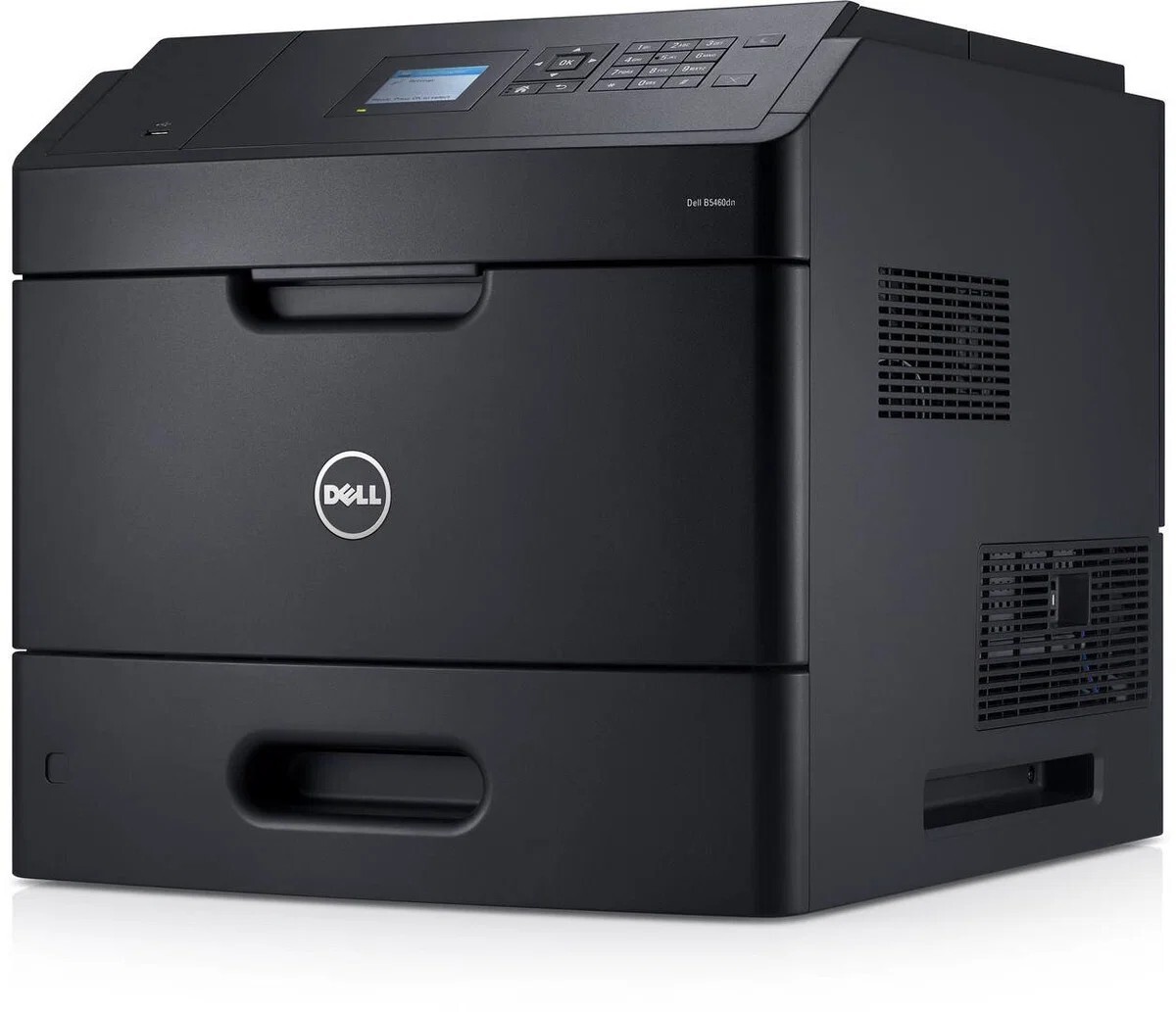
The Dell B5460 is a 60-page-per-minute monochrome workgroup printer built for departments with serious output: sharp 1200-dpi documents, a chassis rated for hundreds of thousands of pages a month, and paper handling that expands from a single tray to a multi-tray, thousands-of-sheets configuration.
At this speed and volume, toner is a line item, not an afterthought. The B5460's cartridge family runs from standard sizes up to an extra-high-yield cartridge rated around 45,000 pages — and compatible versions bring that workgroup-scale economy to any departmental budget.
Toner Cartridges for Dell B5460
This printer works with the following toner cartridges:
- Dell 2TTWC
- Dell 331-9755
- Dell 331-9756
- Dell 331-9757
- Dell 331-9795
- Dell 331-9797
- Dell 593-11185
- Dell 593-11187
- Dell 593-11190
- Dell 593-11194
- Dell 593-BBYR
- Dell 71MXV
- Dell FGVX0
- Dell G7TY4
- Dell GDFKW
- Dell GW3G4
- Dell J1X2W
- Dell PG6NR
- Dell T6J1J
- Dell X5GDJ
- Dell YT3W1
Frequently Asked Questions
Which cartridges does the Dell B5460 use?
The B5460 uses 331-9755, 331-9756, 331-9757, 331-9795, 331-9797, 593-11185, 593-11187, 593-11190, 593-11194, 593-BBYR, 2TTWC, 71MXV, FGVX0, G7TY4, GDFKW, GW3G4, J1X2W, PG6NR, T6J1J, X5GDJ, and YT3W1 supplies. Confirm the code on your current cartridge before ordering.
The B5460 is a high-volume printer - which cartridge should I buy?
Always choose the highest-capacity option in the B5460's list for a printer this size: the 331-9755/331-9756/331-9757-series codes cover different yields, and the bigger ones slash your cost per page at B5460 volumes.
How do I replace the cartridge in a B5460?
Open the B5460's front door, remove the spent cartridge, unpack the new one, pull all sealing tape, and slide it in until seated. Print a status page afterward to verify the new supply level registers.