




Color Laser Laser B5460
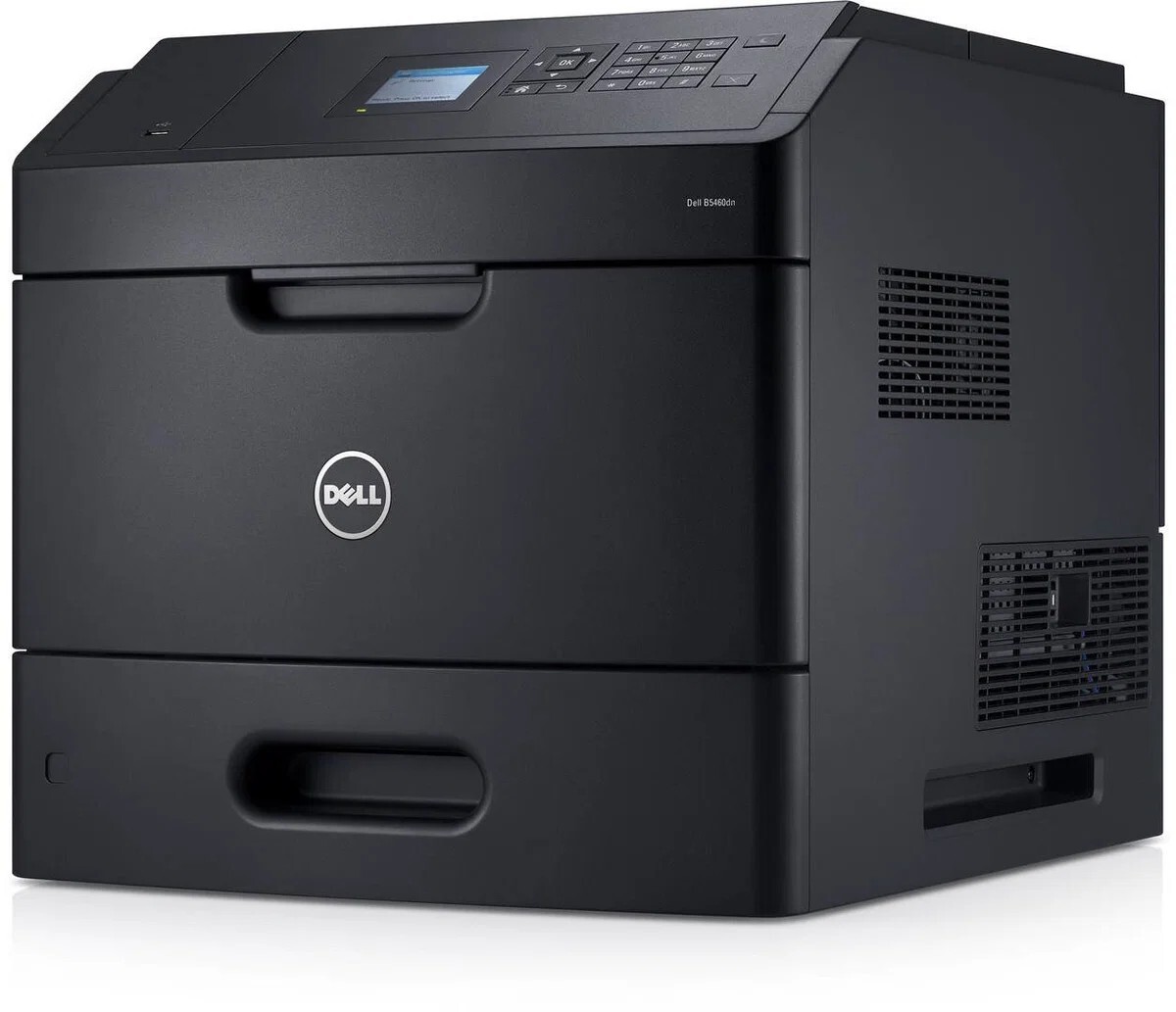
Total cost of ownership decides workgroup printer purchases, and the Dell B5460 is engineered for a low one: a 60-ppm engine that finishes jobs fast, expandable paper handling that reduces labor, and a cartridge lineup crowned by an extra-high-yield option around 45,000 pages.
The math is simple — bigger cartridge, lower cost per page — and compatible cartridges improve every step of it. Departments that print in real volume can run the B5460 for a fraction of what smaller printers would cost to feed.
Toner Cartridges for Dell B5460
This printer works with the following toner cartridges:
- Dell 2TTWC
- Dell 331-9755
- Dell 331-9756
- Dell 331-9757
- Dell 331-9795
- Dell 331-9797
- Dell 593-11185
- Dell 593-11187
- Dell 593-11190
- Dell 593-11194
- Dell 593-BBYR
- Dell 71MXV
- Dell FGVX0
- Dell G7TY4
- Dell GDFKW
- Dell GW3G4
- Dell J1X2W
- Dell PG6NR
- Dell T6J1J
- Dell X5GDJ
- Dell YT3W1
Frequently Asked Questions
My Dell B5460 needs new toner — which cartridges should I order?
The B5460 takes Dell toner cartridges 2TTWC, 331-9755, 331-9756, 331-9757, 331-9795, 331-9797, and more. Keep this list handy — ordering by Dell part number is the most reliable way to get a match.
My B5460 prints look grainy. What setting fixes that?
On the B5460, quality lives in three driver choices: resolution (higher for graphics), paper type (must match the tray), and color mode. Set those correctly and the printer delivers clean output; persistent graininess points to a low cartridge in 2TTWC, 331-9755, 331-9756, 331-9757, 331-9795, 331-9797, and more.
Will the B5460 handle labels and cardstock?
The B5460 can print envelopes, labels, and cardstock through its manual feed or multipurpose tray — feed them one at a time and select the matching media type in the driver so the fuser uses the right temperature. Keep the stack small and the guides snug.