





 See Compatible Printers
 Read more about our ink!
Epson
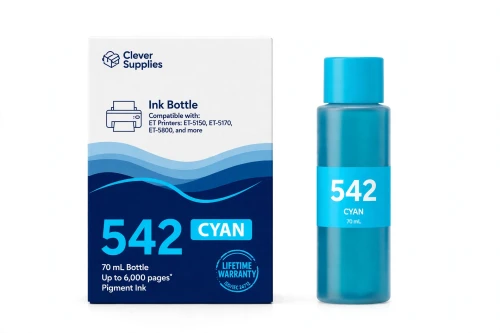
Compatible Epson 542 T542220 Cyan Ink Bottle
- Page Yield:
- Up to 6,000 pages (ISO/IEC 24712, Epson methodology)
- Shipping:
- Calculated at Checkout

Amazon Price:

- Page Yield:
- Up to 6,000 pages (ISO/IEC 24712, Epson methodology)
- Shipping:
- Calculated at Checkout
- Compatible Printers
- Specifications
- SKU:
- CS-EP-542-C
- Condition:
- New Compatible
- OEM Part #:
- T542220-S
- Color:
- Cyan
- Ink Type:
- Pigment (DURABrite ET)
- Volume:
- 70 mL
- Page Yield:
- Up to 6,000 pages (ISO/IEC 24712, Epson methodology)
- Chip:
- None (chipless bottle)
- Warranty:
- Lifetime Warranty
- Returns:
- 1-Year Free Returns
- Description
- Reviews
Here is what makes the 542 family different from every other EcoTank line we sell: the colors are pigment too. Our compatible T542220-S bottle holds 70 mL of DURABrite ET pigment cyan ink, rated up to 6,000 pages (ISO/IEC 24712, Epson methodology) — for charts, logos, branded documents and color handouts that have to survive real offices: coffee rings, damp hands, highlighters, filing cabinets.


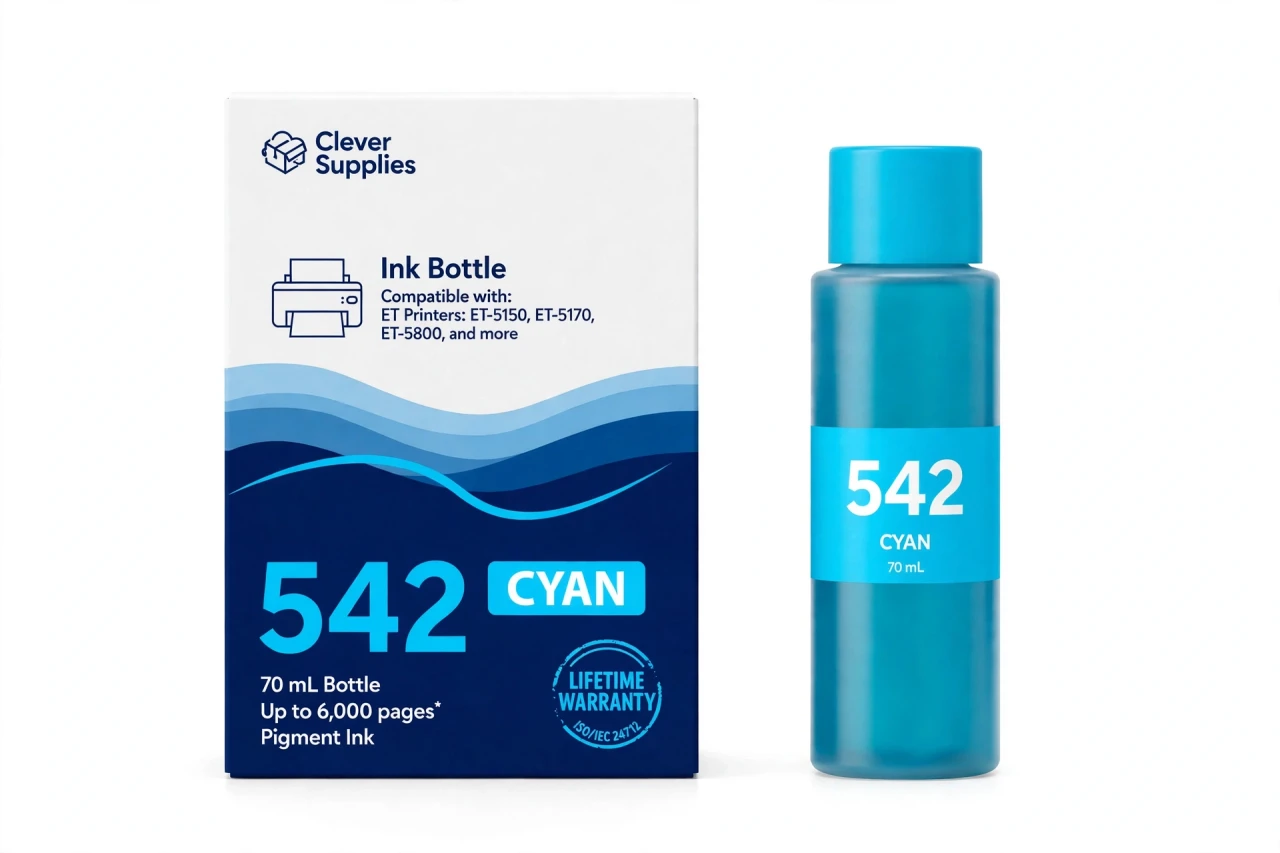
In the dye families (502, 522), cyan is a photo-and-graphics ink that soaks into paper. Pigment cyan behaves differently: the particles rest on the surface, edges stay crisp on plain paper, and the color resists water and fading like the black beside it. If your EcoTank Pro or ST-C prints client-facing color, this bottle is why it still looks professional a month later.
Epson is blunt about the requirement — these printers are designed for use with pigment inks only, and dye ink may cause damage outside the warranty — so the correct refill for the cyan tank is a pigment cyan bottle, this one, keyed to the cyan position with an auto-stop fill and no chip. It serves all twelve 542 models, from the ET-5150 to the ST-C8090. Covered by our lifetime warranty, with free returns for the first year.
Shop the Epson 542 family: T542120 Black Ink Bottle · T542320 Magenta Ink Bottle · T542420 Yellow Ink Bottle · Set of 4 BCMY Ink Bottle
Browse by series: EcoTank Pro ET · WorkForce ST-C
Frequently Asked Questions
What does this bottle refill, exactly?
The cyan tank of any 542-family printer — twelve models: EcoTank Pro ET-5150, ET-5170, ET-5180, ET-5800, ET-5850, ET-5880, ET-16600, ET-16650, and WorkForce ST-C5000, ST-C5500, ST-C8000, ST-C8090. Specs: T542220-S, 70 mL pigment ink, up to 6,000 pages.
Cyan is pigment here? In my old EcoTank it was dye.
Correct — the 542 family is all-pigment (DURABrite ET), unlike the 502/522 families where colors are dye. Epson's Fact Sheet headline for this family is literally "all-pigment ink for pro-quality prints."
Why does pigment color matter for office printing?
Water, smudge and fade resistance on plain paper. Dye color is fine for photos; pigment color keeps charts, letterheads and handouts intact when they're handled, spilled on and archived.
Will a dye cyan bottle work if it's cheaper?
It would be the wrong ink for these machines. Epson warns that dye ink in these pigment-only printers may cause damage not covered by its warranty. This bottle is pigment, matched to the spec.
Is this the same as the 502 cyan?
No. The 502 cyan (T502220) is a dye bottle, 6,000 pages, different keying, different printer family. Same color name, different ink and a different bottle.
How many pages per bottle?
Up to 6,000 under the ISO/IEC 24712 pattern with Epson's methodology — the rating for all three 542 color bottles. Color-dense graphics use ink faster than the pattern; documents track closer.
Any chips or counters?
None. Bottles are chipless; you confirm the refill on the printer panel so the level estimate resets, and printing continues.
Prints look fine in black but color is dull. Cyan problem?
Possibly — charts losing their blues and greens going yellow-brown are low-cyan symptoms. Check the tank window first; if cyan is down, refill and run a nozzle check.
Can I refill cyan alone?
Yes, each tank is independent. Refill the low position; buy the 4-bottle set when the whole system needs a reset.
How should I store the opened bottle?
Capped, upright, room temperature, no direct sun.
Is this genuine Epson ink?
No — a Clever Supplies compatible bottle built to the T542220-S specification, labeled compatible on box and page.
Warranty?
Lifetime warranty on the bottle — replaced if it ever fails to perform — and free returns within the first year.
Related Items

Epson
Compatible Epson 542 T542320 Magenta Ink Bottle
Magenta carries the colors businesses notice most: the red in the logo, the warmth in a product photo, the highlight color in every deck your EcoTank Pro prints for clients. Our compatible T542320-S...


Epson
Compatible Epson 542 T542120 Black Ink Bottle
This is the black bottle for Epson's business EcoTanks — the printers bought to replace laser machines in small offices. Our compatible T542120-S carries 127 mL of DURABrite ET pigment black ink,...

Epson
Compatible Epson 542 T542420 Yellow Ink Bottle
Yellow is the bottle behind safety notices, highlighted clauses, green charts and every warm tone in a business document — and in the 542 family it has to be as tough as the black. Our compatible...

Epson
Compatible Epson 512 T512220 Cyan Ink Bottle
In a five-color photo printer, cyan is quietly the hardest-working dye in the box. Skies, water, denim, teal packaging in product shots — an outsized share of real photographs leans on cyan, which is...