





 See Compatible Printers
 Read more about our ink!
Canon
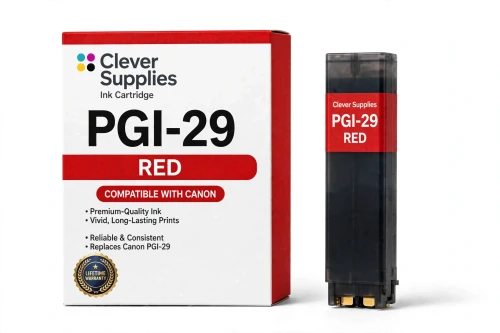
Compatible Canon PGI-29 Red Ink Cartridge
- Shipping:
- Calculated at Checkout

Amazon Price:

- Shipping:
- Calculated at Checkout
- Compatible Printers
- Specifications
- SKU:
- CS-CN-29-R
- Condition:
- New (compatible)
- OEM Part #:
- PGI-29
- Color:
- Red
- Ink Type:
- Pigment
- Chip:
- Yes — new compatible chip
- Warranty:
- Lifetime Warranty
- Returns:
- 1 Year
- Description
- Reviews
The Clever Supplies compatible Canon PGI-29 Red ink cartridge replaces the Canon PGI-29 and fits the PIXMA PRO-1 — the only printer in this family. Our cartridge is filled to the same specification with pigment ink and carries a new compatible chip that reports ink levels to the printer.
Ink levels report to the printer through a new compatible chip, just as they do with the original cartridge. Should a future Canon firmware update ever block a cartridge, contact us — the lifetime warranty covers recognition problems as well as print quality.
Shop the PGI-29 family: PGI-29 Cyan, PGI-29 Chroma Optimizer, PGI-29 Dark Gray, PGI-29 Gray, PGI-29 Photo Gray, PGI-29 Magenta, PGI-29 Matte Black, PGI-29 Photo Black, PGI-29 Photo Cyan, PGI-29 Photo Magenta, PGI-29 Yellow.
Printer series: PIXMA printers — every model in the Compatible Printers list below takes this cartridge.


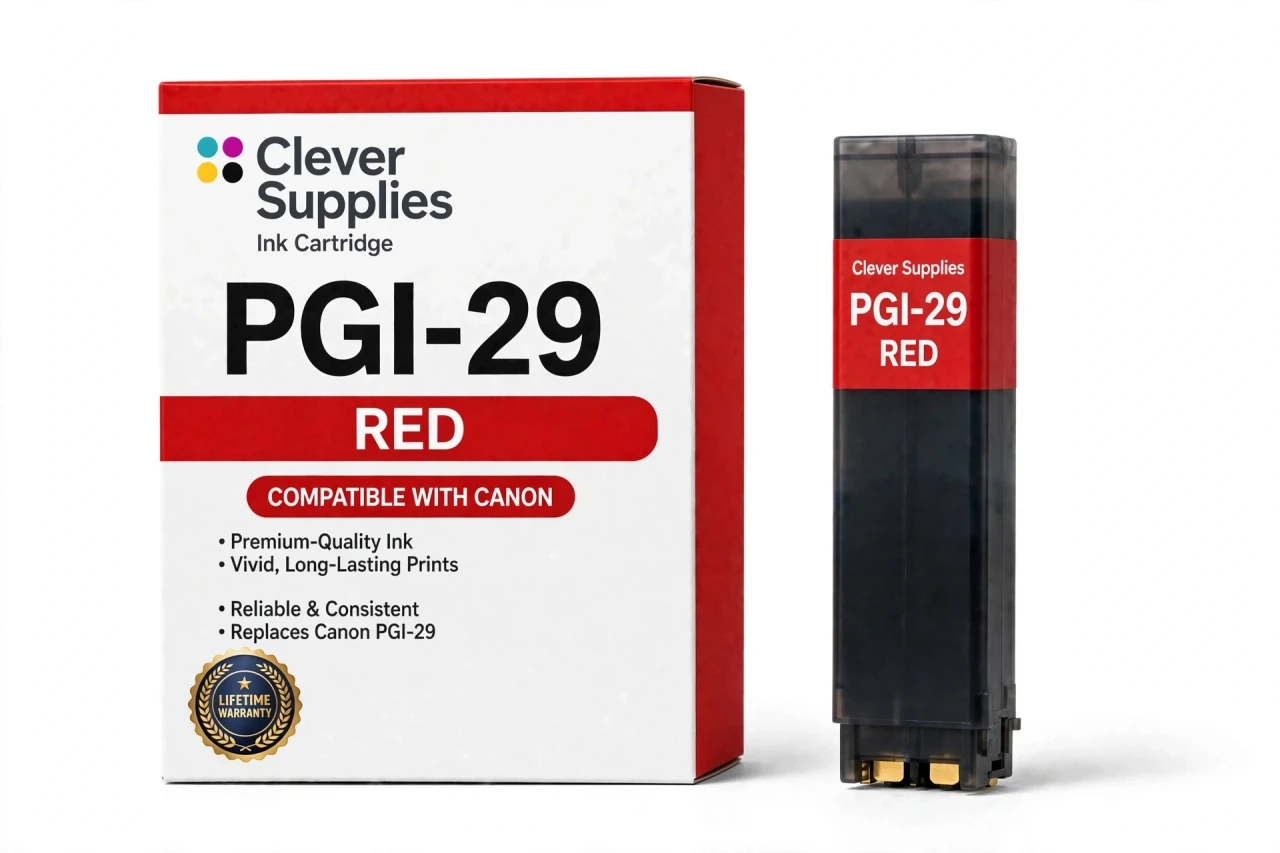
CLEVER SUPPLIES · CANON PGI-29 INK
Compatible Canon PGI-29 Red Ink Cartridge
Replaces Canon PGI-29
LUCIA pigment ink · PIXMA PRO-1 12-tank system · New compatible chip
Fits: PIXMA PRO-1
Covered by the Clever Supplies Lifetime Warranty
Frequently Asked Questions
Why does the PRO-1 carry a red tank when magenta and yellow already mix to red?
Because mixed red has limits. PGI-29 Red gives the Canon PIXMA PRO-1 a true red pigment of its own, widening the gamut in reds and oranges beyond what PGI-29 Magenta plus PGI-29 Yellow can reach.
Which subjects gain the most from a healthy red tank?
Anything where red is the subject, not an accent: roses, poppies, red cars and packaging, brick, rust, and fall leaves. On glossy paper the gain reads even stronger under an even coat of PGI-29 Chroma Optimizer.
Which printer is the PGI-29 Red cartridge made for?
It is made for the Canon PIXMA PRO-1, the only printer on the PGI-29 compatibility list. No other Canon model here runs a twelve-tank system with a dedicated red. Confirm you own the PRO-1 before ordering, and never confuse it with standard magenta.
Can red and magenta be swapped or substituted in a pinch?
No. Red and magenta are different pigments in different slots, and the printer expects each where it belongs. Substituting would corrupt every warm color in the print. If red runs out mid-project, replace red. Keep a sealed spare when red-heavy work is common.
Is there a page yield figure for the red tank?
No page yield is published for the PGI-29 family, so we attach none to Red. Its use swings widely: a blue seascape series may use almost none, while a red product catalog uses it on every page. This tank is filled to the original specification, and the printer's level display is the reliable guide.
Will this compatible red cartridge be recognized by the PRO-1?
Yes. It is fitted with a new compatible chip, so the printer identifies it and reports the red level normally. Should a firmware update ever trigger a recognition warning, reseat the tank and restart the printer; that clears most false alarms. A tank still refusing to print afterward is covered by warranty.
Can the red tank be changed alone, like the other colors?
Yes. All twelve tanks are independent, and Red is replaced by itself when its level runs low, with no need to refresh magenta or yellow at the same time. After installing, print a small warm-color proof to confirm the expanded red range is back.
Is this a genuine Canon red cartridge?
No, it is a Clever Supplies compatible cartridge built to the same PGI-29 specification as Canon's original Red tank, with pigment ink for the LUCIA system. A covered compatible version keeps this specialty color, and the full designed gamut, within reach.
How should I store a backup red tank until I need it?
Keep it sealed, upright, and at room temperature, away from direct sunlight, heat, and freezing storage, with the seal on until installation day. Store red apart from magenta and photo magenta on the shelf; the warm tanks are easy to grab wrongly under pressure.
What warranty and returns protect this tank?
A Lifetime Warranty, with 1 Year returns. If it leaks, is not recognized, or prints poorly, contact us and we will replace it or refund you, whether the fault is in the ink or the chip. For a gamut claim, keep the disappointing print; its reds help us confirm a weak tank quickly.
Related Items
Canon
Compatible Canon PGI-29 Gray Ink Cartridge
The Clever Supplies compatible Canon PGI-29 Gray ink cartridge replaces the Canon PGI-29 and fits the PIXMA PRO-1 — the only printer in this family. Our cartridge is filled to the same specification...

Canon
Compatible Canon PGI-29 Magenta Ink Cartridge
The Clever Supplies compatible Canon PGI-29 Magenta ink cartridge replaces the Canon PGI-29 and fits the PIXMA PRO-1 — the only printer in this family. Our cartridge is filled to the same...
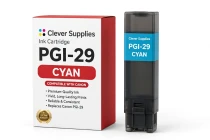
Canon
Compatible Canon PGI-29 Cyan Ink Cartridge
The Clever Supplies compatible Canon PGI-29 Cyan ink cartridge replaces the Canon PGI-29 and fits the PIXMA PRO-1 — the only printer in this family. Our cartridge is filled to the same specification...
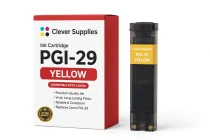
Canon
Compatible Canon PGI-29 Yellow Ink Cartridge
The Clever Supplies compatible Canon PGI-29 Yellow ink cartridge replaces the Canon PGI-29 and fits the PIXMA PRO-1 — the only printer in this family. Our cartridge is filled to the same...