





 See Compatible Printers
 Read more about our ink!
Canon
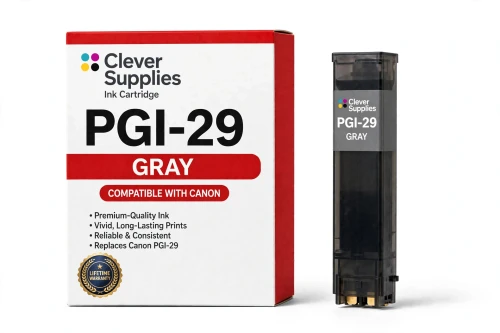
Compatible Canon PGI-29 Gray Ink Cartridge
- Shipping:
- Calculated at Checkout

Amazon Price:

- Shipping:
- Calculated at Checkout
- Compatible Printers
- Specifications
- SKU:
- CS-CN-29-GY
- Condition:
- New (compatible)
- OEM Part #:
- PGI-29
- Color:
- Gray
- Ink Type:
- Pigment
- Chip:
- Yes — new compatible chip
- Warranty:
- Lifetime Warranty
- Returns:
- 1 Year
- Description
- Reviews
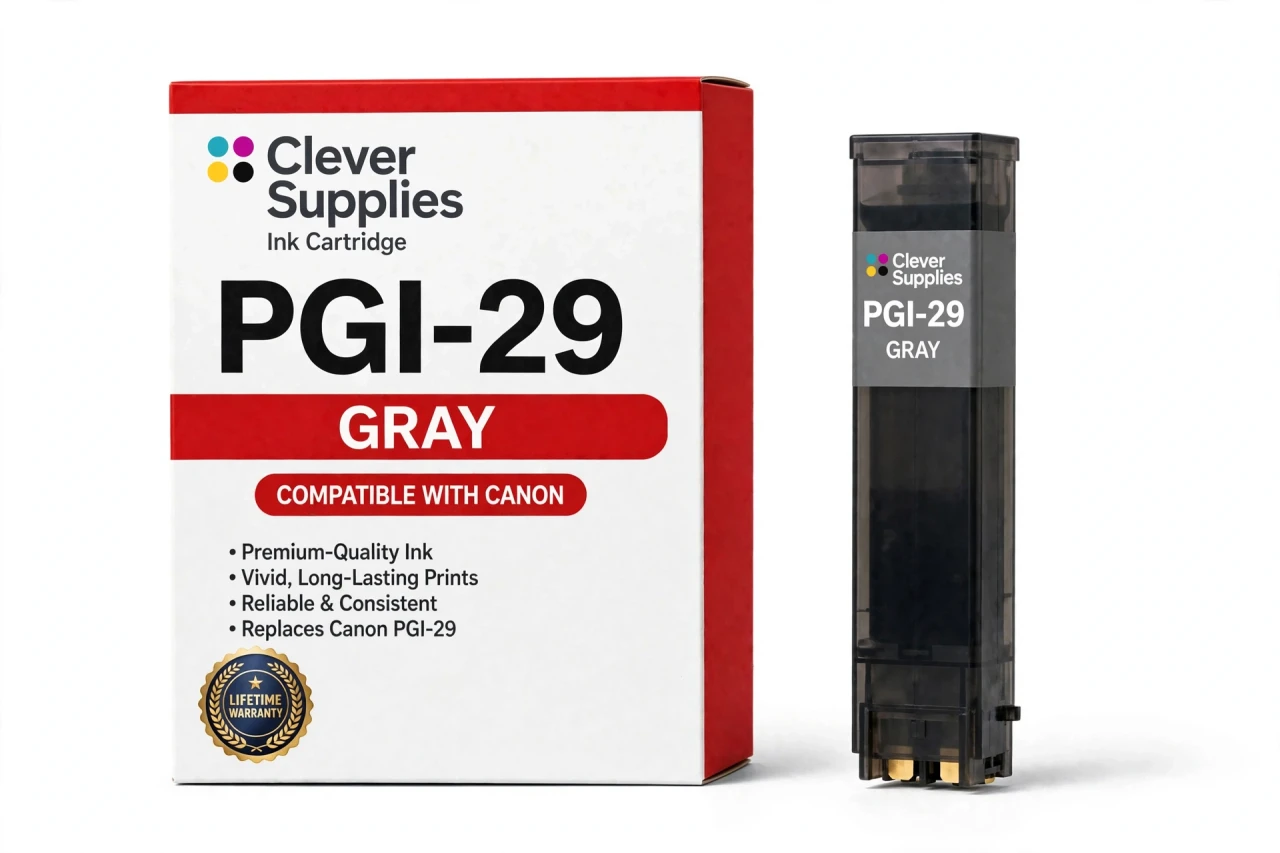
The Clever Supplies compatible Canon PGI-29 Gray ink cartridge replaces the Canon PGI-29 and fits the PIXMA PRO-1 — the only printer in this family. Our cartridge is filled to the same specification with pigment ink and carries a new compatible chip that reports ink levels to the printer.
Ink levels report to the printer through a new compatible chip, just as they do with the original cartridge. Should a future Canon firmware update ever block a cartridge, contact us — the lifetime warranty covers recognition problems as well as print quality.
Shop the PGI-29 family: PGI-29 Cyan, PGI-29 Chroma Optimizer, PGI-29 Dark Gray, PGI-29 Photo Gray, PGI-29 Magenta, PGI-29 Matte Black, PGI-29 Photo Black, PGI-29 Photo Cyan, PGI-29 Photo Magenta, PGI-29 Red, PGI-29 Yellow.
Printer series: PIXMA printers — every model in the Compatible Printers list below takes this cartridge.


CLEVER SUPPLIES · CANON PGI-29 INK
Compatible Canon PGI-29 Gray Ink Cartridge
Replaces Canon PGI-29
LUCIA pigment ink · PIXMA PRO-1 12-tank system · New compatible chip
Fits: PIXMA PRO-1
Covered by the Clever Supplies Lifetime Warranty
Frequently Asked Questions
What job does the middle Gray tank do that the other grays cannot?
PGI-29 Gray is the middle step of the three-gray ladder in the Canon PIXMA PRO-1. It owns the midtones, where most of a black-and-white image lives. Shadows belong to PGI-29 Dark Gray; the lightest tones belong to PGI-29 Photo Gray.
How does a midtone gray improve a color print, not just a monochrome one?
Neutral areas appear in color work too: concrete, fog, silver objects, shaded white clothing, and soft shadow transitions. Laying a true neutral gray there, instead of mixing cyan, magenta, and yellow to fake one, keeps those areas smooth and cast-free.
Which printer is this Gray cartridge made for?
It is made for the Canon PIXMA PRO-1, and no other model. The full PGI-29 set belongs to that one twelve-tank printer. Do not order it for a smaller PIXMA that uses a single gray or none at all; the tank will not fit.
My midtones look banded or slightly tinted — is Gray the likely cause?
Often, yes. If highlights and deep shadows print cleanly but the middle range shows steps, banding, or a faint cast, check the Gray level and run a nozzle check. A low Gray forces color mixing exactly where the eye notices tints most.
How many pages should I expect from this tank?
No page yield is published for PGI-29 cartridges, so we give no page promise for Gray. A midtone-heavy landscape and a dark portrait use it at very different rates. It is filled to the original specification. Track the level and reorder when it reports low.
Does this compatible Gray cartridge carry a chip?
Yes, a new compatible chip is fitted, so the PRO-1 recognizes the tank and shows its level with the rest of the set. If a Canon firmware update causes a recognition message, seat the tank firmly again and restart the printer. That clears most false warnings, and a stubborn tank is covered below.
Should the three grays always be replaced together as a group?
No. Replace Gray alone when Gray runs low; the tanks report separate levels and empty at separate rates, . Before a long monochrome edition, glance at all three levels — PGI-29 Dark Gray, this tank, and the photo gray — so no step runs out mid-set.
Is this an original Canon Gray cartridge?
No. It is a Clever Supplies compatible cartridge built to the same PGI-29 specification as Canon's original, with pigment ink matched to the PRO-1's LUCIA system. Midtone quality should not depend on original prices for a tank that a busy black-and-white printer works through steadily over a year.
What is the best way to store this cartridge until installation?
Keep it sealed, upright, at steady room temperature, away from direct sun and heat. Do not store it under heavy items or break the seal to inspect the ink. A sealed pigment tank keeps its condition well, so buying ahead for a planned project is sensible.
What happens if this tank leaks or prints badly?
Contact us. The cartridge is covered by a Lifetime Warranty, with 1 Year returns, so a leaking, unrecognized, or poorly printing tank will be replaced or refunded, chip faults included. Keep the failing print; its midtone pattern helps us confirm the cause.
Related Items
Canon
Compatible Canon PGI-29 Dark Gray Ink Cartridge
The Clever Supplies compatible Canon PGI-29 Dark Gray ink cartridge replaces the Canon PGI-29 and fits the PIXMA PRO-1 — the only printer in this family. Our cartridge is filled to the same...

Canon
Compatible Canon PGI-29 Photo Gray Ink Cartridge
The Clever Supplies compatible Canon PGI-29 Photo Gray ink cartridge replaces the Canon PGI-29 and fits the PIXMA PRO-1 — the only printer in this family. Our cartridge is filled to the same...
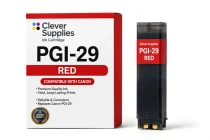
Canon
Compatible Canon PGI-29 Red Ink Cartridge
The Clever Supplies compatible Canon PGI-29 Red ink cartridge replaces the Canon PGI-29 and fits the PIXMA PRO-1 — the only printer in this family. Our cartridge is filled to the same specification...
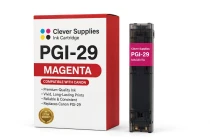
Canon
Compatible Canon PGI-29 Magenta Ink Cartridge
The Clever Supplies compatible Canon PGI-29 Magenta ink cartridge replaces the Canon PGI-29 and fits the PIXMA PRO-1 — the only printer in this family. Our cartridge is filled to the same...