





 See Compatible Printers
 Read more about our ink!
Canon
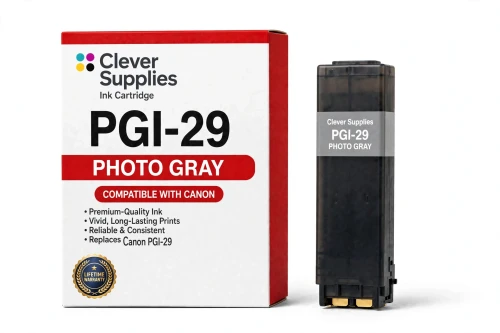
Compatible Canon PGI-29 Photo Gray Ink Cartridge
- Shipping:
- Calculated at Checkout

Amazon Price:

- Shipping:
- Calculated at Checkout
- Compatible Printers
- Specifications
- SKU:
- CS-CN-29-LGY
- Condition:
- New (compatible)
- OEM Part #:
- PGI-29
- Color:
- Photo Gray
- Ink Type:
- Pigment
- Chip:
- Yes — new compatible chip
- Warranty:
- Lifetime Warranty
- Returns:
- 1 Year
- Description
- Reviews
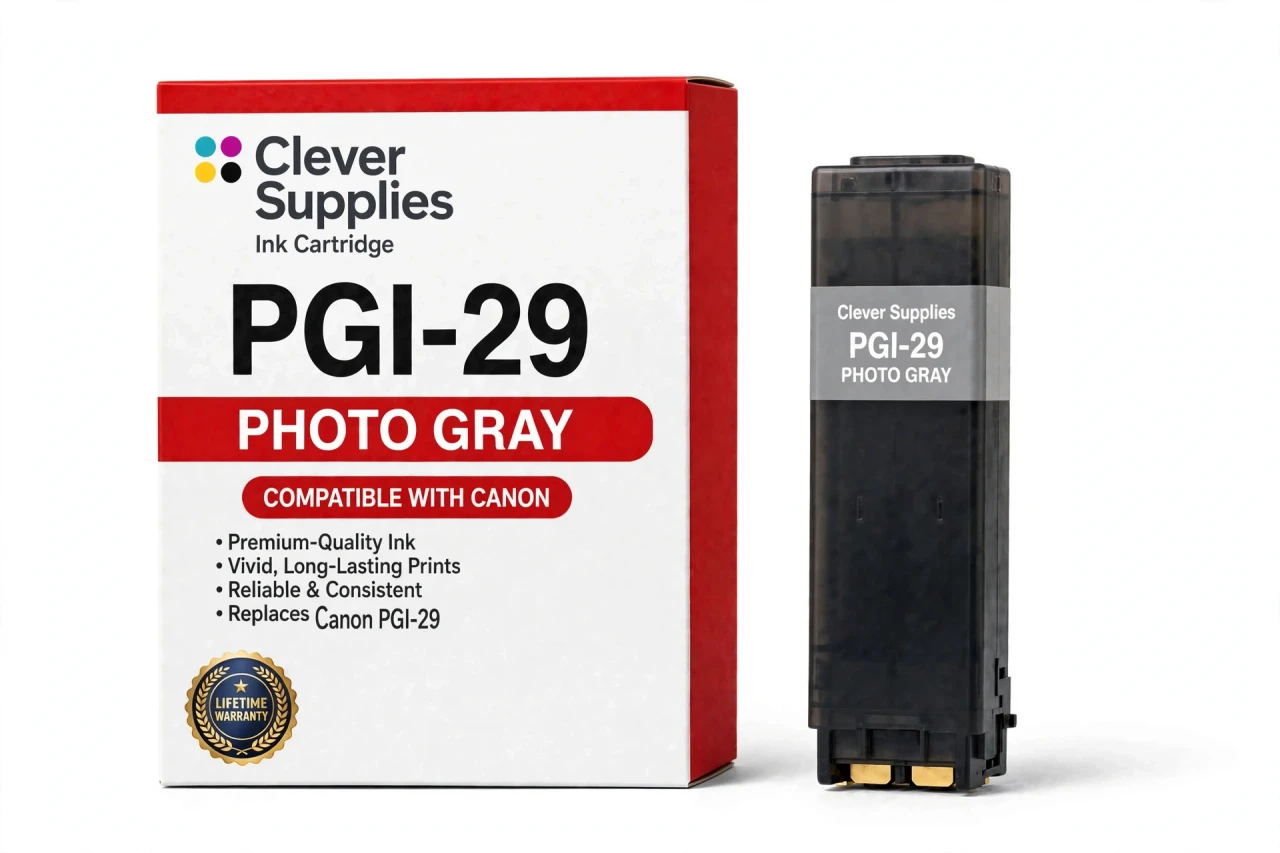
The Clever Supplies compatible Canon PGI-29 Photo Gray ink cartridge replaces the Canon PGI-29 and fits the PIXMA PRO-1 — the only printer in this family. Our cartridge is filled to the same specification with pigment ink and carries a new compatible chip that reports ink levels to the printer.
Ink levels report to the printer through a new compatible chip, just as they do with the original cartridge. Should a future Canon firmware update ever block a cartridge, contact us — the lifetime warranty covers recognition problems as well as print quality.
Shop the PGI-29 family: PGI-29 Cyan, PGI-29 Chroma Optimizer, PGI-29 Dark Gray, PGI-29 Gray, PGI-29 Magenta, PGI-29 Matte Black, PGI-29 Photo Black, PGI-29 Photo Cyan, PGI-29 Photo Magenta, PGI-29 Red, PGI-29 Yellow.
Printer series: PIXMA printers — every model in the Compatible Printers list below takes this cartridge.


CLEVER SUPPLIES · CANON PGI-29 INK
Compatible Canon PGI-29 Photo Gray Ink Cartridge
Replaces Canon PGI-29
LUCIA pigment ink · PIXMA PRO-1 12-tank system · New compatible chip
Fits: PIXMA PRO-1
Covered by the Clever Supplies Lifetime Warranty
Frequently Asked Questions
Why does the PRO-1 need a lightest gray on top of two other grays?
PGI-29 Photo Gray is the lightest step in the gray ladder of the Canon PIXMA PRO-1. It prints the palest neutral tones — bright monochrome skies, white fabric shading, highlight detail — with widely spaced dots, keeping highlights smooth and nearly grain-free.
How is Photo Gray different from the regular Gray tank?
Regular PGI-29 Gray covers the middle tones; Photo Gray is far lighter and takes over near the top of the scale, while PGI-29 Dark Gray anchors the shadows. Think of a staircase with close steps, so a gradient fading toward white never makes a visible jump.
Which printer fits this Photo Gray cartridge?
Only the Canon PIXMA PRO-1. That single model is the entire compatibility list for this tank and for every other PGI-29 member. If your printer does not say PRO-1, this light gray has no home in it.
My highlights look grainy in black-and-white prints — is this tank involved?
Very likely. Grain appearing only in the lightest areas, while midtones stay smooth, points straight at Photo Gray. Check its level and run a nozzle check. When this tank runs low, the printer substitutes denser ink in pale areas and the dots turn visible. A fresh tank restores the clean, airy highlight.
Does a page count exist for the Photo Gray tank?
No page yield is published for the PGI-29 line, so we print no number we cannot support. Highlight-heavy images sip this ink; soft, bright portraits use it steadily. The cartridge is filled to the original specification. Rely on the printer's level report.
Will the PRO-1 accept this compatible Photo Gray cartridge normally?
Yes. It carries a new compatible chip, so the printer recognizes it and tracks its level like the original. A firmware update can occasionally trigger a warning on any tank here; reseating the cartridge and restarting usually clears it. A tank that still will not print after that is covered by warranty.
Can I swap in Photo Gray without touching the other gray tanks?
Yes. All three grays are independent, and Photo Gray changes alone in a minute. Leave PGI-29 Gray and the dark gray in place if their levels are healthy. Match the slot label exactly, though — the three gray tanks look alike, and each belongs in its own position.
Is this a Canon original cartridge or a compatible one?
It is a Clever Supplies compatible cartridge, built to the same PGI-29 specification as the original Canon Photo Gray tank, with pigment ink for the LUCIA system. A covered compatible option keeps this specialty light gray available and the PRO-1 printing at full quality.
How should an unopened Photo Gray spare be kept?
Sealed, upright, and at room temperature, away from sunlight, heaters, and freezing storage. Do not peel the seal to look inside; the ink stays at its best sealed. Write the color name on the box if you store all three grays together.
What protection backs this cartridge after I buy it?
A Lifetime Warranty and 1 Year returns. If the tank leaks, fails to be recognized, or prints poorly, contact us for a replacement or refund. Save a sample print for a quality claim; it lets us verify the tank quickly.
Related Items
Canon
Compatible Canon PGI-29 Gray Ink Cartridge
The Clever Supplies compatible Canon PGI-29 Gray ink cartridge replaces the Canon PGI-29 and fits the PIXMA PRO-1 — the only printer in this family. Our cartridge is filled to the same specification...

Canon
Compatible Canon PGI-29 Photo Black Ink Cartridge
The Clever Supplies compatible Canon PGI-29 Photo Black ink cartridge replaces the Canon PGI-29 and fits the PIXMA PRO-1 — the only printer in this family. Our cartridge is filled to the same...
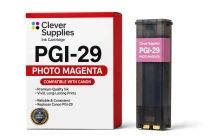
Canon
Compatible Canon PGI-29 Photo Magenta Ink Cartridge
The Clever Supplies compatible Canon PGI-29 Photo Magenta ink cartridge replaces the Canon PGI-29 and fits the PIXMA PRO-1 — the only printer in this family. Our cartridge is filled to the same...
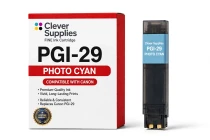
Canon
Compatible Canon PGI-29 Photo Cyan Ink Cartridge
The Clever Supplies compatible Canon PGI-29 Photo Cyan ink cartridge replaces the Canon PGI-29 and fits the PIXMA PRO-1 — the only printer in this family. Our cartridge is filled to the same...