





 See Compatible Printers
 Read more about our ink!
Canon
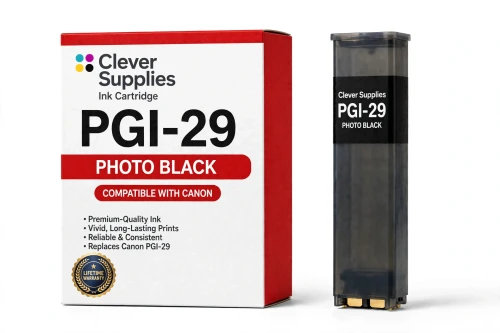
Compatible Canon PGI-29 Photo Black Ink Cartridge
- Shipping:
- Calculated at Checkout

Amazon Price:

- Shipping:
- Calculated at Checkout
- Compatible Printers
- Specifications
- SKU:
- CS-CN-29-PBK
- Condition:
- New (compatible)
- OEM Part #:
- PGI-29
- Color:
- Photo Black
- Ink Type:
- Pigment
- Chip:
- Yes — new compatible chip
- Warranty:
- Lifetime Warranty
- Returns:
- 1 Year
- Description
- Reviews
The Clever Supplies compatible Canon PGI-29 Photo Black ink cartridge replaces the Canon PGI-29 and fits the PIXMA PRO-1 — the only printer in this family. Our cartridge is filled to the same specification with pigment ink and carries a new compatible chip that reports ink levels to the printer.
A new compatible chip is fitted, so the printer reads ink levels normally and no "non-genuine" workaround is needed for everyday printing. Canon firmware updates can occasionally change cartridge recognition — if that ever happens after an update, the lifetime warranty covers the cartridge and we will put it right.
Shop the PGI-29 family: PGI-29 Cyan, PGI-29 Chroma Optimizer, PGI-29 Dark Gray, PGI-29 Gray, PGI-29 Photo Gray, PGI-29 Magenta, PGI-29 Matte Black, PGI-29 Photo Cyan, PGI-29 Photo Magenta, PGI-29 Red, PGI-29 Yellow.
Printer series: PIXMA printers — every model in the Compatible Printers list below takes this cartridge.


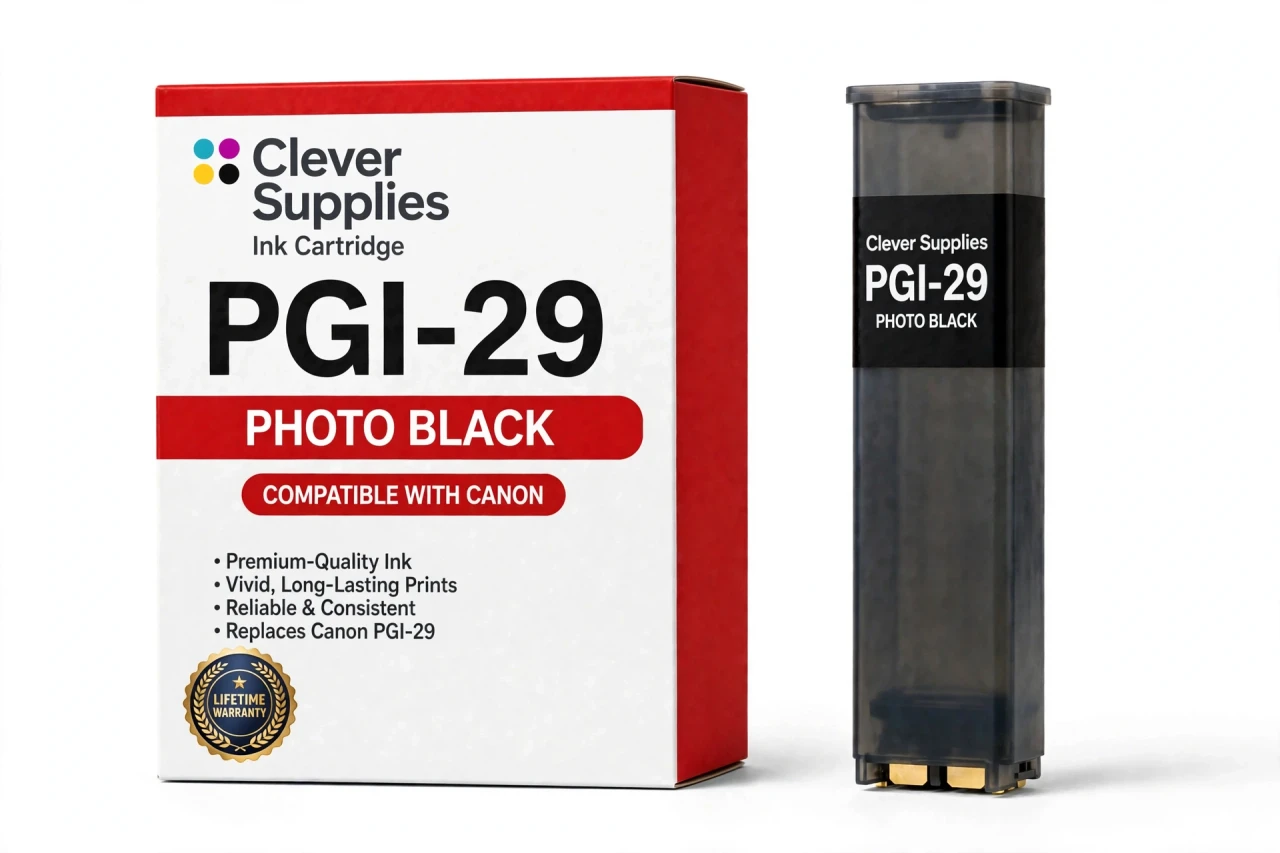
CLEVER SUPPLIES · CANON PGI-29 INK
Compatible Canon PGI-29 Photo Black Ink Cartridge
Replaces Canon PGI-29
LUCIA pigment ink · PIXMA PRO-1 12-tank system · New compatible chip
Fits: PIXMA PRO-1
Covered by the Clever Supplies Lifetime Warranty
Frequently Asked Questions
What makes Photo Black the right black for glossy paper?
PGI-29 Photo Black is formulated to sit on glossy and semi-gloss surfaces and deliver deep, smooth black matching the paper's shine. On the Canon PIXMA PRO-1 it anchors glossy shadows, while matte papers use PGI-29 Matte Black instead.
How does the printer decide between photo black and matte black?
Your media type setting decides. Choose a glossy or semi-gloss paper in the driver and the PRO-1 draws on Photo Black; choose matte or fine art and it draws on Matte Black. If glossy blacks look weak, confirm the setting names the glossy paper actually loaded before replacing anything.
Which printer uses this Photo Black cartridge?
The Canon PIXMA PRO-1 is the only printer that uses it; the PGI-29 compatibility list begins and ends with that one twelve-tank model. Do not order for another PIXMA on the photo black name alone — other Canon lines use that phrase for different cartridges.
Glossy shadows look washed out while matte prints look fine — where should I look?
Start with this tank and the media setting, in that order. Matte printing fine means the matte black side is healthy, so a glossy-only problem points at Photo Black level, its nozzles, or a setting mismatch. Run a nozzle check, verify the paper type, and print a small dark glossy test.
How does Photo Black work with the gray tanks on glossy prints?
Photo Black sets the deepest point, then PGI-29 Dark Gray and the lighter grays build the steps above it, keeping glossy shadow gradation detailed instead of dropping straight to black. The even surface finish itself comes from PGI-29 Chroma Optimizer.
Is there a stated page yield for Photo Black?
No page yield is published for PGI-29 cartridges, so none is stated for Photo Black. Dark glossy work drains it quickly; bright matte work may not touch it at all, making any single figure misleading. This tank is filled to the original specification.
Will this compatible photo black tank be recognized normally?
Yes. A new compatible chip is fitted, so the PRO-1 identifies the tank and tracks its level with the rest of the set. If a firmware update ever triggers a recognition warning, reseat the cartridge and restart the printer before assuming failure. Most warnings end there, and a stubborn tank is a warranty case.
Can I replace Photo Black while leaving matte black untouched?
Yes. The two blacks report separate levels and serve different papers, so each changes only when it runs low. Seat this tank in its own labeled slot; the black pair is easy to confuse.
Is this a genuine Canon cartridge or a compatible alternative?
A compatible alternative: a Clever Supplies cartridge built to the same PGI-29 specification as Canon's original Photo Black tank, with pigment ink for the LUCIA system. Glossy work is unforgiving of weak blacks, so the value is a covered, specification-matched tank at a lower price.
How should I store a spare, and what cover does it carry?
Store spares sealed, upright, and at room temperature, away from sunlight, heat, and freezing rooms, with the box marked photo black. The cartridge carries a Lifetime Warranty with 1 Year returns: leaking, unrecognized, or poor printing means a replacement or refund on contact.
Related Items
Canon
Compatible Canon PGI-29 Photo Magenta Ink Cartridge
The Clever Supplies compatible Canon PGI-29 Photo Magenta ink cartridge replaces the Canon PGI-29 and fits the PIXMA PRO-1 — the only printer in this family. Our cartridge is filled to the same...

Canon
Compatible Canon PGI-29 Photo Gray Ink Cartridge
The Clever Supplies compatible Canon PGI-29 Photo Gray ink cartridge replaces the Canon PGI-29 and fits the PIXMA PRO-1 — the only printer in this family. Our cartridge is filled to the same...
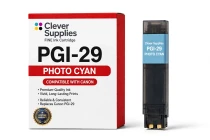
Canon
Compatible Canon PGI-29 Photo Cyan Ink Cartridge
The Clever Supplies compatible Canon PGI-29 Photo Cyan ink cartridge replaces the Canon PGI-29 and fits the PIXMA PRO-1 — the only printer in this family. Our cartridge is filled to the same...
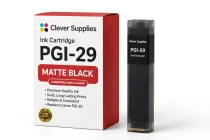
Canon
Compatible Canon PGI-29 Matte Black Ink Cartridge
The Clever Supplies compatible Canon PGI-29 Matte Black ink cartridge replaces the Canon PGI-29 and fits the PIXMA PRO-1 — the only printer in this family. Our cartridge is filled to the same...