




LaserBase MF6560PL
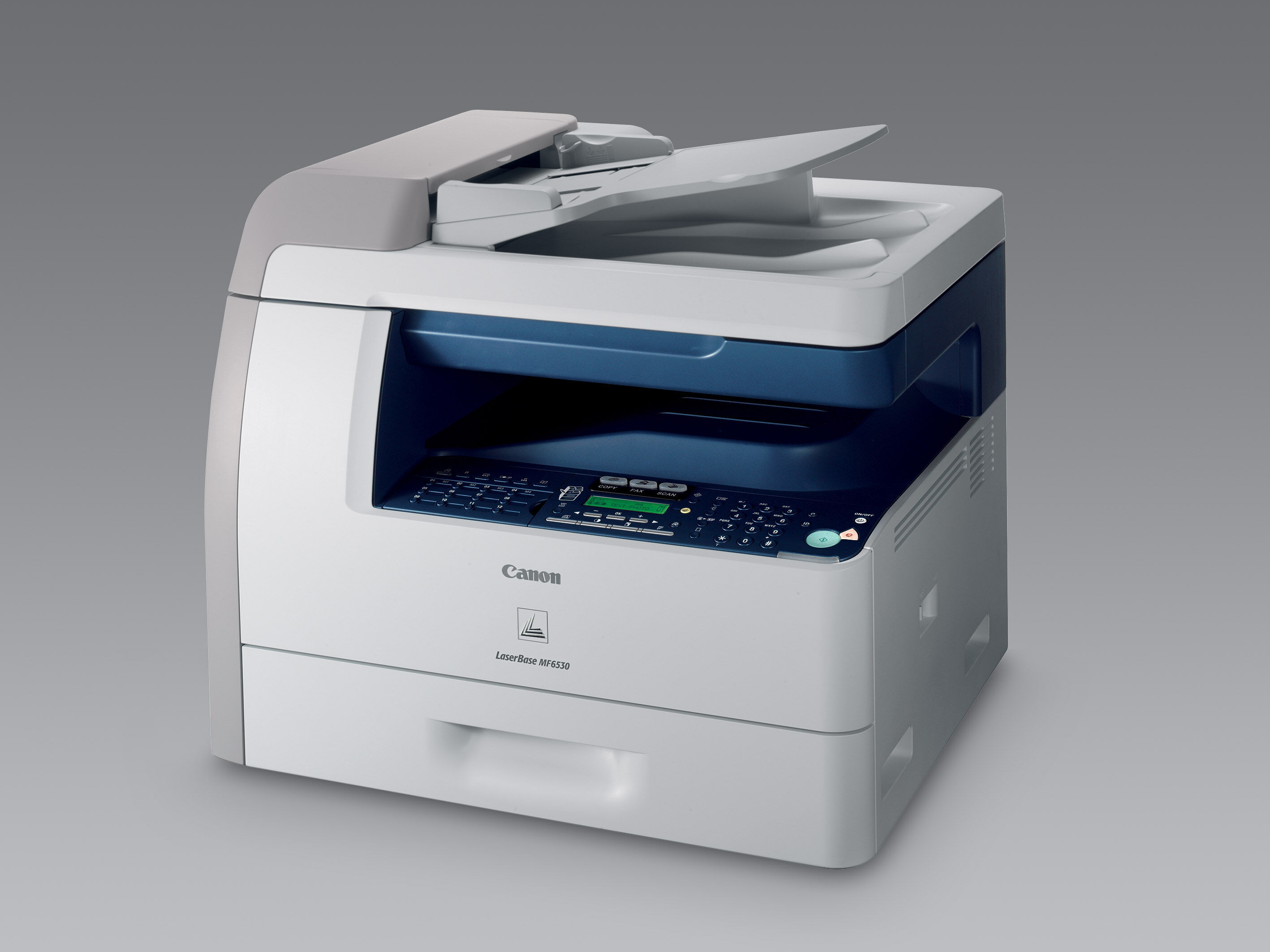
Read the PL badge on the LaserBase MF6560PL as a promise about language: this variant of Canon's European fax multifunction speaks PCL 5e/6 alongside its Super G3 fax, so systems and applications that expect a PCL printer can drive it directly. The rest of the hardware matches its plainer sibling — print, scan and copy at 22 copies per minute, automatic duplexing, a USB-only connection — and the supply is the same Canon 106 black cartridge, rated for up to 5,000 pages.
PCL support mattered most in offices where printing came out of accounting packages, terminal sessions and older line-of-business software rather than a Windows desktop. Those environments are exactly where a machine like this is still working today, and they reward boring reliability in a cartridge: the replacement has to be recognized, feed cleanly and get on with the job. Every compatible Canon 106 on this page is covered by a 1-year warranty and 1-year returns.
Toner Cartridges for LaserBase MF6560PL
| Cartridge | Color | Page Yield |
|---|---|---|
| Canon 106 | Black | 5,000 pages |
| Canon 106 Jumbo | Black | See product page |
| Canon 106 — 2 Pack | Black | 5,000 pages per cartridge |
| Canon 106 — 5 Pack | Black | 5,000 pages per cartridge |
| Canon 106 — 3 Pack | Black | 5,000 pages per cartridge |
| Canon 106 Premium Quality — 5 Pack | Black | 5,000 pages per cartridge |
| Canon 106 Jumbo — 4 Pack | Black | See product page |
| Canon 106 — 10 Pack | Black | 5,000 pages per cartridge |
Which cartridge should you buy?
Start with how the machine is used. A PL unit driven by an office system tends to print in long, unattended runs — statements, invoices, end-of-day reports — and for that pattern the Canon 106 Jumbo is worth a look, since fewer changes mean fewer interruptions; its rated yield is on its product page. Lighter, mixed use is served perfectly well by the standard Canon 106 at 5,000 pages. If the supply closet feeds more than one machine in this family, the 5 and 10 packs simplify ordering, and the premium-quality 5 pack is there for offices that want that grade of build in bulk.
Chip, toner and everyday use
Unattended printing punishes half-seated cartridges, so take the extra second when you change one: pull the old unit straight out, give the new cartridge a gentle side-to-side rock to level the toner inside, remove its protective material, and push it in until it clicks positively. The machine reads the cartridge chip for its toner gauge, and a cartridge stored in a hot supply room or in direct sun will not print its best — keep spares sealed, flat and in the shade of the closet rather than on top of the machine.
Frequently Asked Questions
What does the PL in MF6560PL stand for?
It marks the PCL version of the model. Compared with the LaserBase MF6560, the PL adds PCL 5e/6 printer language support for systems that print through PCL drivers; the fax, speed and cartridge are the same.
Does the MF6560PL use a different cartridge from the standard MF6560?
No. Both variants take the Canon 106, and the standard and jumbo fills interchange freely between them. Buy by the cartridge code, not by the badge on the front panel.
Will my office software notice a compatible cartridge?
Printing software talks to the printer, not to the cartridge brand; the machine either recognizes the cartridge or it does not. These compatible Canon 106 cartridges are built to be recognized by the MF6560PL, so jobs flow as usual.
How long should a standard cartridge last in report printing?
The 5,000-page rating assumes about 5% page coverage. Dense report pages with rules, shading and logos use toner faster, so treat the figure as a planning guide and keep one spare ahead of the machine.
More printers that use the same cartridges
One cartridge serves the whole family — if your office runs a mix of these Canon multifunctions, a single shelf stock covers them all: LaserClass 830I, LaserBase MF6580PL, LaserBase MF6580, LaserBase MF6560, LaserBase MF6550PL, LaserBase MF6550, LaserBase MF6540pl, LaserBase MF6540, LaserBase MF6530PL, LaserBase MF6530, LASERCLASS 830, LASERCLASS 810, ImageClass MF6595CX, ImageClass MF6595, ImageClass MF6590rf, ImageClass MF6590, ImageClass MF6580CX, ImageClass MF6580, ImageClass MF6560CX, ImageClass MF6560, ImageClass MF6550, ImageClass MF6540RF, ImageClass MF6540, ImageClass MF6531, ImageClass MF6530, ImageClass MF6500.