




ImageClass PC-D320
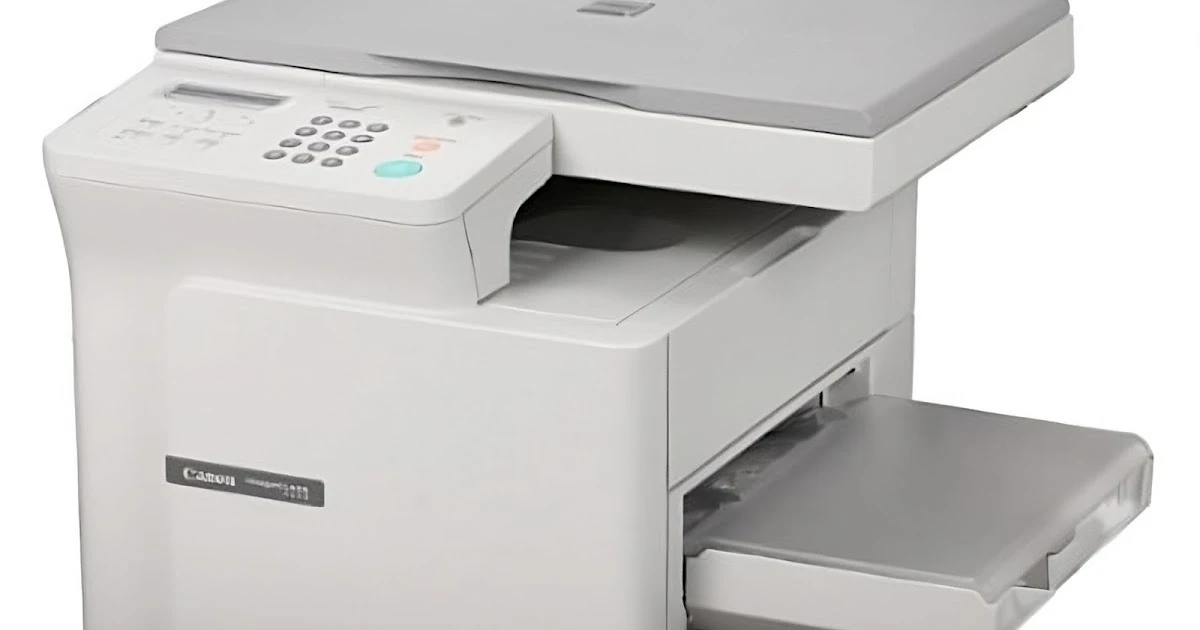
Canon's PC-D320 is a personal desktop copier that also prints: 15 pages per minute out of the printer, 14 copies per minute off the flatbed. USB is the only connection — this machine was designed for one desk, not a department. It works through a single cartridge, the Canon S35, which runs about 3,500 pages, so the listings below are simply that one cartridge in quantities from a single up to a 10 Pack.
Keep expectations modest and it delivers exactly what it promises: copies at arm's reach and a printer for the same desk, with no network to configure and nothing to administer. That makes it a long-lived home-office and single-user machine, the sort that stays in service for years because nothing about it is complicated. For owners like that, cartridge buying is an occasional event — and with a 3,500-page rating, even a single spare on the shelf can mean a year or more without thinking about toner.
Toner Cartridges for ImageClass PC-D320
| Cartridge | Color | Page Yield |
|---|---|---|
| Canon S35 | Black | 3,500 pages |
| Canon S35 — 2 Pack | Black | 3,500 pages per cartridge |
| Canon S35 — 3 Pack | Black | 3,500 pages per cartridge |
| Canon S35 — 5 Pack | Black | 3,500 pages per cartridge |
| Canon S35 — 10 Pack | Black | 3,500 pages per cartridge |
| Canon S35 Premium — 5 Pack | Black | 3,500 pages per cartridge |
Which cartridge should you buy?
For a one-desk machine, the honest answer is usually one cartridge at a time — 3,500 pages is a deep reservoir at personal volumes, and a single installed cartridge plus perhaps one spare covers most owners for a very long stretch. The multi-packs make sense in two situations: a small office running several machines from this cartridge family, where one stocked code serves them all, or a remote worker who cannot afford any gap between an empty cartridge and a delivery. There is no standard-versus-high-yield decision here; every listing is the same cartridge, so choose by how many desks you are keeping supplied.
Chip, toner and everyday use
A copier-first machine lives or dies by its flatbed as much as its cartridge — wipe the glass with a soft, dry cloth when copies pick up specks that printing does not produce, since dirt on the glass is copied faithfully onto every page. For the cartridge itself: rock it gently before fitting to distribute the toner, and remember the 3,500-page figure assumes roughly five percent coverage, so copy-heavy months land lower. Spares keep best sealed, flat and in a cool drawer. When prints and copies both fade evenly, the cartridge — not the machine — is asking to be changed.
Frequently Asked Questions
Is the PC-D320 a copier or a printer?
Both, with copying first in its design: a flatbed personal copier that also connects by USB to print from a computer. A single cartridge serves both jobs.
Can it join a network or print from a second computer?
No — USB is its only connection, and it is meant to sit beside the one person who uses it. Sharing it means walking to that desk.
How many pages does one cartridge really last?
About 3,500 pages at five percent coverage. At ten pages a day, that is close to a year of use; heavy copying shortens it, light letter printing stretches it.
Does copying use more toner than printing?
It uses the same cartridge and the same toner. Dense originals — forms, photographs, shaded documents — lay down more toner per page than plain text, whichever function produced them.
More printers that use the same cartridges
The same cartridge also fits these Canon machines: ImageClass D323, ImageClass D340, ImageClass D380, ImageClass D383, ImageClass ICD340, ImageClass L170, ImageClass L400, ImageClass PC-D340, L400, LBP-1210, LaserClass 310, LaserClass 510, PCD320, PCD340, FaxPhone L170, FaxPhone L400, ICD-340, ImageClass D300, ImageClass D320.