




ImageClass MF632Cdw
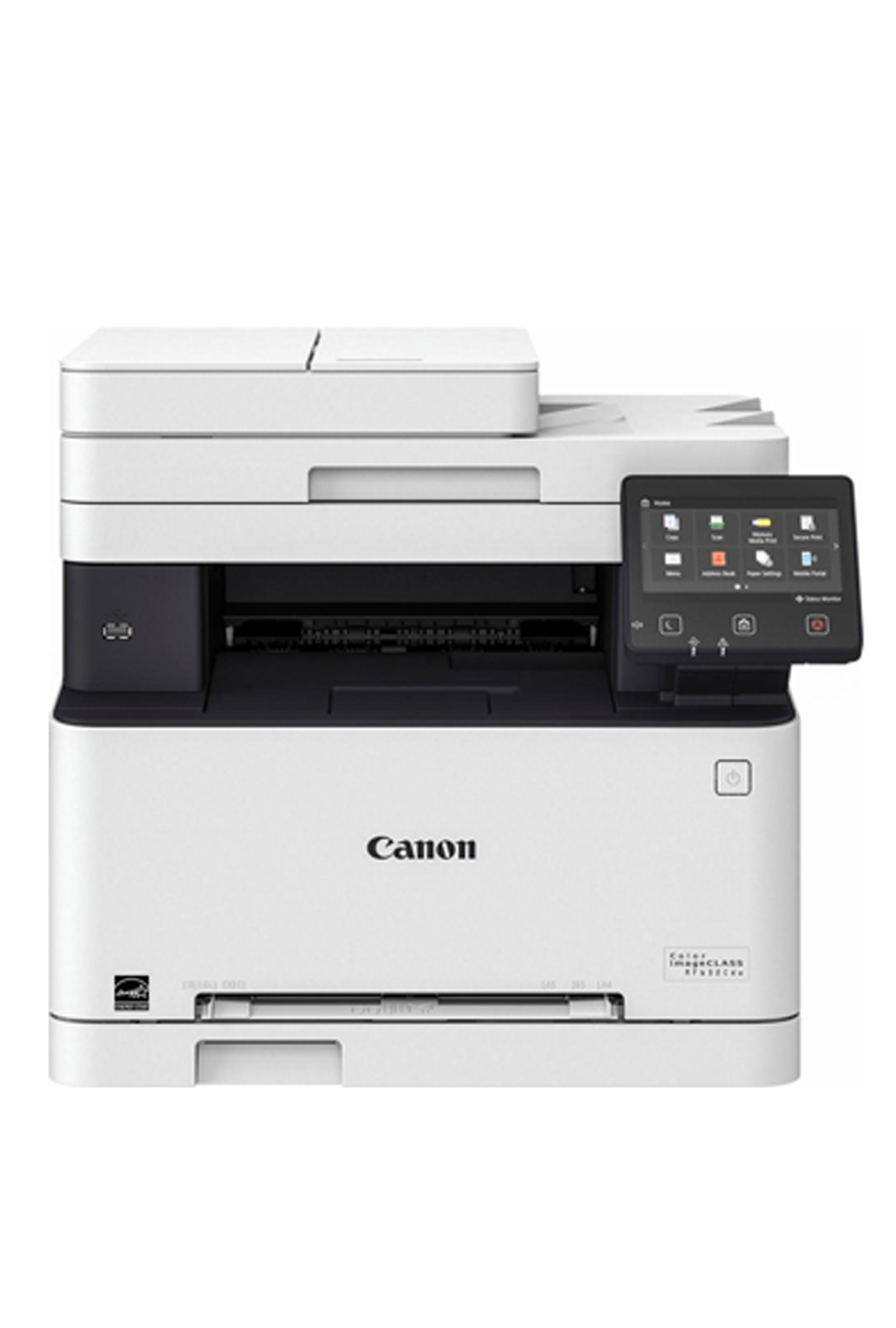
For teams that scan and copy but never fax, the imageCLASS MF632Cdw covers print, copy and scan in color at 19 pages per minute. A 5-inch color touchscreen anchors its controls, and automatic duplexing is standard throughout. It uses the Canon 045H Black cartridge (OEM #1246C001AA), yielding up to 2,800 pages. Shoppers can order any slot by its own code: in the high-yield 045H range, yellow is 045HY, magenta 045HM, cyan 045HC and black 045HBK, matching Canon OEM numbers 1243C001AA, 1244C001AA, 1245C001AA and 1246C001AA respectively, and the black is cross-listed as 045HK; the standard-yield range runs yellow 045Y, magenta 045M, cyan 045C and black 045K, whose black also shows up in a two-pack as 045BK.
Toner Cartridges for Canon imageCLASS MF632CDW
| Cartridge | Color | Page Yield | OEM # |
|---|---|---|---|
| Canon 045H Black (Compatible) | Black | 2,800 pages | 1246C001AA |
| Canon 045H Cyan (Compatible) | Cyan | 2,200 pages | 1245C001AA |
| Canon 045H Magenta (Compatible) | Magenta | 2,200 pages | 1244C001AA |
| Canon 045H Yellow (Compatible) | Yellow | 2,200 pages | 1243C001AA |
Frequently Asked Questions
What toner does the Canon imageCLASS MF632CDW use?
The Canon imageCLASS MF632CDW uses the Canon 045H toner cartridge set: Black (OEM #1246C001AA); Cyan (OEM #1245C001AA); Magenta (OEM #1244C001AA); Yellow (OEM #1243C001AA).
How many pages does a Canon 045H cartridge print?
Standard Canon 045H cartridges yield approximately Black: 2,800 pages; Cyan: 2,200 pages; Magenta: 2,200 pages; Yellow: 2,200 pages at 5% coverage.
Are compatible Canon 045H cartridges safe for the imageCLASS MF632CDW?
Compatible cartridges are designed to work in the imageCLASS MF632CDW. Check your printer's warranty terms for specific coverage details.
How do I install a Canon 045H toner cartridge in the imageCLASS MF632CDW?
Open the front cover of your Canon imageCLASS MF632CDW, remove the old cartridge, unpack the new Canon 045H cartridge, gently rock it to distribute toner, and slide it into place until it clicks.