




Brother builds its monochrome lasers around two separate parts — a TN toner cartridge and a DR drum unit that it locks into — and Brother is the one major printer maker that states in writing that its firmware updates do not block third-party cartridges. This page collects what Brother itself documents about updates, drum-counter resets and screen messages, then walks all 20 of our monochrome Brother platforms with the products we sell for each.
Most cartridge questions on other brands come down to chips and firmware. Brother is different, and the difference is on the record — in Brother's own help pages, not in seller marketing.
This sentence sits inside Brother's official "No Toner" help answer (help.brother-usa.com, answer 74643), and it is the backbone of everything on this page:
Brother said the same thing publicly in March 2025, in a statement reported by Ars Technica and The Register after online reports blamed a firmware update for rejecting third-party ink: “We are aware of the recent false claims suggesting that a Brother firmware update may have restricted the use of third-party ink cartridges. Please be assured that Brother firmware updates do not block the use of third-party ink in our machines.” Brother added that its printers do not intentionally degrade print quality based on whether a genuine or non-genuine cartridge is used — though when Brother troubleshoots a machine, it runs what it calls a Brother Genuine check.
So when at least one major cartridge retailer's TN760 guide claims that "Brother firmware often blocks the use of non-Brother cartridges," that claim is contradicted by the manufacturer's own published answer. On this page we go with Brother's documentation over seller copy — including our own, which is why every family section below separates what Brother documents from what our product pages happen to say.
What Brother ownership actually involves, then, is not update anxiety. It is a two-part consumable system with two independent counters, a drum that outlives several toners, and a set of screen messages that are easy to misread. Those are the topics Brother documents in real depth, and they are what the rest of this page covers.
Nearly every Brother confusion starts with fitting — or replacing — the wrong one of the two.
A Brother monochrome laser does not take a single all-in-one cartridge. The TN toner cartridge holds the toner powder; the DR drum unit is the imaging drum, and the toner cartridge locks into the drum unit before the pair slides into the machine. They wear out on independent schedules: a drum typically serves through several toner cartridges before its own counter and print quality call for replacement.
Brother states the split plainly in its drum documentation: “The Brother machine has separate consumables the toner cartridge and the drum unit. Verify you replace only the drum unit and not the toner cartridge.” The warning cuts both ways — replacing the toner when the drum is finished, or the drum when the toner is empty, leaves the original message on the screen, because the counter that ran out belongs to the other part.
Drum life is not even counted the way most owners assume. Brother's manual for the MFC-L2710DW generation explains that drum life is determined by the average number of drum rotations, and puts the DR730 drum at approximately 12,000 pages when printing averages one page per job. Short, single-page jobs rotate the drum just as surely as long runs do, which is why two machines with the same page count can reach "Replace Drum" at different times.
We audited every Brother description in this store before writing this page. Here is what the audit found, in numbers.
Across the 1,121 toner-side Brother descriptions in our catalog (cartridges, toner-and-drum sets and drum units), the word "chip" appears in 313. Nearly all of those are one shared parts list, repeated for years across earlier listings: the cartridges are described as "built with all new parts including OPC drums, wiper blades, a smart chip and other internal parts." That is a parts-list mention inside a description of the cartridge build. It is not a per-family engineering claim, and no family section on this page upgrades it into one.
A smaller set of listings — concentrated in the TN630/TN660, TN420/TN450 and TN330/TN360 families and a few drum lines — carries a more specific sentence: “These cartridges are conveniently equipped with a smart chip that allows you to monitor and track your ink levels.” Yes, it says "ink levels" on toner products; the sentence is boilerplate written for ink and reused. What it does support, for those families only, is narrow: the listings describe a chip whose job is level tracking. The family sections below say exactly that, for exactly those families, and nothing more.
Two more audit numbers keep this page honest. The word "firmware" appears in just 6 of the 1,121 descriptions, and "reset" appears in 363 — but almost always as cross-references to usage questions and answers, not as counter-reset instructions. And across the whole toner side of the catalog there is not one chip-transfer instruction: Brother cartridges here are never described as needing a chip moved over from the old cartridge. That ritual belongs to other brands. It is not part of Brother ownership, whatever a marketplace listing may suggest.
Exactly one listing in the store goes further than all of this — a duplicate TN760 listing whose question-and-answer text says the cartridges are "built and chipped for this platform." That claim lives on that one listing, and the TN760 section below quotes it in full, scoped to where it actually sits. Everywhere else on this page, the word "fitted" appears only in limits and negations, because that is all the evidence supports.
When you fit a new drum, the machine does not know until you tell it. Brother's drum FAQ opens with the consequence:
Brother's caution matters as much as the steps: reset the drum counter only when you actually replace the drum unit. Resetting it early makes the machine display more remaining drum life than the drum really has. Brother publishes the procedure in three platform classes; which one your machine uses depends on its control panel, not on the cartridge.
Notice what none of the three classes involves: the cartridge. The drum counter lives in the machine and is reset at the panel. A new drum fitted without the reset keeps the old count, and the machine keeps asking for a drum you have already bought — the single most common Brother drum complaint, and the easiest to avoid.
Brother's manual wording for this message is short, and it points at replacement, not at a reset.
Here is the absence this page states plainly: Brother publishes no manual toner-counter reset for its laser machines. We searched Brother's FAQs and manuals for this page and found replacement instructions, the drum resets above, and the Continue Mode below — but no documented menu that resets a toner counter by hand. Button sequences sold elsewhere as a Brother "toner reset" (combinations such as Secure Print and Cancel) appear nowhere in Brother's own documentation. Treat any page that presents them as official with suspicion.
What Brother does document is Continue Mode — a setting that lets the machine keep printing past the cartridge's estimated end of life. On LED models, press the Go button seven times to switch from Stop Mode to Continue Mode; press Go seven times again to switch back. On LCD models, the path is Menu → General Setup → Replace Toner, then choose Continue or Stop. Stop Mode is the factory default. Brother's own caveats: print quality in Continue Mode is not guaranteed and output may look faint, and fitting a new cartridge turns the mode off by itself. "Toner Ended" is the message you eventually reach at the far end of Continue Mode — the cartridge is genuinely done.
And when a brand-new cartridge still shows "Replace Toner," Brother's documented causes are mundane: the cartridge must be brand new — one that has already run in another machine may keep the message; the wrong consumable was replaced (toner changed, drum finished, or the reverse); or, on a color machine, a different color has reached the end of its life. Check those three before suspecting the cartridge, the chip, or the firmware.
One row per platform. Yields are Brother's published figures where Brother publishes them; everywhere else the figure is our store's own Page Yield field, labeled as such — a storekeeper's number, not a Brother specification.
| Family | Printer models | Page yield | What our product pages say about chips | The documented path |
|---|---|---|---|---|
| TN730 / TN760 | HL-L2350DW, MFC-L2710DW, DCP-L2550DW + 7 more | Brother: TN730 ≈1,200 · TN760 ≈3,000 · DR730 ≈12,000 | Parts list on some listings; one listing's Q&A goes further (see section) | Brother's MFC-L2710DW manual counts the DR730's life in drum rotations |
| TN830 / TN830XL | HL-L2460DW, HL-L2405W, MFC-L2820DW + 17 more | Store field: TN830 1,200 · TN830XL 3,000 · DR830 drum 15,000 | Parts-list mention on a few listings | Current generation; drum counter reset at the panel after a drum change |
| TN920 family | HL-L5210DN, HL-L6210DW, HL-L6310DW + 16 more | Store field: 3,000 / 6,000 / 11,000 / 18,000 by tier | Nothing about chips | Four yield tiers on one platform; the newest machines take a different drum (see section) |
| TN630 / TN660 | DCP-L2540DW, HL-L2360DW, MFC-L2740DW + 37 more | Store field: TN630 1,200 · TN660 2,600 per cartridge | Some listings describe a level-tracking chip | Brother's OK-button drum-reset FAQ uses this family's HL-2560DN as its example |
| TN820 / TN850 / TN880 / TN890 | HL-L6200DW, HL-L6400DW, MFC-L6900DW + 46 more | Store field: 3,000 · 8,000 · 12,000 · 20,000 by code | Parts-list mention on one listing | Four yields, one drum generation for most; TN890 machines take the DR890 (see section) |
| TN770 / TN780 | MFC-L2750DW, HL-L2370DW, MFC-8950DW (per our catalog) | Store field: TN770 4,500 · TN780 12,000 | Nothing about chips | A small eight-listing platform filed alongside its sibling families in our catalog |
| TN420 / TN450 | HL-2270DW, MFC-7360N, MFC-7860DW + 46 more | Store field: TN420 1,200 · TN450 2,600 | Some listings describe a level-tracking chip | Brother's Clear-key drum-reset FAQ uses this family's MFC-7360N as its example |
| TN720 / TN750 | HL-5440D, MFC-8710DW, DCP-8155DN + many more | Store field: TN720 3,000 · TN750 8,000 | Nothing about chips | A 51-listing platform whose pages say nothing about chips at all — see the section |
| TN330 / TN360 | HL-2140, HL-2170W, MFC-7840W + 20 more | Store field: TN330 1,500 · TN360 2,600 | Some listings describe a level-tracking chip | Older platform; the drum is the DR360, reset at the panel |
| TN350 | HL-2040, HL-2070N, MFC-7820N, IntelliFax line | Store field: 2,500 | Parts-list mention on one listing | The DR350 drum is stocked here in multi-packs only |
| TN620 / TN650 | HL-5340D, HL-5370DW, MFC-8890DW + more | Store field: TN620 3,000 | Nothing about chips | Compatibles are sold under the TN620 name; TN650 is stocked as genuine only |
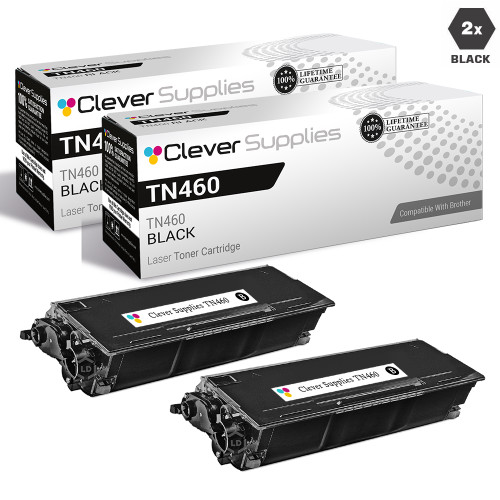
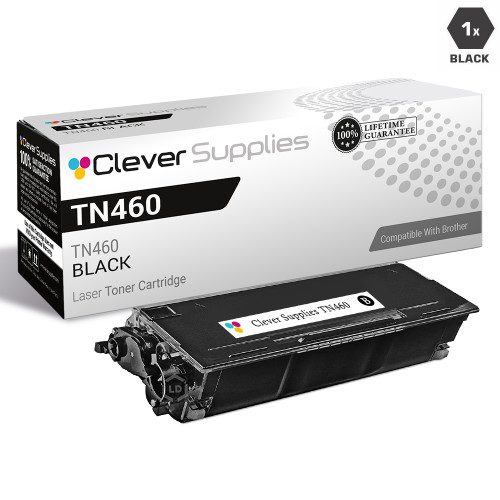
| TN460 | HL-1440, HL-1450, IntelliFax 4100 / 4750 line | Store field: 6,000 | Nothing about chips | Shares its DR400 drum generation with the genuine-only TN430 platform |
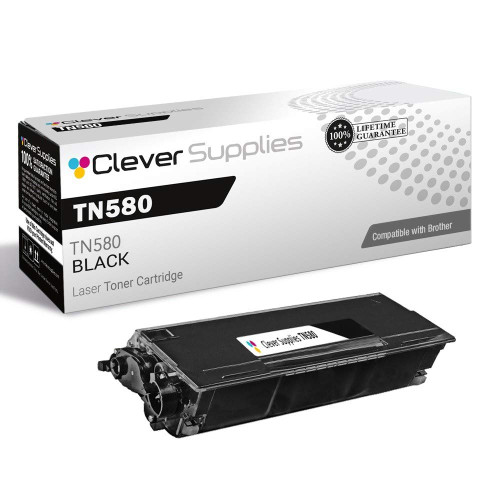
| TN550 / TN580 | HL-5240, HL-5250DN, DCP-8060 + more | Store field: 7,000 | Nothing about chips | Drum pairing in our catalog is the DR520 |
| TN570 | HL-5140, HL-5150D, MFC-8820DN-era machines | Store field: 6,700 | Nothing about chips | The DR510 drum is stocked here as a 2-pack |
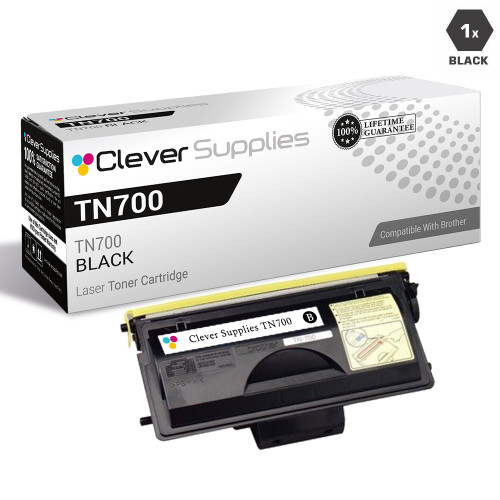
| TN700 | HL-7050 line (9 model pages) | Store field: 12,000 | Nothing about chips | The store's premium-priced legacy platform — prices stated as read, see section |
| TN250 | MFC-4800, DCP-1000, IntelliFax 2800 line | Brother figure not captured; see section | Genuine listings only | Toner stocked here as Brother Genuine only; drum DR250 likewise |
| TN430 | HL-1030 – HL-1440 era, IntelliFax line | Brother figure not captured; see section | Genuine listings only | Genuine toner; its DR400 drum has compatibles, carded under TN460 |
| TN530 / TN560 | HL-5040, HL-5070N, MFC-8820D line | Brother figure not captured; see section | Genuine listings only | Genuine toner; the DR500 drum exists here in compatible multi-packs |
| TN540 | HL-5140, HL-5170DN, MFC-8220 line | Brother figure not captured; see section | Genuine listings only | Genuine toner; its DR510 drum is carded under TN570 |
| TN670 | HL-6050D, HL-6050DN, HL-6050DW | Brother figure not captured; see section | Genuine listings only | The platform's single genuine listing is its whole shelf here |
Row counts and model lists come from our own catalog. Where a platform's drum is genuine-only or stocked in multi-packs, the section says so rather than dressing it up.
The platforms most Brother owners are buying for today. Three of them carry Brother-published yield figures or Brother-documented reset examples; all of them sit under the no-blocking statement quoted at the top of this page.
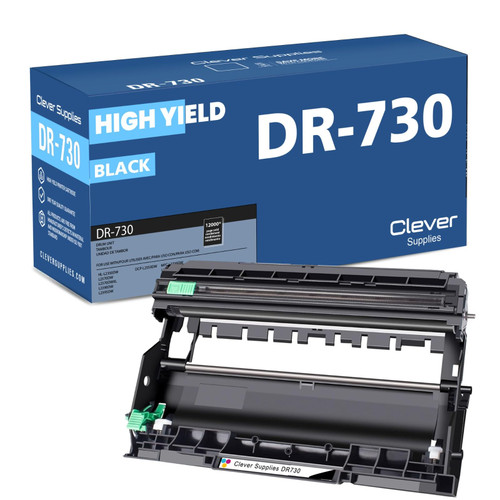
Printer family: DCP-L2550DW, HL-L2350DW, HL-L2370DW, HL-L2370DW XL, HL-L2390DW, HL-L2395DW, MFC-L2710DW, among the 10 model pages this platform carries in our catalog.
Cartridge numbers: TN730 (standard yield), TN760 (high yield) and the DR730 drum unit. Several listings are mislabeled "Toner Cartridge" in their titles although the product is the drum — the drum card below names the product type correctly.
Page yield: Brother's own figures, from the supplies table in Brother's MFC-L2710DW manual and Brother's listing copy, measured to ISO/IEC 19752: TN730 approximately 1,200 pages, TN760 approximately 3,000 pages, DR730 approximately 12,000 pages at an average of one page per job.
What Brother's documentation says: the no-blocking statement at the top of this page covers this platform, and Brother's manual for these machines is the one that explains drum life in rotations rather than pages. When the drum is replaced, the counter is reset at the panel — Class 2 above is the pattern for this generation's OK-button panels.
What our product pages say: 6 of this platform's 34 listings carry the word "chip," nearly all inside the shared parts list. One duplicate TN760 listing goes further in its questions and answers, and we quote it exactly as it stands, because it is the only fitted-chip claim in the entire Brother catalog: “Our cartridges are built and chipped for this platform, and problems after updates are uncommon. If your printer ever refuses a cartridge following an update, reseat it first, then contact us — the cartridge carries a 1-year warranty, and a recognition fault is a warranty matter, not your problem to absorb.” That sentence belongs to that one listing. It is a service promise from us, not a Brother statement, and this page does not extend it to other families.
Choosing between the packs: the toner-and-drum set at $37.73 pairs one TN760 with the DR730 drum and saves $16.08 against buying the two separately ($25.26 + $28.55). If only the toner is finished, the 2-pack at $34.44 restocks two cartridges for less than two singles. Brother Genuine TN760 is also stocked here, at $86.99 for the single — named for comparison, as this page links only our compatible products.
Comparing packs and prices for this family in depth? Our Best Brother TN760 Toner guide works through every option.


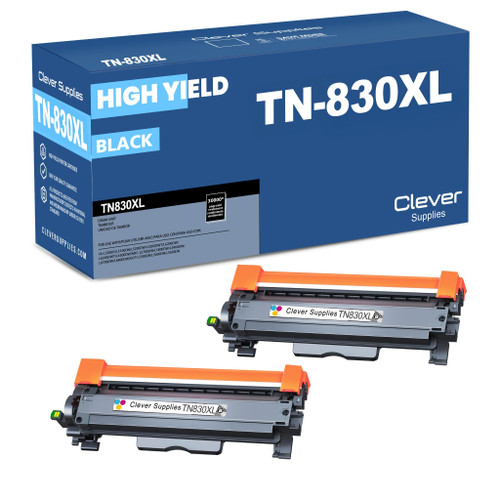
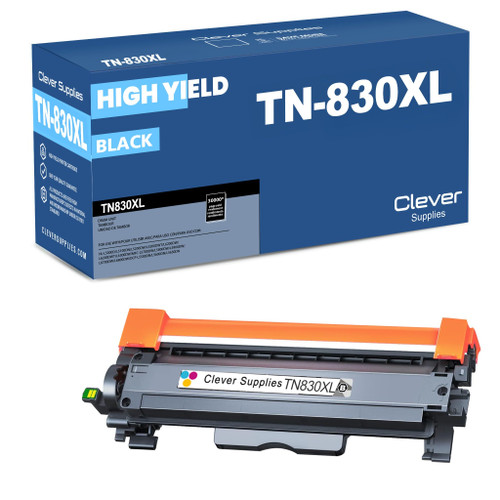
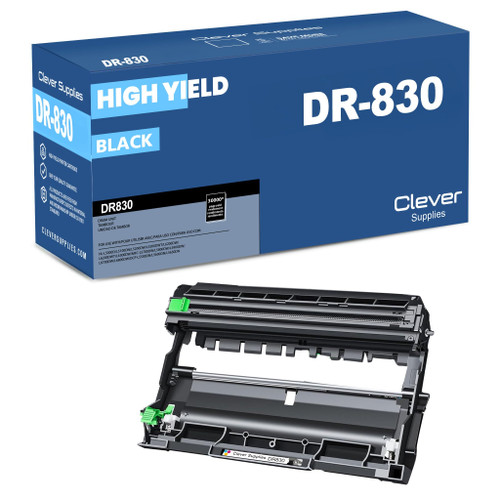
Printer family: HL-L2460DW, HL-L2405W, HL-L2400D, HL-L2420DW, HL-L2465DW, HL-L2467DW, HL-L2865DW, among 20 model pages for this platform.
Cartridge numbers: TN830 (standard yield), TN830XL (high yield) and the DR830 drum unit. As with the TN760 platform, some listings title the drum a "Toner Cartridge"; the drum card below names it correctly.
Page yield: our store's Page Yield field reads 1,200 pages for the TN830 and 3,000 for the TN830XL, and 15,000 for the DR830 drum. No Brother-published figure for this platform was captured for this page, so treat those as our store's field values.
What Brother's documentation says: the no-blocking statement covers this platform like every other. The working knowledge is the same two-counter discipline: toner messages and drum messages are separate, the drum counter is reset at the panel after a drum change, and "Replace Toner" has no hand reset in Brother's documentation — replacement or Continue Mode are the documented paths.
What our product pages say: 3 of the 38 listings mention a chip, all inside the shared parts list. Nothing on this platform's pages claims a fitted chip, a firmware behavior, or a counter reset — and this section does not add any.
Choosing between the packs: two TN830XL listings exist as 2-packs in this store. The card below links the $41.88 one; a duplicate listing carries the same 2-pack at $45.88. Same cartridge family either way — the cheaper listing is the one to buy. Against two singles at $28.98, the carded 2-pack saves $16.08. The standard-yield TN830 single sits at $23.60 for lighter use.
Comparing packs and prices for this family in depth? Our Best Brother TN830XL Toner guide works through every option.
Printer family: HL-L5210DN, HL-L5210DW, HL-L5210DWT, HL-L5215DW, HL-L6210DW, HL-L6210DWT, HL-L6217DW, among 19 model pages for this platform.
Cartridge numbers: four toner tiers on one platform — TN920, TN920XL, TN920XXL and TN920UXXL — plus the DR920 drum unit stocked for the platform. Note the split on the newest machines: the HL-L5210/L6210 generation takes the DR925 drum, which exists in this store only as a Brother Genuine unit, so it is named here but not carded.
Page yield: our store's Page Yield field steps 3,000 / 6,000 / 11,000 / 18,000 pages across the four tiers, and 45,000 for the DR920 drum. No Brother-published figure for this platform was captured for this page.
What Brother's documentation says: the no-blocking statement covers the platform. Practically, this is a high-volume line where the two-counter discipline matters most: at these page counts the drum will be replaced on schedule, and each replacement needs its panel reset, or the "Replace Drum" family of messages will keep returning on a fresh drum.
What our product pages say: nothing about chips — none of the platform's 41 listings uses the word. There is no chip claim to report for this family, in either direction.
Choosing between the packs: the standard TN920 2-pack at $56.31 saves $16.07 against two $36.19 singles. The higher tiers price close together as singles ($37.13 XL, $38.24 XXL, $51.68 UXXL on the store's fields), so buy the tier your machine accepts and your volume justifies rather than the largest number on the box.


Printer family: DCP-L2520DW, DCP-L2540DW, HL-L2300D, HL-L2305W, HL-L2320D, HL-L2340DW, HL-L2360DW, among 40 model pages — the widest model spread of the current-era platforms.
Cartridge numbers: TN630 (standard yield), TN660 (high yield) and the DR630 drum unit. A jumbo variant, TN660J, is sold alongside — a single at $24.48 and a 3-pack at $41.29. It is a different, larger-fill offer under a different code, not the standard TN660 under another name, and it is never substituted for one on this page.
Page yield: our store's field reads 1,200 pages for the TN630 and 2,600 per cartridge for the TN660. (Some single listings carry a garbled yield field in our data; we quote the clean 2-pack field instead, and flagged the bad data in our own audit.) No Brother-published figure for this platform was captured for this page.
What Brother's documentation says: this family supplies Brother's Class 2 example — the drum-reset FAQ's OK-button procedure is documented on the HL-2560DN, a TN630/TN660 machine. The no-blocking statement covers the platform, and "Replace Toner" here follows the documented pattern: replacement, or Continue Mode from the Replace Toner menu.
What our product pages say: this is one of the three families whose listings carry the level-tracking sentence quoted earlier — “equipped with a smart chip that allows you to monitor and track your ink levels” — on 18 of its 57 listings. Read it as written: a chip that reports levels. Nothing on these pages claims the chip does anything else.
Choosing between the packs: the TN660 2-pack at $29.82 saves $16.08 against two $22.95 singles and is this platform's default restock. The DR630 drum at $27.67 costs about the same as a toner 2-pack — on this platform the drum is a routine purchase, not an emergency one.
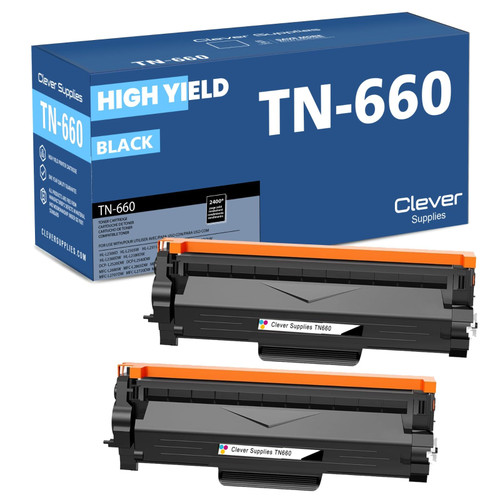


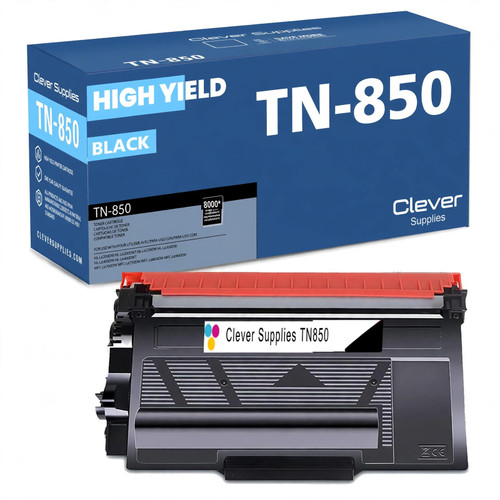
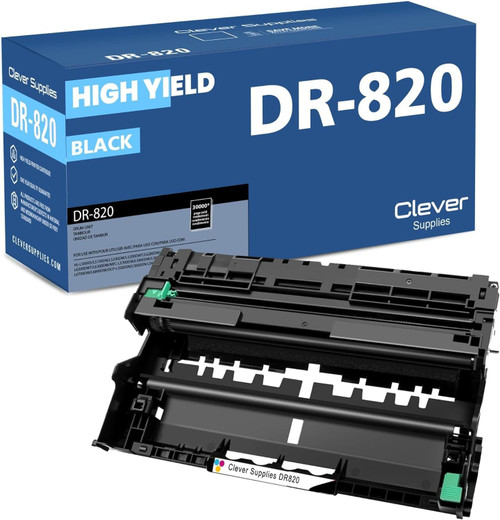
Printer family: HL-L6400DW, HL-L6400DWT, MFC-L6900DW, HL-L6200DW, HL-L6200DWT, HL-L6250DW, HL-L6300DW, among 49 model pages — the widest spread on this page.
Cartridge numbers: TN820, TN850, TN880 and TN890 in rising yields, with the DR820 drum under most of the platform. The exception matters: machines that take the TN890 (the HL-L6250DW and HL-L6400DW group) use the DR890 drum, which this store stocks only as a Brother Genuine unit — named here, not carded.
Page yield: our store's field steps 3,000 (TN820), 8,000 (TN850), 12,000 (TN880) and 20,000 (TN890), with the DR820 drum at 30,000. No Brother-published figure for this platform was captured for this page.
What Brother's documentation says: the no-blocking statement covers the platform, and the documented paths are the same: drum counter reset at the panel on a drum change, Continue Mode as the only documented way past a toner end-of-life stop.
What our product pages say: one of the 51 listings mentions a chip, inside the shared parts list. Template-era sellers make large claims for this platform's chips; our own pages do not, and this section follows our pages.
Choosing between the packs: unusually, the TN820, TN850 and TN880 singles all sit at $29.07 in this store, so the yield step costs nothing at single quantity — buy the highest tier your machine accepts. The TN850 2-pack at $42.07 saves $16.07 against two singles, and the TN890 single stands apart at $36.94 for the top tier.
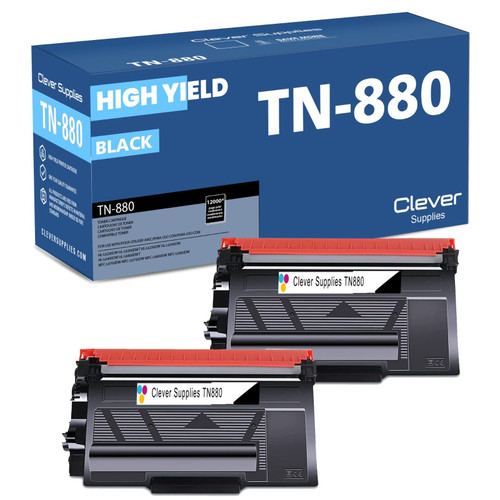
Printer family: HL-L2370DW, HL-L2370DW XL, MFC-L2750DW, MFC-L2750DW XL, HL-6180DW, HL-6180DWT, MFC-8950DW — the model pages our catalog files this platform under, alongside its TN730/TN760 and TN720/TN750 siblings.
Cartridge numbers: TN770 (super high yield) and TN780 (ultra high yield). Our catalog carries this platform as toner listings only, so no drum is carded here; the drum for a given machine is the one named on that machine's own category page.
Page yield: our store's field reads 4,500 pages for the TN770 and 12,000 for the TN780. No Brother-published figure for this platform was captured for this page.
What Brother's documentation says: the no-blocking statement covers the platform, and the message discipline is the documented one — toner end-of-life means replacement or Continue Mode, and a fresh cartridge that still shows the message points first to the brand-new-cartridge and wrong-consumable causes Brother lists.
What our product pages say: nothing about chips, on any of the eight listings. There is no chip claim to report for this family.
Choosing between the packs: the TN770 2-pack at $35.99 saves $16.07 against two $26.03 singles. The TN780 single at $31.14 is the long-life option for the machines that accept it.

The platforms that built Brother's office reputation. Their documentation trail is older but just as direct — one of them supplies Brother's own worked example for the drum reset.
Printer family: HL-2270DW, DCP-7060D, DCP-7065DN, HL-2220, HL-2280DW, MFC-7360N, MFC-7460DN, among 49 model pages.
Cartridge numbers: TN420 (standard yield), TN450 (high yield) and the DR420 drum unit.
Page yield: our store's field reads 1,200 pages for the TN420 and 2,600 for the TN450, and 12,000 for the DR420 drum. No Brother-published figure for this platform was captured for this page.
What Brother's documentation says: this family supplies Brother's Class 1 example — the drum-reset FAQ's Clear-key procedure is documented on the MFC-7360N, a TN420/TN450 machine. If your panel has a Clear or Clear/Back key, that procedure at the top of this page is yours, step for step.
What our product pages say: one of the three level-tracking families: the "smart chip that allows you to monitor and track your ink levels" sentence appears on some of this platform's listings (and on one DR420 drum listing). As everywhere on this page, it is reported as a level-tracking description and nothing more.
Choosing between the packs: the TN420 and TN450 singles sit at the same $23.59 in this store, so the high-yield TN450 is the better buy per page on the store's own yield fields. The TN450 2-pack at $31.10 saves $16.08 against two singles.

Printer family: DCP-8110, DCP-8110DN, DCP-8150, DCP-8150DN, DCP-8155, DCP-8155DN, HL-5440D, among this platform's many model pages.
Cartridge numbers: TN720 (standard yield), TN750 (high yield) and the DR720 drum unit.
Page yield: our store's field reads 3,000 pages for the TN720 and 8,000 for the TN750, and 30,000 for the DR720 drum. No Brother-published figure for this platform was captured for this page.
What Brother's documentation says: the no-blocking statement covers the platform. Ownership knowledge here is the drum schedule: at 30,000 pages on the store's field, the DR720 is a planned replacement, and its panel reset (Class 1 or Class 2, by panel type) is part of the job.
What our product pages say: nothing about chips — zero of this platform's 51 listings uses the word, the cleanest result in our audit alongside the TN920 family. If a marketplace listing for a TN750 makes chip claims, they did not come from our product pages or from Brother.
Choosing between the packs: the TN750 2-pack at $42.33 saves $16.09 against two $29.21 singles. The TN720 standard single is not carded because it prices identically to the TN750 single in the current catalog pull — when two yields cost the same, the high yield is the sensible shelf choice.


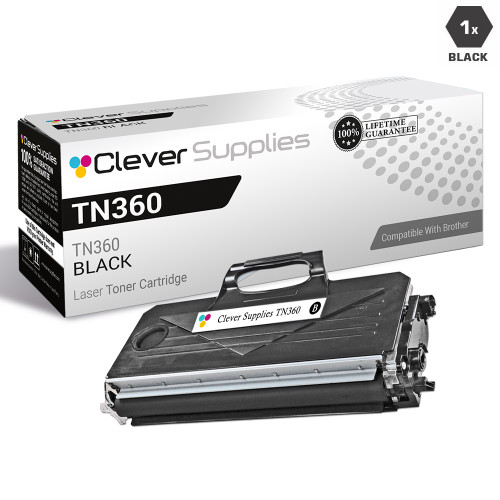
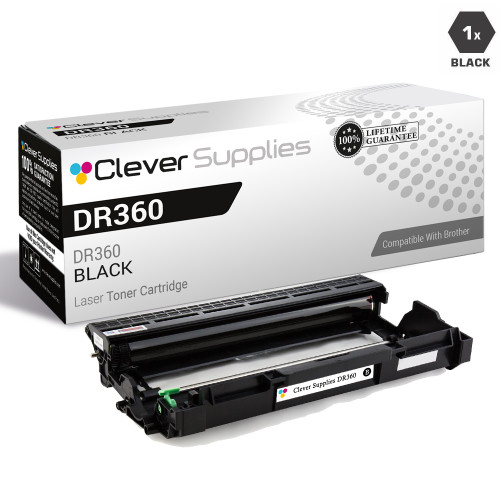
Printer family: HL-2140, HL-2170W, MFC-7340, MFC-7345N, MFC-7440N, MFC-7840W, DCP-7030, among 28 model pages.
Cartridge numbers: TN330 (standard yield), TN360 (high yield) and the DR360 drum unit.
Page yield: our store's field reads 1,500 pages for the TN330 and 2,600 for the TN360, and 12,000 for the DR360 drum. No Brother-published figure for this platform was captured for this page.
What Brother's documentation says: the no-blocking statement covers the platform, and its messages follow the dictionary further down this page — including Brother's "No Toner" procedure, which ends, if reseating and contact cleaning do not clear it, with Brother advising that the machine requires service. That is Brother's documented endpoint, stated here rather than softened.
What our product pages say: the third level-tracking family: the "monitor and track your ink levels" sentence appears on some of this platform's listings. Five of its 30 listings use the word "chip" in total, the level-tracking sentence among them.
Choosing between the packs: TN330 and TN360 singles both sit at $27.24, so the high-yield TN360 is again the better value on the store's own fields. The TN360 2-pack at $38.40 saves $16.08 against two singles; a toner-and-drum combination exists at $39.14 for the day both counters run out together.

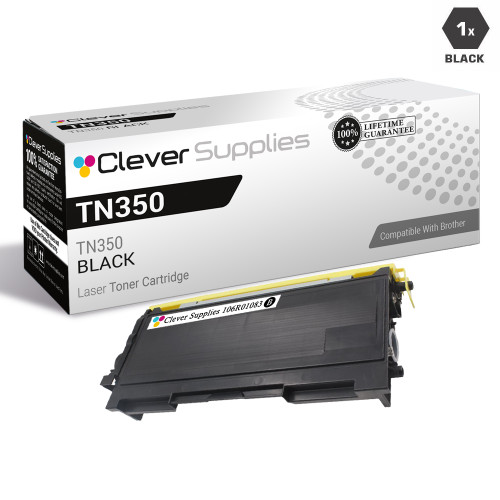
Printer family: HL-2030, HL-2040, HL-2070N, MFC-7220, MFC-7225N, MFC-7420, MFC-7820N, among this platform's model pages.
Cartridge numbers: the TN350 cartridge and the DR350 drum unit.
Page yield: our store's field reads 2,500 pages for the cartridge and 12,000 for the drum. No Brother-published figure for this platform was captured for this page.
What Brother's documentation says: the no-blocking statement covers the platform, and the two-counter discipline applies in full — on machines of this age the drum question is worth checking before ordering toner, because a finished drum wears the same "replace" language as a finished cartridge.
What our product pages say: one of the six listings mentions a chip, inside the shared parts list. Nothing more is claimed anywhere on this platform's pages.
Choosing between the packs: the TN350 2-pack at $35.93 saves $16.07 against two $26.00 singles. The DR350 drum is stocked in this store as a 2-pack and a 4-pack only — the card below is the 2-pack, labeled as such, because no compatible DR350 single is stocked.


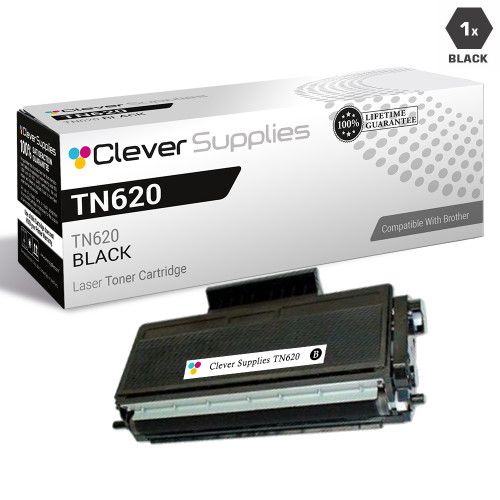
Printer family: HL-5340D, HL-5370DW, HL-5370DWT, MFC-8480DN, MFC-8890DW, DCP-8080DN, DCP-8085DN, among this platform's model pages.
Cartridge numbers: TN620 (standard yield) and TN650 (high yield), with the DR620 drum unit. The quirk: our compatibles for this platform are sold under the TN620 name only. The high-yield TN650 itself is stocked here solely as the Brother Genuine cartridge, so no compatible TN650 is carded — we would rather show the gap than relabel a TN620 as its bigger sibling.
Page yield: our store's field reads 3,000 pages for the TN620 and 25,000 for the DR620 drum. No Brother-published figure for this platform was captured for this page.
What Brother's documentation says: the no-blocking statement covers the platform; the documented drum reset and Continue Mode paths apply by panel type, as set out above.
What our product pages say: nothing about chips, on any of the platform's five listings.
Choosing between the packs: the TN620 2-pack at $41.65 saves $16.07 against two $28.86 singles, and the DR620 drum at $29.15 is priced like a toner — this platform's drum is a routine restock, not a repair bill.


Older machines, thinner shelves, and prices stated exactly as read. Two of these platforms still card a full trio; two card toner and drum in the pack sizes the store actually stocks.
Printer family: HL-1030, HL-1230, HL-1240, HL-1250, HL-1270n, HL-1435, HL-1440, the HL-14xx and IntelliFax machines of the DR400 generation.
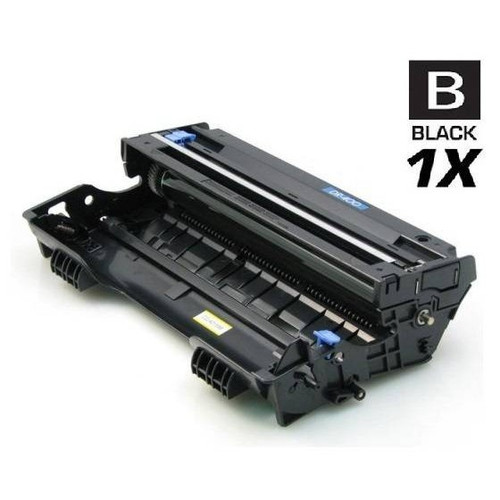
Cartridge numbers: the TN460 high-yield cartridge and the DR400 drum unit. The DR400 also serves the TN430 platform, whose toner is genuine-only in this store — its drum is carded here, in the platform where a compatible exists.
Page yield: our store's field reads 6,000 pages for the TN460 single and 20,000 for the DR400 drum. (A bulk pack in our data carries a conflicting field; the single's clean field is the one quoted.) No Brother-published figure for this platform was captured for this page.
What Brother's documentation says: the no-blocking statement covers the platform. On machines of this age, Brother's separate-consumables warning is the practical text: confirm whether the message names the toner or the drum before ordering either.
What our product pages say: nothing about chips, on any of the four listings.
Choosing between the packs: the TN460 2-pack at $44.99 saves $16.07 against two $30.53 singles. The DR400 drum at $44.11 is the platform's one drum price — there is no cheaper duplicate listing to point to.
Printer family: DCP-8060, DCP-8065DN, HL-5240, HL-5250DN, HL-5250DNT, HL-5270DN, HL-5280DW, among this platform's model pages.
Cartridge numbers: TN550 (standard yield), TN580 (high yield) and the DR520 drum unit — the drum our catalog assigns to these machines, verified against the category data rather than assumed from the model years.
Page yield: our store's field reads 7,000 pages for the platform's cartridges and 25,000 for the DR520 drum. No Brother-published figure for this platform was captured for this page.
What Brother's documentation says: the no-blocking statement covers the platform, and the documented panel paths — drum reset on replacement, Continue Mode at toner end-of-life — apply by panel type.
What our product pages say: nothing about chips, on any of the five listings.
Choosing between the packs: the TN580 2-pack at $40.40 saves $16.08 against two $28.24 singles, and the DR520 drum at $28.68 undercuts the toner 2-pack — a drum change on this platform costs less than restocking toner twice.

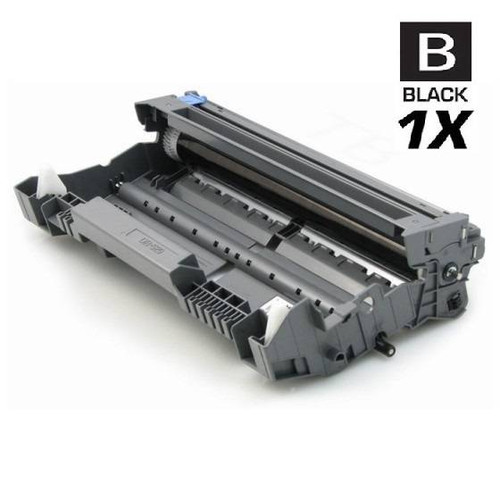
Printer family: HL-5100, HL-5130, HL-5140, HL-5150D, HL-5150DLT, HL-5170DN, HL-5170DNLT, among this platform's model pages.
Cartridge numbers: the TN570 high-yield cartridge and the DR510 drum unit, which also serves the TN540 platform below.
Page yield: our store's field reads 6,700 pages for the TN570 and 20,000 for the DR510 drum. No Brother-published figure for this platform was captured for this page.
What Brother's documentation says: the no-blocking statement covers the platform; drum and toner counters stay separate, and the drum counter is reset at the panel after a drum change.
What our product pages say: nothing about chips, on any of the four listings.
Choosing between the packs: the TN570 2-pack at $40.01 saves $16.07 against two $28.04 singles. The DR510 drum is stocked as a 2-pack and a 4-pack; the card below is the 2-pack at $58.64, labeled as such.
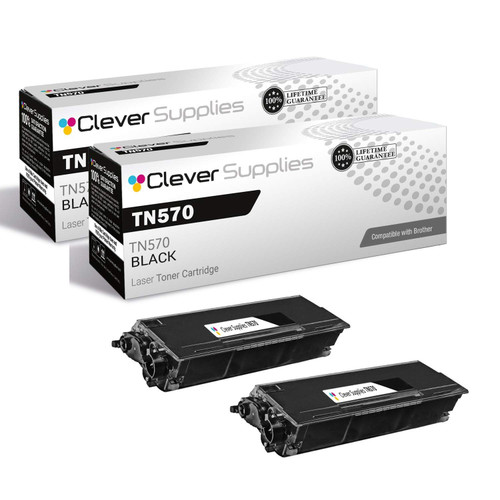
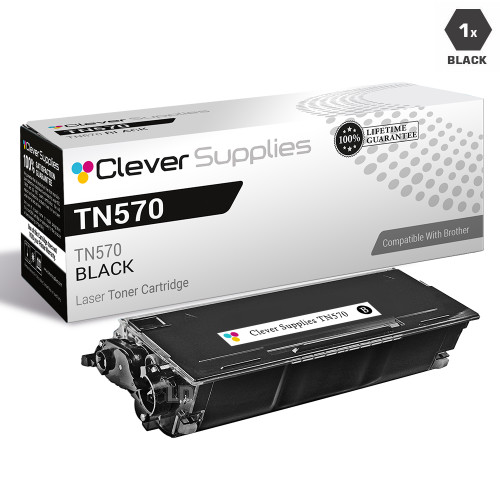
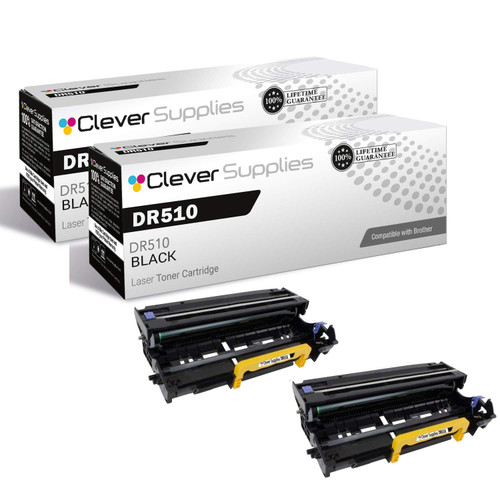
Printer family: HL-7050, HL-7050N, HL-7050B, HL-7050DTN, HL-7050NB, HL-7050NDLT, HL-7050NLT — the nine HL-7050 model pages.
Cartridge numbers: the TN700 cartridge. Our catalog pairs no drum family with this platform in its assignment data, so no drum is carded or claimed here.
Page yield: our store's field reads 12,000 pages for the cartridge. No Brother-published figure for this platform was captured for this page.
What Brother's documentation says: the no-blocking statement covers the platform like every other; the documented message paths above apply by panel type.
What our product pages say: nothing about chips, on any of the three listings.
Choosing between the packs: honesty about price: at $61.93 for a single and $107.78 for the 2-pack (saving $16.08 against two singles), this legacy platform's compatibles are the most expensive on this page. The HL-7050 is a durable machine and its shelf here is thin; the prices above are the prices as read, and owners should weigh them against the machine's remaining life.

Five platforms where this store stocks the toner as Brother Genuine only. There are no compatible cartridges to card, so these sections carry no cards — the platforms are documented, priced from the genuine listings, and left at that. This page links only compatible products, so the genuine cartridges are named and priced in text, not linked.
Printer family: MFC-4800, MFC-6800, MFC-9030, MFC-9070, DCP-1000, MFC-9160, MFC-9180, among this platform's model pages.
What we stock: the TN250 as a Brother Genuine single cartridge at $67.44. Its drum, the DR250, is likewise stocked as a genuine Brother unit only. No compatible TN250 or DR250 exists in this catalog, and none is implied anywhere on this page.
Page yield: no Brother-published figure for this platform was captured for this page, and we do not quote the store field for genuine-only platforms rather than dress a storekeeper's number as a specification.
What Brother's documentation says: the no-blocking statement speaks to third-party cartridges generally; for this platform there is no third-party shelf here to apply it to. The documented message dictionary below still decodes this generation's screens.
Printer family: HL-1030, HL-1230, HL-1240, HL-1250, HL-1270n, HL-1435, HL-1440, the HL-1030 to HL-1440 era and the IntelliFax line.
What we stock: the TN430 as a Brother Genuine single cartridge at $95.92. The platform's drum is the DR400 — and there the shelf differs: a compatible DR400 exists and is carded in the TN460 section above, at $44.11.
Page yield: no Brother-published figure for this platform was captured for this page.
What Brother's documentation says: the separate-consumables warning quoted earlier comes from this era of Brother documentation, and it is the whole ownership story here: two parts, two counters, replace the one the message names.
Printer family: HL-5040, HL-5050, HL-5050LT, HL-5070n, MFC-8420, MFC-8820D, MFC-8820DN, among this platform's model pages.
What we stock: both cartridges as Brother Genuine singles — TN530 at $107.37 and TN560 at $143.29. The platform's drum is the DR500; a compatible DR500 exists in this store only as multi-packs (a 2-pack at $81.64), so it is priced here in text rather than carded.
Page yield: no Brother-published figure for this platform was captured for this page.
What Brother's documentation says: the no-blocking statement and the two-counter discipline cover the platform; nothing platform-specific was captured beyond them.
Printer family: HL-5130, HL-5140, HL-5150D, HL-5150DLT, HL-5170DLT, MFC-8120, MFC-8220, among this platform's model pages.
What we stock: the TN540 as a Brother Genuine single cartridge at $113.05. Its drum, the DR510, has compatibles in multi-packs and is carded in the TN570 section above.
Page yield: no Brother-published figure for this platform was captured for this page.
What Brother's documentation says: the no-blocking statement covers the platform; the drum-reset classes above apply by panel type when the DR510 is changed.
Printer family: HL-6050D, HL-6050DN, HL-6050DW — the whole platform in our catalog.
What we stock: the TN670 as a Brother Genuine single cartridge at $160.29 — the platform's only listing. No compatible version is stocked, and this section makes no claim about the platform beyond that shelf fact and the documentation below.
Page yield: no Brother-published figure for this platform was captured for this page.
What Brother's documentation says: the no-blocking statement covers third-party use generally; the message dictionary below decodes this machine's screens.
Every wording below is one Brother documents for its laser machines, with Brother's documented meaning and first move. Two familiar wordings are handled at the end — as absences, because that is what the evidence says.
Six checks that resolve most Brother messages without buying a part you do not need.
The six questions Brother owners actually ask, answered from Brother's documentation and our own audit — not from cartridge folklore.
According to Brother, no. Brother's own help answer states that its firmware updates do not block the use of third-party ink and toner cartridges, and Brother repeated the assurance publicly in March 2025 after reports blamed an update for rejecting third-party ink. Brother does recommend its genuine cartridges for optimal performance, and it runs a genuine check when troubleshooting — but blocking is the one thing Brother says, in writing, that its updates do not do.
No. Chip transfer is a ritual from other brands. Across all 1,121 toner-side Brother descriptions in our catalog there is not a single chip-transfer instruction, and Brother's documentation describes no such step. Where our listings describe a chip at all, it is either a line in a shared parts list or, in three families, a level-tracking description — the cartridge arrives as a complete unit either way.
Work through Brother's three documented causes before blaming the cartridge: it must be brand new — a cartridge that has already run in another machine may keep the message; the wrong consumable may have been replaced, since toner and drum are separate parts with separate counters; or, on a color machine, a different color may have finished. There is no hidden reset menu to find: Brother publishes no manual toner-counter reset for its lasers.
Yes, within limits Brother itself documents. Continue Mode lets the machine print past the cartridge's estimated end of life: press Go seven times on LED models, or choose Continue under Menu → General Setup → Replace Toner on LCD models. Brother warns that print quality is not guaranteed in this mode and output may look faint, and the run ends at a Toner Ended message. Fitting a new cartridge switches the mode off by itself.
Almost certainly the counter. Brother's drum FAQ opens by warning that the messages continue if the drum counter was not reset when the drum was replaced. The reset is a panel procedure, and Brother documents three classes of it — Clear-key machines, OK-button machines, and per-color resets on color machines — all set out at the top of this page. Reset only on an actual replacement; resetting early makes the machine overstate the drum's remaining life.
Read the message literally: Brother's screens name the part. Toner Low and Replace Toner are the cartridge; Replace Drum, Drum End Soon, Drum Stop and Replace Parts Drum are the drum unit. The two are separate consumables on separate counters, and Brother's own documentation warns to verify you replace only the one that is finished. Brother's published yields for the current generation — TN760 approximately 3,000 pages against the DR730 drum's approximately 12,000 — show the rhythm: expect roughly four toner changes to one drum change on that platform.