




Four toner cartridges — black, cyan, magenta and yellow — sit over the drum units of every color Brother, and on the current machines those drums are four separate parts on four separate counters. Color ownership also comes with an unusual reassurance, in writing, from Brother itself: its firmware updates do not block third-party cartridges. Below, Brother's own documentation on updates, resets and screen messages comes first; then all 11 of our color platforms, each with the products we sell for it.
On most brands, the first ownership question is whether an update will lock out a compatible cartridge. Brother has answered that question itself, in its own help system.
The sentence below sits inside Brother's official "No Toner" help answer (help.brother-usa.com, answer 74643). It is quoted word for word, because everything else on this page hangs off it:
Brother said it again in public in March 2025, when online reports blamed a firmware update for rejecting third-party ink. Ars Technica and The Register covered the response: Brother called the reports false, said its printers do not intentionally degrade print quality based on whether a genuine or non-genuine cartridge is fitted, and noted that its troubleshooting includes what it calls a Brother Genuine check.
Set that against cartridge retail copy — at least one major retailer's Brother guide claims Brother firmware often blocks non-Brother cartridges — and the two cannot both be right. This page sides with the manufacturer's published answer, and applies the same rule to ourselves: each platform section below reports our product pages' wording separately from Brother's documentation, so you can see exactly what is claimed by whom.
What remains, once updates are off the table, is the consumable arithmetic that fills the rest of this page: four toners ending on four different schedules, two drum designs across the generations, and screen messages that name a color as readily as a part. Those are the things Brother documents well.
Every color Brother separates toner from drum. How many drums there are depends on which generation your machine belongs to.
The toner cartridge holds the powder; the drum unit carries the imaging surface, and each cartridge locks into a drum before the pair goes into the machine. Brother states the arrangement plainly in its drum documentation: “The Brother machine has separate consumables the toner cartridge and the drum unit. Verify you replace only the drum unit and not the toner cartridge.” Toner and drum run on independent counters, so the part that finished is the part the screen names — replacing the other one leaves the message exactly where it was.
On the current design — the TN221/TN225, TN223/TN227 and TN229 generations — there is no single drum unit. There are four: one under each color, each with its own counter, its own end-of-life messages and its own reset in the machine's Reset Menu. A cyan drum can reach the end of its life while the black drum is barely used, and the machine will say so, naming the color. On the older design — the TN110/TN115, TN210, TN310/TN315 and TN331/TN336 generations — one drum unit carries all four cartridges and is replaced as a single part. Knowing which design your machine uses is the difference between ordering one drum and ordering four.
The same split explains the most confusing color message of all: fitting a brand-new cartridge and still seeing "Replace Toner." Brother's documented causes include one that only exists on color machines — a different color has reached the end of its life. The black you just changed may be fine; the screen may be talking about the yellow you did not.
We audited every color Brother description in this store before writing this page. The audit is less flattering than the marketing, so here it is in numbers.
Our catalog carries 594 color Brother listings. The word "chip" appears in 253 of them — and every one of those mentions is the same shared parts list, repeated across listings for years: the cartridges are described as "built with all new parts including OPC drums, wiper blades, a smart chip and other internal parts." That sentence describes how a cartridge is built. It is a component mention inside a parts list, not a claim that any particular family's cartridge carries a fitted chip, and no section on this page upgrades it into one.
Two contrasts with the monochrome side of the store are worth stating. The more specific sentence found on a few monochrome families — a chip described as letting you track levels — appears on no color listing at all. And two whole color platforms, TN229 and TN635, never use the word "chip" in any of their 75 combined listings. The family sections below report each platform's count exactly as the audit found it.
Nowhere in the color catalog is there a chip-transfer instruction — no Brother color cartridge here is described as needing a chip moved over from the cartridge it replaces. That ritual belongs to other brands' designs. One more audit finding the sections below honor: our compatible DR221CL and DR223CL drum units are listed under titles that call them "Toner Cartridge." They are drums. The drum cards on this page name them as drums, whatever the listing title says.
A new drum does not announce itself. Until the counter is reset at the panel, Brother's drum FAQ warns, the drum messages keep appearing on a drum you have already replaced.
Brother's caution travels with every procedure below: reset a drum counter only when you have actually replaced that drum. Resetting early makes the machine display more remaining life than the drum has. Brother publishes the reset in three panel classes. Color machines use the first one — and on a per-color machine you run it once per drum you changed, for that color only.
One pattern covers all three classes: the counter is the machine's, not the cartridge's. A drum message that survives a drum change is almost never a bad drum — it is a reset that was skipped, or, on a per-color machine, a reset applied to the wrong color.
Brother's manual wording for this message points at replacement. There is no documented toner-counter reset behind it.
Owners go looking for a toner reset behind this message, so the finding belongs in the open: Brother's documentation does not contain one. The research for this page covered Brother's FAQs and manuals and surfaced replacement instructions, the drum resets above and the Continue Mode below — never a menu that zeroes a toner counter by hand. Sequences marketed elsewhere as a Brother "toner reset" appear in none of Brother's own pages, for color or monochrome machines.
Continue Mode is Brother's documented alternative: it lets the machine print beyond the cartridge's estimated end of life. On LED models, seven presses of the Go button toggle between Stop Mode and Continue Mode. On LCD models the path is Menu → General Setup → Replace Toner, then Continue or Stop — and Stop is how the machine ships. Brother attaches three conditions: output may look faint and quality is not guaranteed; fitting a new cartridge turns the mode off by itself; and the extension is temporary, ending at "Toner Ended," where the cartridge is truly done.
And the fresh-cartridge puzzle has documented, mundane answers. The cartridge may not be brand new — one that has already run in another machine can keep the message alive. The change may have targeted the wrong consumable — toner swapped while a drum counter was the one at zero, or the reverse. Or the color-machine answer: the finished cartridge is a different color from the one you changed. Eliminate those three before the cartridge, its chip or the firmware takes the blame.
Each platform gets one row. No yield below is a Brother specification: Brother published none for these families in the material captured for this page, so every figure is our store's own Page Yield field — a storekeeper's number, labeled as one.
| Family | Printer models | Yield — our store's field | Chip wording on our own listings | Worth knowing |
|---|---|---|---|---|
| TN229 / TN229XL / TN229XXL | HL-L3220CDW, MFC-L3780CDW, HL-L8245CDW + 7 more | Store field: 1,500/1,200 std · 3,000/2,300 XL · 4,500/4,000 XXL (black/colors) | Nothing about chips | Three tiers — and the top tier's set is the cheapest of the three (see section) |
| TN635 / TN635XL / TN635XXL | HL-L8430CDW, MFC-L8970CDW, MFC-EX575 + 4 more | Store field: XL 5,500/4,500 · XXL 7,500/6,500 | Nothing about chips | The orderable shelf is the XL and XXL lines; the standard tier's listings are not orderable |
| TN810 / TN810XL / TN815 | HL-L9430CDN, MFC-L9630CDN, HL-L9470CDN + 5 more | Store field: XL 12,000/9,000 | Parts-list mention on a few listings | The XL line is carded; the standard tier's shelf prices are reported, not featured |
| TN431 / TN433 / TN436 / TN439 | HL-L8360CDW, MFC-L8900CDW, HL-L9310CDW + 7 more | Store field: colors 4,000 · 6,500 · 9,000 by tier | Parts list on most listings | Four tiers on one platform; both of its drum generations are genuine-only here |
| TN331 / TN336 | HL-L8350CDW, MFC-L8600CDW, MFC-L8850CDW + 16 more | Store field: 2,500/1,500 std · 4,000/3,500 high | Parts list on most listings | Our largest color platform; one drum unit carries all four toners |
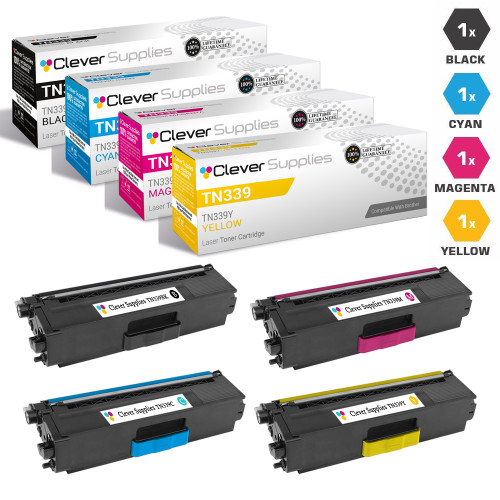
| TN339 | HL-L9200CDW, MFC-L9550CDW + 2 more | Store field: 6,000 black and colors | Parts list on a few listings | Top-yield tier for two machine pairs; no cyan single is stocked — sets carry it |
| TN223 / TN227 | HL-L3270CDW, MFC-L3770CDW, HL-L3210CW + 6 more | Store field: 1,400/1,300 std · 3,000/2,300 high | Parts list on a few listings | Per-color drums with compatibles stocked; our TN227 buying guide is linked in its section |
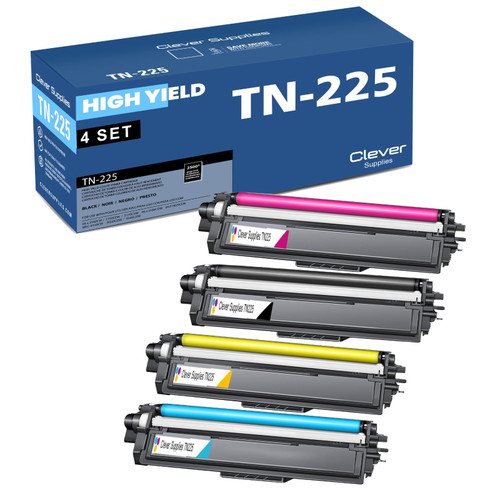
| TN221 / TN225 | HL-3170CDW, MFC-9130CW, DCP-9020CDW + 19 more | Store field: black 2,500 · colors 2,200 (high-yield set) | Parts list on a few listings | The first per-color drum generation — each color's drum is replaced and reset on its own |
| TN310 / TN315 | HL-4150CDN, HL-4570CDW, MFC-9460CDN + 22 more | Store field: 2,500/1,500 std · 6,000/3,500 high | Parts list on a few listings | One drum unit for all four colors; on this platform the drum is genuine-only here |
| TN210 | HL-3070CW, MFC-9320CW, HL-3040CN + 21 more | Store field: 2,200/1,400 | Parts list on a few listings | Brother's per-color reset path is documented on this platform's MFC-9320CW |
| TN110 / TN115 | HL-4040CDN, HL-4070CDW, MFC-9840CDW + 23 more | Store field: TN110 2,500/1,500 · TN115 5,000/4,000 | Parts list on some listings | The oldest platform here; its genuine drum is priced above three of its toner sets |
Counts and model lists are drawn from our own catalog. A disabled tier, a missing single or a genuine-only drum is flagged in its row and its section rather than smoothed over.
The platforms Brother sells today. Two of the three are completely silent about chips in our catalog — and one of them carries the strangest price ladder in the store, reported exactly as it reads.
Printer family: HL-L3220CDW, HL-L3280CDW, HL-L3295CDW, HL-L3300CDW, HL-L8245CDW, MFC-L3720CDW, MFC-L3765CDW, MFC-L3780CDW, drawn from the 10 model pages this platform carries in our catalog.
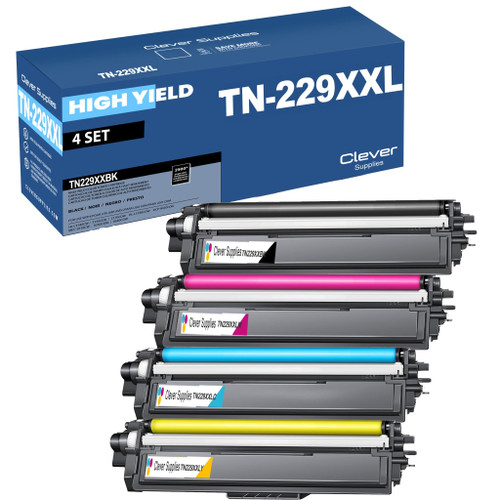
Cartridge numbers: three toner tiers share these machines — TN229 (standard), TN229XL and TN229XXL — over the per-color drum design: four separate DR229CL drum units, one under each cartridge. The drums are stocked here as Brother Genuine only — the black unit read $187.99 on November 11, 2026 — so they are named in this section but not carded or linked; this page links only our compatible products.
Page yield: our store's Page Yield field steps 1,500 black / 1,200 colors for the standard tier, 3,000 / 2,300 for the XL and 4,500 / 4,000 for the XXL. Brother publishes no figure for this platform in the material we captured, so read those as our store's field values.
What Brother's documentation says: Brother's no-blocking statement, quoted in full at the top of this page, applies to this platform, whose drum reset is the per-color Reset Menu class. One model warning belongs here: the MFC-L3780CDW runs TN229, not TN227. It is filed under this platform in our catalog, and any guide that files it under TN227 will sell you the wrong cartridge.
What our product pages say: nothing about chips — the word appears in none of the platform's 38 listings: no parts list, no level sentence, no claim in either direction. This section adds none.
Choosing between the packs: the ladder here is inverted, and we report it as read: the TN229XXL 4-color set at $65.52 is both the highest-yield set and the cheapest of the three — below the standard set at $77.16 and the XL set at $103.13. Against its own four singles bought separately ($25.31 for the black, $29.48 per color) the XXL set saves $48.23. Buy the XXL set.

Printer family: HL-L8430CDW, HL-L8430CDWT, HL-L8570CDW, MFC-L8730CDW, MFC-L8930CDW, MFC-L8970CDW, MFC-EX575, among the 7 model pages for this platform.
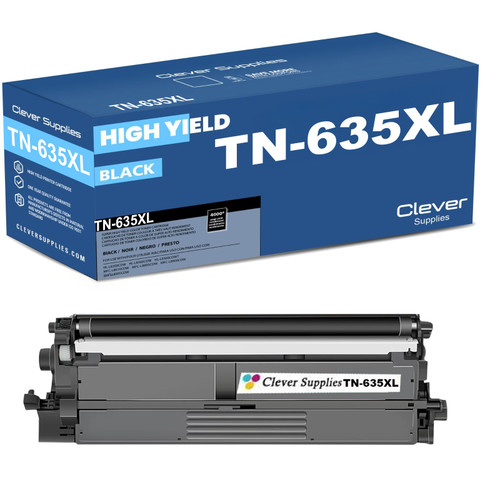
Cartridge numbers: TN635 (standard), TN635XL and TN635XXL tiers. The drum is a separate unit on this platform as on every Brother; our compatible shelf for TN635 is the toner below.
Page yield: our store's field reads 3,000 black / 1,800 colors for the standard tier, 5,500 / 4,500 for the XL and 7,500 / 6,500 for the XXL. No Brother-published figure was captured for this platform.
What Brother's documentation says: Brother's documentation treats this platform like every other: updates do not block third-party cartridges, drum changes are confirmed at the panel, and a finished toner is answered by a new cartridge or by Continue Mode — never by a counter reset Brother does not publish.
What our product pages say: the word "chip" appears in none of the platform's 37 listings. The larger finding is availability: 23 of those 37 listings — the entire standard-yield tier — are flagged not orderable in our catalog data. The cards below come only from listings that are visible and orderable today, which in practice means the XL and XXL lines.
Choosing between the packs: the TN635XL set at $158.14 saves $48.24 against its four singles bought separately (black, cyan and magenta at $53.30 each; the yellow single is priced lower, at $46.48, as read). A TN635XXL set at $257.65 is stocked for the heaviest volume. We make no stock claims beyond what the catalog flags say: if a TN635 listing cannot be ordered, it is not carded here.

Printer family: HL-L9430CDN, HL-L9470CDN, MFC-L9630CDN, MFC-L9670CDN, MFC-L9610CDN, HL-L9410CDN, HL-EX470W, MFC-EX670W, among the 8 model pages for this platform.
Cartridge numbers: TN810 and TN810XL, with TN815 naming the same generation's top tier on its machines. Yields step accordingly; the drum, as everywhere on this page, is a separate unit from the toner.
Page yield: our store's field reads 9,000 black / 6,500 colors for the standard tier, 12,000 / 9,000 for the XL and 15,000 / 12,000 for the top tier. No Brother-published figure was captured for this platform.
What Brother's documentation says: the no-blocking statement covers these machines, and at enterprise volumes the two-counter discipline is scheduled maintenance: drums are replaced on a rhythm, and each replacement needs its panel reset or the drum messages return on a fresh drum.
What our product pages say: the shared parts list appears on 5 of the platform's 35 listings. The shelf itself needs reporting plainly. Every TN815 listing is flagged not orderable in our catalog, and the standard TN810 tier carries prices we will not feature: $206.51 for a single black cartridge and $1,138.08 for a 4-color set, as read on November 11, 2026. We report those prices here because hiding them would be its own kind of dishonesty — but no card below sells that tier.
Choosing between the packs: the TN810XL line is this platform's presentable shelf: orderable listings at sane prices. The XL set at $154.66 saves $48.22 against its four singles at $50.72 each, and the XL yields — 12,000 black, 9,000 colors on our store's field — are what most of these machines were bought to run.


The workgroup generations underneath the current ones: bigger yields, four-tier ladders, and — on two of the three — drums that exist here as Brother Genuine only.
Printer family: HL-L9310CDW, HL-L9310CDWTT, MFC-L9570CDW, MFC-L9570CDWT, HL-L8360CDW, HL-L8360CDWT, MFC-L8900CDW, HL-L9310CDWT, among the 10 model pages for this platform.
Cartridge numbers: four toner tiers on one platform — TN431, TN433, TN436 and TN439, in ascending yield. Two drum generations serve it, DR431CL and DR433CL, and both are stocked here as Brother Genuine only, reading $222.55 and $232.47 on November 11, 2026. They are named for completeness, not carded or linked.
Page yield: our store's field steps the colors 4,000 (TN433), 6,500 (TN436) and 9,000 (TN439) pages, with black at 4,500 and 6,500 across the same tiers. No Brother-published figure was captured for this platform.
What Brother's documentation says: the no-blocking statement covers the platform, and the practical load is drum maintenance: expect drum changes on schedule, run the panel reset after each one, and read drum messages and toner messages as the separate counters they are.
What our product pages say: the shared parts list appears on 98 of this platform's 139 listings — the second-highest count on the color side. It remains what it is everywhere else: a description of the cartridge's build, not a fitted-chip claim for the family.
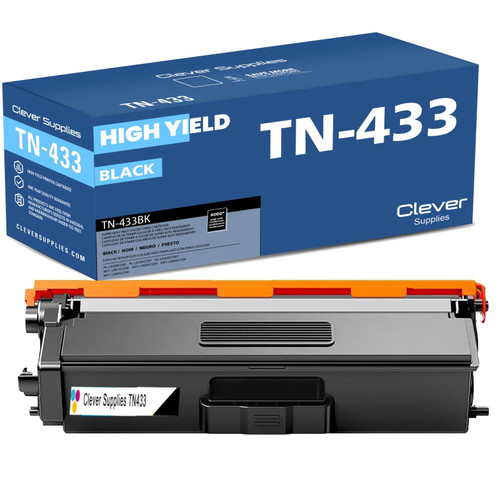
Choosing between the packs: the TN433 set at $65.31 is the platform's value center, saving $48.25 against its four singles at $28.39 each. The tiers above it are priced gently for what they add — the TN439 ultra-yield set reads $79.02 — so buy the tier your volume justifies rather than defaulting to the largest number.

Printer family: HL-L8250, HL-L8250CDN, HL-L8350, HL-L8350CDW, HL-L8350CDWT, MFC-L8600CDW, MFC-L8850CDW, MFC-L8600, among the 19 model pages for this platform.
Cartridge numbers: TN331 (standard) and TN336 (high yield). The drum design here is the older one-piece arrangement: a single DR331CL unit carries all four cartridges. It is stocked here as Brother Genuine only, reading $233.21 on November 11, 2026 — named, not carded.
Page yield: our store's field reads 2,500 black / 1,500 colors for the standard tier and 4,000 / 3,500 for the high yield. No Brother-published figure was captured for this platform.
What Brother's documentation says: Brother's documentation covers this platform under the same no-blocking statement. Because one drum unit serves all four colors, a drum message on these machines is platform-wide rather than color-specific — the opposite reading from the per-color generations above.
What our product pages say: the shared parts list appears on 105 of the platform's 137 listings, the highest count on the color side of the store. Frequency changes nothing about what the sentence is: a parts list. No listing on this platform describes a fitted chip, a level-tracking chip, or a firmware behavior.
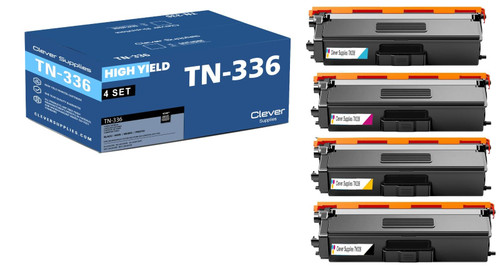
Choosing between the packs: the standard TN331 set and the high-yield TN336 set are priced identically in our catalog — $64.70 each, as read. At the same price the high-yield set is the obvious buy, and it is the one carded below; against its four singles ($27.24 black, $28.57 per color) it saves $48.25.

Printer family: HL-L9200CDW, HL-L9200CDWT, MFC-L9550CDW, MFC-L9550CDWT, the platform's full set of 4 model pages in our catalog.
Cartridge numbers: a single tier — TN339, the ultra-high-yield line for these machines. The drum is a separate unit, as on every platform on this page; our shelf for TN339 is the toner below.
Page yield: our store's field reads 6,000 pages for the black and for each color. No Brother-published figure was captured for this platform.
What Brother's documentation says: Brother's documentation gives this platform the standard color treatment — no update blocking, drum counters reset at the panel after a change, and no published hand reset behind Replace Toner.
What our product pages say: the shared parts list appears on 6 of the platform's 20 listings. One shelf gap matters more: cyan is stocked in the 4-color set and in a 3-color set, but no standalone cyan single exists in our catalog — black, magenta and yellow singles do. If cyan alone runs out, the 3-color set at $93.74 is the restock.
Choosing between the packs: the 4-color set at $124.24 is the platform's default, and the black single at $33.15 covers the cartridge most machines burn fastest. We show no savings figure for the set: with no cyan single on the shelf, the four-singles comparison cannot be completed honestly, so we do not print one.
The generations most color Brother owners actually have on the desk — including the two platforms where compatible drum units exist alongside the toner.
Printer family: HL-L3210CW, HL-L3230CDW, HL-L3270CDW, HL-L3290CDW, MFC-L3710CW, MFC-L3750CDW, MFC-L3770CDW, MFC-L3770CD, among the 9 model pages for this platform. If your machine is the MFC-L3780CDW, you are in the wrong section — it runs TN229, covered above.
Cartridge numbers: TN223 (standard) and TN227 (high yield), over the per-color drum design: four separate DR223CL drum units. Unusually for this page, compatible DR223CL drums are stocked here alongside the genuine — the color drums are carded below, and the black drum single reads $33.59.
Page yield: our store's field reads 1,400 black / 1,300 colors for the standard tier and 3,000 / 2,300 for the high yield. No Brother-published figure was captured for this platform.
What Brother's documentation says: the no-blocking statement covers the platform, and its drum reset is the per-color Reset Menu class at the top of this page — run it once per color whose drum you changed, and only then.
What our product pages say: the shared parts list appears on 4 of the platform's 37 listings. The drum listings, as the audit noted, are titled "Toner Cartridge" in our catalog; the drum card below names the product as the drum unit it is.
Choosing between the packs: the combined TN223/TN227 4-color set at $52.79 is this platform's flagship — the same set our TN227 guide below is built around — and it saves $48.25 against the four TN227 singles at $25.26 each. When a color drum reaches its end, the 3-color DR223CL drum set at $68.60 replaces cyan, magenta and yellow together.
Comparing packs and prices for this family in depth? Our Best Brother TN227 Toner guide works through every option.


Printer family: DCP-9020CDW, HL-3140, HL-3140CW, HL-3170, HL-3170CDW, HL-3150CDN, HL-3150CDW, MFC-9130CW, among the 22 model pages for this platform.
Cartridge numbers: TN221 (standard black) pairs with TN225 color cartridges in the high-yield set below. The drums are the DR221CL design — four separate units, one per color — and compatible units are stocked here, each color singly at $28.88, with a black 2-pack at $41.68.
Page yield: our store's field for the carded high-yield set reads 2,500 pages for the black and 2,200 for each color. No Brother-published figure was captured for this platform.
What Brother's documentation says: this generation introduced the per-color arrangement to the home-office line, so its drum reset is the Reset Menu class: choose the color you replaced, reset that counter, leave the others alone. The no-blocking statement covers the platform.
What our product pages say: the shared parts list appears on 6 of the platform's 37 listings. The DR221CL drum listings carry "Toner Cartridge" titles in our catalog — a labeling error the audit flagged; the card below names the product correctly as a drum unit.
Choosing between the packs: the high-yield 4-color set at $48.20 saves $48.23 against its four singles ($23.71 black, $24.24 per color). Drums on this platform are a per-color purchase: replace the color the screen names, at $28.88, rather than a full set on a schedule the machine never set.
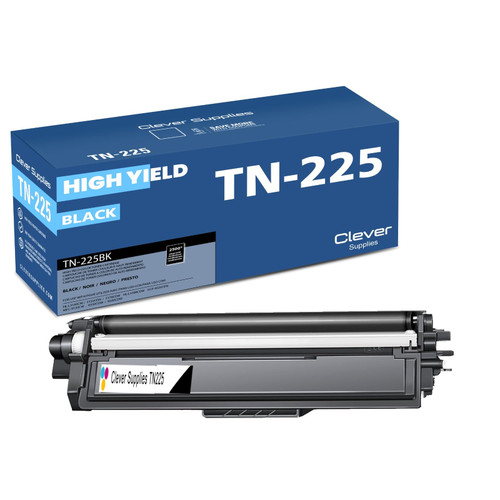

Printer family: HL-4150, MFC-9460, MFC-9560, HL-4150CDN, HL-4570CDW, HL-4570CDWT, MFC-9460CDN, MFC-9560CDW, among the 25 model pages for this platform.
Cartridge numbers: TN310 (standard) and TN315 (high yield). The drum is the one-piece design: a single DR310CL unit under all four cartridges. It is stocked here as Brother Genuine only, reading $256.39 on November 11, 2026 — named, not carded.
Page yield: our store's field reads 2,500 black / 1,500 colors for the standard tier and 6,000 / 3,500 for the high yield. No Brother-published figure was captured for this platform.
What Brother's documentation says: the no-blocking statement covers the platform. With a single drum unit, drum messages here are not color-specific; the reset follows whichever panel class at the top of this page matches your machine.
What our product pages say: the shared parts list appears on 9 of the platform's 45 listings. Nothing on these pages describes a fitted chip or a level-tracking chip, and the compatible shelf is toner-only — no compatible DR310CL is stocked.
Choosing between the packs: as on the TN331/TN336 platform, the standard and high-yield sets are priced identically here — $71.24 each, as read — so the high-yield TN315 set is the one carded below. Its black single at $28.33 is the platform's routine restock.
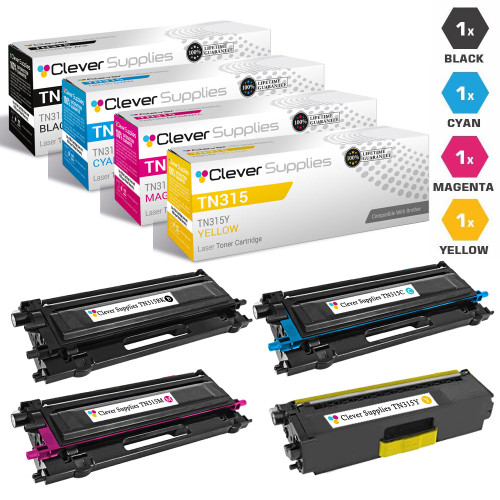
Printer family: HL-3040CN, HL-3070CW, MFC-9010CN, MFC-9120CN, MFC-9320CN, DCP-9010CN, HL-3045CN, HL-3075CW, among the 24 model pages for this platform.
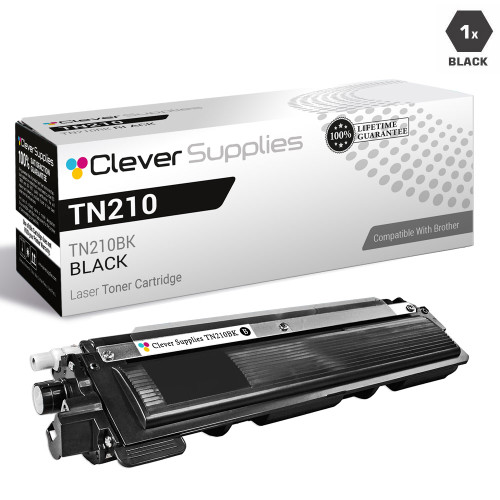
Cartridge numbers: a single toner tier, TN210, over the one-piece drum design: one DR210CL unit carries all four cartridges. The drum is stocked here as Brother Genuine only, reading $214.88 on November 11, 2026 — named, not carded.
Page yield: our store's field reads 2,200 pages for the black and 1,400 for each color. No Brother-published figure was captured for this platform.
What Brother's documentation says: this platform supplies the color reset class its representative machine: the Reset Menu path at the top of this page is documented on the MFC-9320CW. Note the combination — a one-piece drum with a menu-driven counter reset; the reset path follows the panel, not the drum design.
What our product pages say: the shared parts list appears on 7 of the platform's 22 listings. Nothing further is claimed for this family anywhere in our catalog, and this section claims nothing further either.
Choosing between the packs: the 4-color set at $60.04 is the platform's restock, and the black single at $27.81 covers the cartridge these machines finish first. No savings figure is shown for the set: our shelf stocks magenta and yellow singles for this platform but no standalone cyan single, so the four-singles comparison cannot be completed honestly. With the genuine drum priced at $214.88, a drum message on a TN210 machine is worth a careful read before ordering — reseat and reset first, as the checklist below sets out.
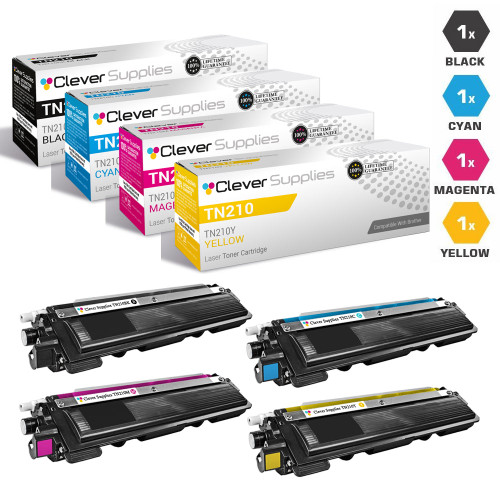
Printer family: HL-4040CDN, HL-4040CN, HL-4070CDW, MFC-9440CN, MFC-9450CDN, MFC-9840CDW, DCP-9040CN, DCP-9045CDN, among the 26 model pages for this platform.
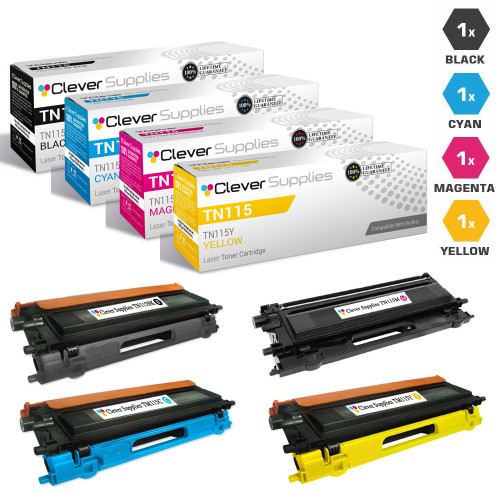
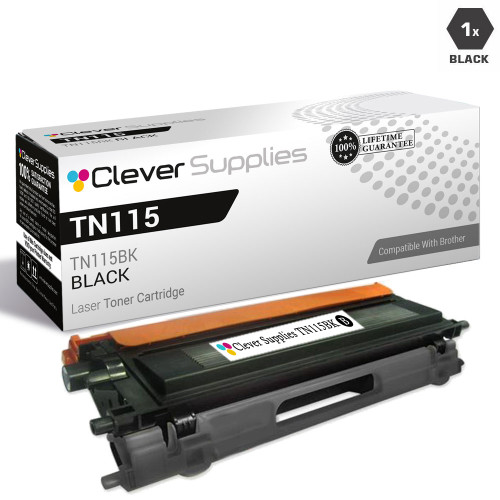
Cartridge numbers: TN110 (standard) and TN115 (high yield), over a single DR110CL drum unit. The drum is stocked here as Brother Genuine only, reading $334.48 on November 11, 2026 — more than three of the TN115 sets carded below. It is named, not carded.
Page yield: our store's field reads 2,500 black / 1,500 colors for TN110 and 5,000 / 4,000 for TN115. No Brother-published figure was captured for this platform.
What Brother's documentation says: the no-blocking statement covers even this oldest generation, and the drum reset follows the panel classes at the top of this page. These are long-lived machines; most messages owners see now are counter messages, and most counter messages are a reset that was never run.
What our product pages say: the shared parts list appears on 13 of the platform's 47 listings. The audit also found a data error worth naming: one duplicate TN115 set listing carries a placeholder title — "[name] Toner Catridge" — in our catalog. The card below links the clean listing of the same set at the same price.
Choosing between the packs: the TN115 high-yield set at $110.45 is the platform's buy; standalone color singles are not part of this platform's shelf in our catalog, so the set is also how colors are restocked here. The TN115 black single at $39.06 covers black-only restocks.
Brother's screens draw on a small vocabulary. Each entry below takes a wording Brother documents for its laser machines, gives Brother's meaning for it, and ends with the first move Brother's documentation supports. The last entry covers two wordings owners search for that Brother's laser documentation does not use — handled as a gap in the record, because that is what it is.
Run these six checks before ordering a part. Most color Brother messages end at one of them.
Six questions color Brother owners ask us, answered from Brother's documentation and our audit — not from cartridge folklore.
No — and Brother is unusual among printer makers for putting that in writing. Its help answer 74643 states that firmware updates do not block the use of third-party ink and toner cartridges, and its March 2025 public statement, carried by Ars Technica and The Register, denied reports that an update had rejected third-party ink and said print quality is not intentionally degraded based on cartridge origin. Brother does check for genuine cartridges when it troubleshoots, and it recommends its own. Blocking is what it says its updates do not do.
Start with the design, then the color. TN221/TN225, TN223/TN227 and TN229 machines carry four drum units, and the message names the one that finished; we stock compatible drums for the first two of those platforms (DR221CL and DR223CL) and the DR229CL as Brother Genuine only. The older platforms carry a single drum unit for all four colors, and on TN110/TN115, TN210 and TN310/TN315 that unit is genuine-only in our store. Each platform section above names its drum and says which kind it is; the cards on this page link only to compatibles.
Read the message for its color before doubting the cartridge you fitted. Brother documents three causes for this exact complaint, and one of them exists only on color machines: a different color has finished. The others: the replacement was not brand new — a cartridge that already ran in another machine may keep the message — and the wrong consumable was changed, drum and toner being separate parts with separate counters.
Never on a Brother color cartridge. Our audit of the store's 594 color Brother listings found no chip-transfer instruction anywhere, and Brother's documentation describes no such step. The strongest chip wording in the whole color catalog is a shared parts list mentioning a smart chip among the build components — and two platforms, TN229 and TN635, do not use the word at all. The cartridge arrives as a complete unit either way.
The hand reset does not exist in Brother's documentation — no FAQ, no manual, for color or monochrome. Combinations sold online as a Brother toner reset are not Brother's. The documented way to keep printing is Continue Mode: seven presses of Go on LED models, or Menu → General Setup → Replace Toner → Continue on LCD models. Brother warns that quality is not guaranteed in that mode, and the cartridge's run still ends at Toner Ended.
Because the four drums of a per-color machine age on four independent counters; nothing ties a color drum's end of life to how much of that color you print, and the machine reports whichever drum finishes, by name. Two softenings from Brother's documentation: Drum End Soon means keep using the drum until print quality suffers — and if that drum was changed recently, its counter reset, not another new drum, is the likely answer.