




DocuColor 240
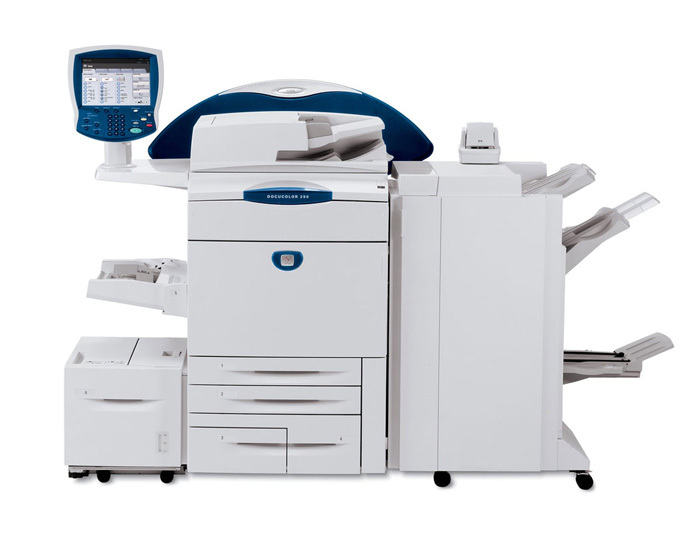
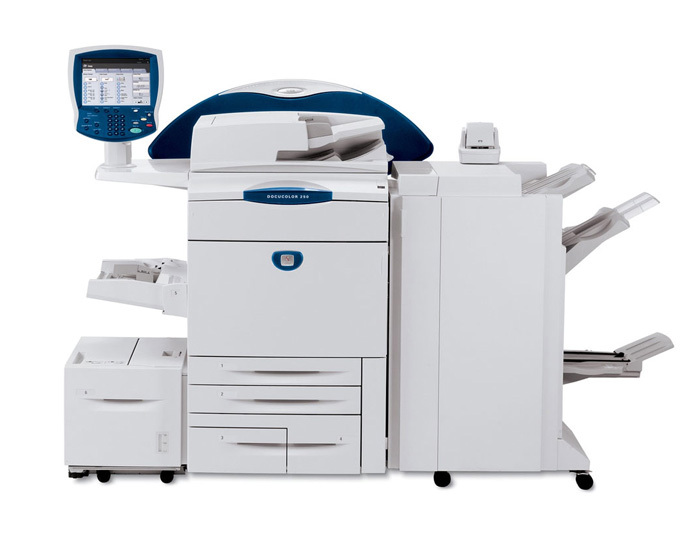
Production color work at serious volume is the DocuColor 240's territory — a printer built for high-volume environments where image quality cannot slip between the first sheet of a run and the last. Toner is only half of its supply story. Imaging runs through a separate black drum unit, the 013R00602, rated for roughly 80,000 pages and replaced on a cycle of its own, long after many toner cartridges have come and gone.
The drum's decline, when it comes, is the quiet kind. A worn toner cartridge announces itself quickly; a tiring drum shows up as a slow softening — backgrounds that are not quite as clean, fine detail that loses a step — spread across thousands of pages rather than one bad job. Shops that run the 240 well learn to judge the drum by the work coming off the machine, not only by the page counter, because it is the imaging surface every single page depends on.
Toner Cartridges for DocuColor 240
The replaceable supply stocked for the DocuColor 240 on this page is its drum unit, offered in five pack sizes:
- 013R00602 Black Drum Cartridge — Single — approximately 80,000 pages per drum
- 013R00602 Black Drum Cartridge — 2 Pack — approximately 80,000 pages per drum
- 013R00602 Black Drum Cartridge — 3 Pack — approximately 80,000 pages per drum
- 013R00602 Black Drum Cartridge — 5 Pack — approximately 80,000 pages per drum
- 013R00602 Black Drum Cartridge — 10 Pack — approximately 80,000 pages per drum
For toner itself, match the part number printed on the cartridge you remove; that code is the reliable way to order the right toner for this press.
Which cartridge should you buy?
With drums, the pack sizes are all the same part — every option above is the 013R00602 with the same roughly 80,000-page rating — so the decision is purely about stock depth. A single drum suits an operation that replaces on condition and reorders the moment the new unit goes in. Busier shops usually step up: a 2 or 3 pack means the next drum is already in the building when quality starts to drift, and at production volumes that shelf stock is the difference between a planned five-minute change and a press standing idle waiting for a courier. The 5 and 10 packs belong to the heaviest users, the ones who measure a stopped machine in lost jobs. Whichever size you choose, the rule worth keeping is simple: never let the installed drum be the only one you own.
Chip, toner and everyday use
A drum unit is light-sensitive in a way toner never is, so keep the new unit inside its protective bag until the moment it goes into the machine, and handle it by its edges rather than across its surface. Learn the drum's warning signs — streaking or background shading that a fresh toner cartridge does not cure usually points at the drum, not the toner. On the toner side, remember that rated yields are estimates based on 5% coverage; a production press laying down rich color will spend supplies faster than the ratings suggest. Store drums flat, sealed, in a cool and dark cabinet, and they will hold their condition until needed.
Frequently Asked Questions
What drum unit does the DocuColor 240 use?
It uses the 013R00602 black drum unit, rated for roughly 80,000 pages. The drum is a supply of its own, stocked on this page in single units and in packs of 2, 3, 5 and 10.
Is the drum part of the toner cartridge?
No. On the DocuColor 240 the drum is a standalone unit that does the imaging, entirely separate from the toner cartridges, and it is replaced on its own much longer cycle as print quality eventually calls for it.
How do I know the drum is wearing out?
Watch the output rather than the calendar. Fading, streaks or gray background shading that persists after a toner change are classic signs the drum surface is tiring.
Which toner cartridge fits the DocuColor 240?
Check the part number printed on the cartridge currently in the machine, or the toner specification in the DocuColor 240 manual, and order by that code. The supply listed on this page is the machine's drum unit, the 013R00602.