




DocuColor 252
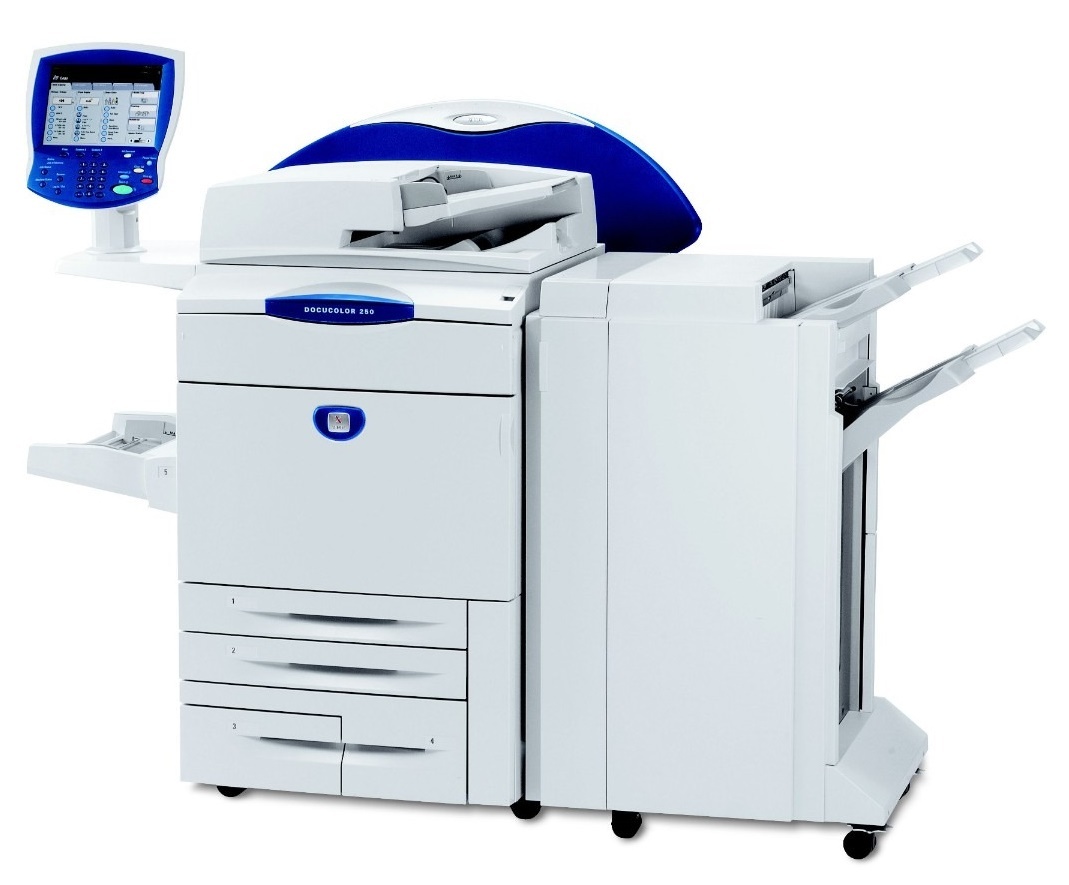
Demanding jobs are the brief for the Xerox DocuColor 252, where production muscle meets refined color imaging: dense coverage, tight deadlines and output that has to survive a client's loupe. Keep it fed with the 006R01219 toner cartridge in black — our compatible version is in stock — together with 006R01222 cyan, 006R01221 magenta and 006R01220 yellow.
A press specified for demanding work is usually bought by a shop that has already learned the cheap lessons: that a stopped press costs more than a stocked shelf, and that supply quality is print quality. On the 252, heavy-coverage jobs draw toner down fast and unevenly, so the practical question is never whether to keep spares but how deep each color's spare should be. The products below are organized to answer exactly that.
Toner Cartridges for DocuColor 252
| Cartridge | Color | Page Yield |
|---|---|---|
| 006R01219 | Black | Standard yield |
| 006R01222 | Cyan | Standard yield |
| 006R01221 | Magenta | Standard yield |
| 006R01220 | Yellow | Standard yield |
| DocuColor 252 4 Color Set | Full Set | Standard yield |
| DocuColor 252 Premium Quality 4 Color Set | Full Set | Standard yield |
| 4 Color Set (006R01219 / 006R01222 / 006R01221 / 006R01220) | Full Set | Standard yield |
For the DocuColor 252, imaging is handled by a standalone drum unit with a service life independent of the 006R01219 series toner cartridges. When the drum reaches the end of its cycle, replace it with the 013R00602 Drum Unit Cartridge (Black).
Which cartridge should you buy?
Let coverage lead. If your 252 spends its days on photo-rich brochures and coated-stock marketing pieces, expect magenta and cyan to turn over fastest and stock those singles deepest; a text-led workload inverts the pattern toward black. Singles let you match stock to that reality. Reserve the 4 color sets — standard or the premium quality option — for whole-machine refreshes, ideally paired with a drum inspection so toner and imaging start the next production stretch together. One habit separates profitable shops from busy ones: reorder at the warning, not at the empty. On a press booked days ahead, that gap is the difference between a routine swap and a blown deadline.
Chip, toner and everyday use
Heavy coverage makes yield arithmetic slippery, so manage by observation: a cartridge's rated output presumes light coverage, and a month of full-bleed work can halve what you actually get — plan spares against your real history, not the rating. Before fitting, rock each cartridge gently end over end; toner compacted in storage prints light for its first pages otherwise. The press reads levels from the cartridge chip, and a firm, square seating keeps that reading honest. Finally, keep toner out of the paper path area when swapping: on a production floor, a spilled cartridge near open stock ruins more paper than the swap was ever worth.
Frequently Asked Questions
What toner does the DocuColor 252 use?
The 252 takes 006R01219 (black), 006R01222 (cyan), 006R01221 (magenta) and 006R01220 (yellow), all standard yield. Compatible singles and three 4 color set options are listed above.
Does the 252 need a separate drum unit?
Yes, the 013R00602 drum unit cartridge, listed under the cartridge table. It is a long-cycle imaging part, changed when defects appear rather than with every toner.
Why did my cartridge empty sooner than expected?
Coverage. Dense, image-heavy pages can use several times the toner of a text page, and yield ratings are calculated at light coverage. If early empties repeat across cartridges, compare against the coverage of the jobs run in between.
Can I finish a run when one color shows empty?
The press will stop on an empty color rather than print defective work. Swap in the spare for that single color — each cartridge is independent — and the run can continue.
More printers that use the same cartridges
The same cartridges also serve the rest of this Xerox production family and its WorkCentre relatives: DocuColor 240, DocuColor 242, DocuColor 250, DocuColor 260, WorkCentre 7655, WorkCentre 7665, WorkCentre 7675, WorkCentre 7755, WorkCentre 7765, WorkCentre 7775.