




ML-6510ND
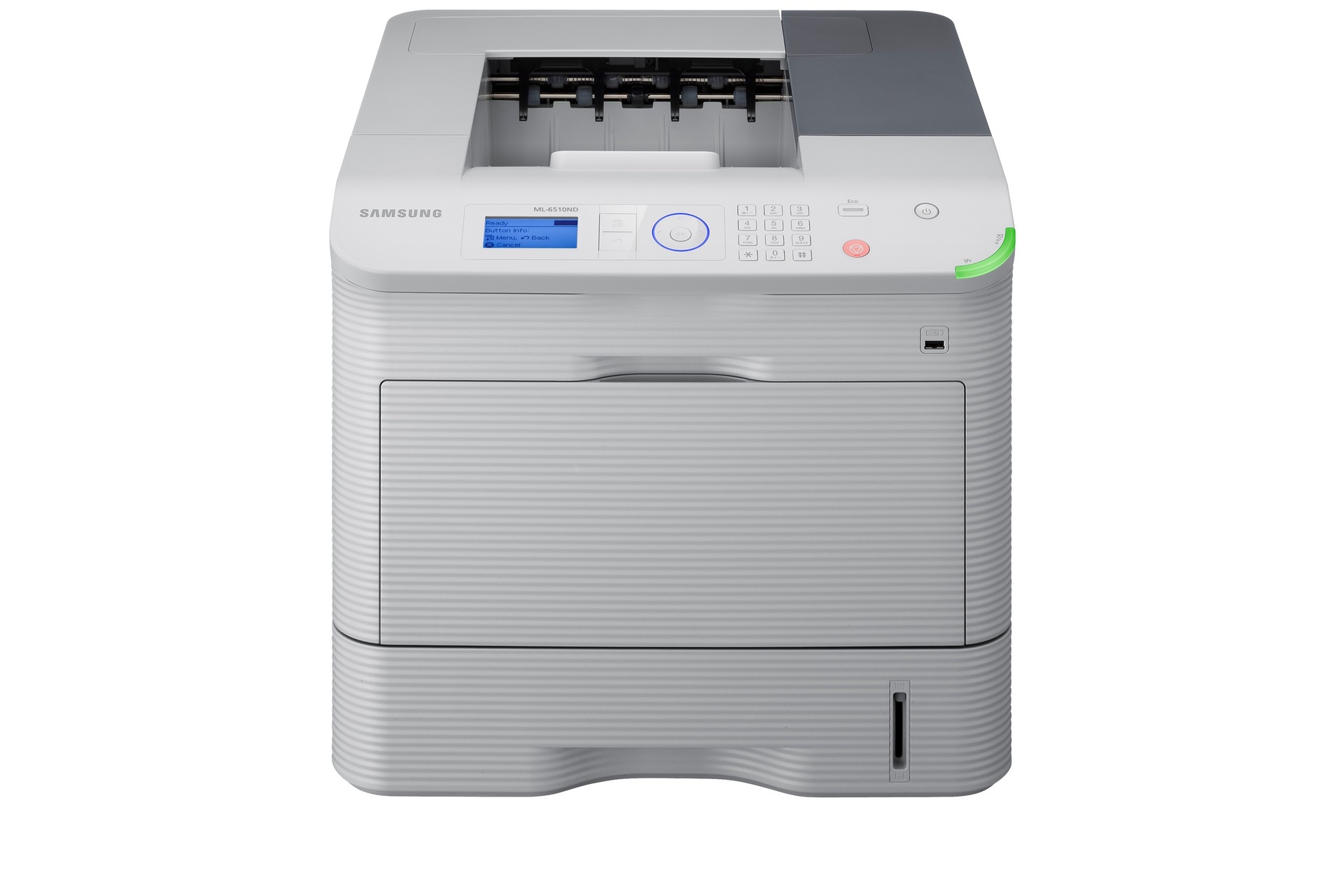
The ML-6510ND combines the flagship 6510 engine with networking and automatic duplex for high-volume shared printing.
Toner options are the MLT-D309S, MLT-D309L, and MLT-D309E. Both compatible and genuine OEM cartridges are available.
Toner Cartridges for ML-6510ND
This printer works with the following toner cartridges:
- Samsung MLT-D309S
- Samsung MLT-D309L
- Samsung MLT-D309E
More Samsung Printers
Frequently Asked Questions
What should I avoid touching when handling the MLT-R309 imaging unit for the ML-6510ND?
On the ML-6510ND, the MLT-D309S handles the toner powder while the MLT-R309 imaging unit handles the drum that presses it onto the page — two jobs, two parts. Toner runs out with use; imaging units wear with rotations and time. Plan on several MLT-D309S replacements for each MLT-R309.
Can duplex defaults be locked for all users of the ML-6510ND?
You can duplex by hand on the ML-6510ND even without an auto duplexer — reinsert the pages and print side two. It gets tedious for long documents, but for occasional double-sided printing it does the job; your MLT-D309S consumption is unchanged. The driver's orientation prompts keep backsides from landing upside-down.
Is it normal for the ML-6510ND to warn at different remaining levels with different cartridges?
Nobody can say exactly how many extra pages a low-toner warning buys you on the ML-6510ND, since it hinges on coverage, but dozens to low hundreds is the usual range. Low-coverage text stretches the furthest. Keep a spare MLT-D309S on hand and the question becomes academic.