




ML-6510
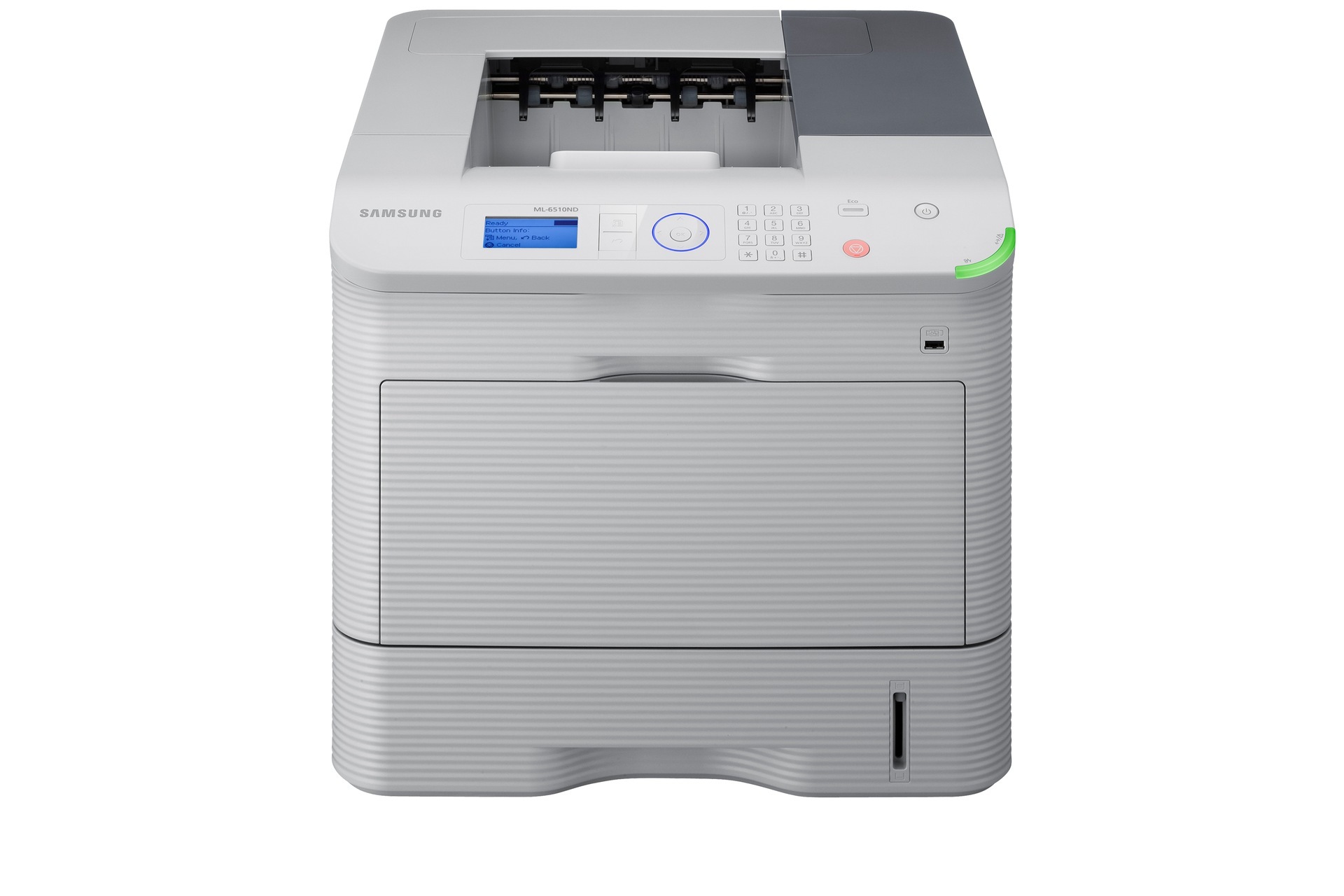
The Samsung ML-6510 opens the flagship 65xx line: Samsung's fastest monochrome printers for the most demanding print environments.
It runs on MLT-D309S, MLT-D309L, or MLT-D309E cartridges with a separate high-capacity imaging unit. Compatible and genuine OEM toner is in stock.
Toner Cartridges for ML-6510
This printer works with the following toner cartridges:
- Samsung MLT-D309S
- Samsung MLT-D309L
- Samsung MLT-D309E
More Samsung Printers
Frequently Asked Questions
Can I clean the imaging unit in the ML-6510 to extend its life?
The ML-6510 prints only with both consumables installed: the MLT-D309S toner cartridge and the MLT-R309 imaging unit. They expire on entirely different clocks, so treat them independently rather than as a pair. Fading pages call for new toner; the imaging unit is due when the printer flags it or defects show.
How do I store a half-used MLT-D309S if I swap it out of the ML-6510 temporarily?
A price dip is a fair reason to stock up on MLT-D309S cartridges for the ML-6510 — but only buy what you'll use within a year or two. While toner doesn't spoil quickly, very old cartridges can develop defects. Date every box with a marker and rotate them first-in, first-out.
Can a leaking empty cartridge still be recycled from the ML-6510?
Before you recycle the empty MLT-D309S from the ML-6510, slip it into a bag to contain any leftover toner dust. Don't bother cleaning it thoroughly — the recycler handles that part. Just keep it dry and out of direct sun until drop-off day.