




ML-5510N
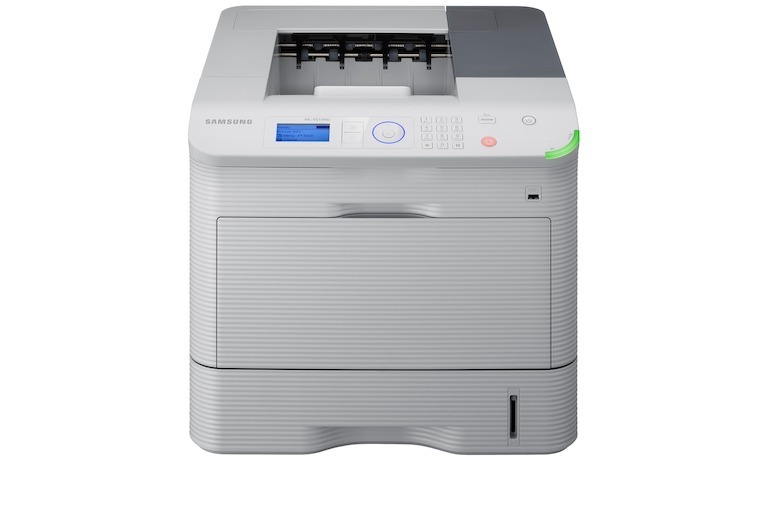
The ML-5510N adds Ethernet networking to the ML-5510, turning the high-volume engine into a shared departmental printer.
Toner options are the MLT-D309S, MLT-D309L, and MLT-D309E. We carry compatible and genuine OEM cartridges in all three yields.
Toner Cartridges for ML-5510N
This printer works with the following toner cartridges:
- Samsung MLT-D309S
- Samsung MLT-D309L
- Samsung MLT-D309E
More Samsung Printers
Frequently Asked Questions
Can a compatible MLT-R309 imaging unit work reliably in the ML-5510N?
Both are mandatory on the ML-5510N — a MLT-D309S toner cartridge and a MLT-R309 imaging unit must be installed for printing to work. They don't wear out together, so pairing their replacements is a habit worth breaking. Change toner on fading prints; change the imaging unit when the printer flags it or defects appear.
Can I redistribute toner in the ML-5510N without fully removing the cartridge?
The redistribute trick helps the ML-5510N when pages fade evenly — that's the MLT-D309S's toner pooling at one end. It won't cure sharp streaks or spots, which point at the drum or rollers. Shake for fading; replace for streaking.
Does toner-save mode reduce wear on the ML-5510N's imaging components?
On the ML-5510N, eco mode really does extend the MLT-D309S — the trade-off is visibly lighter output. The casualties are fine print, barcodes, and detailed graphics, so avoid toner-save whenever legibility matters. For routine office documents, the lighter output usually goes unnoticed.