




CLX-6250FX
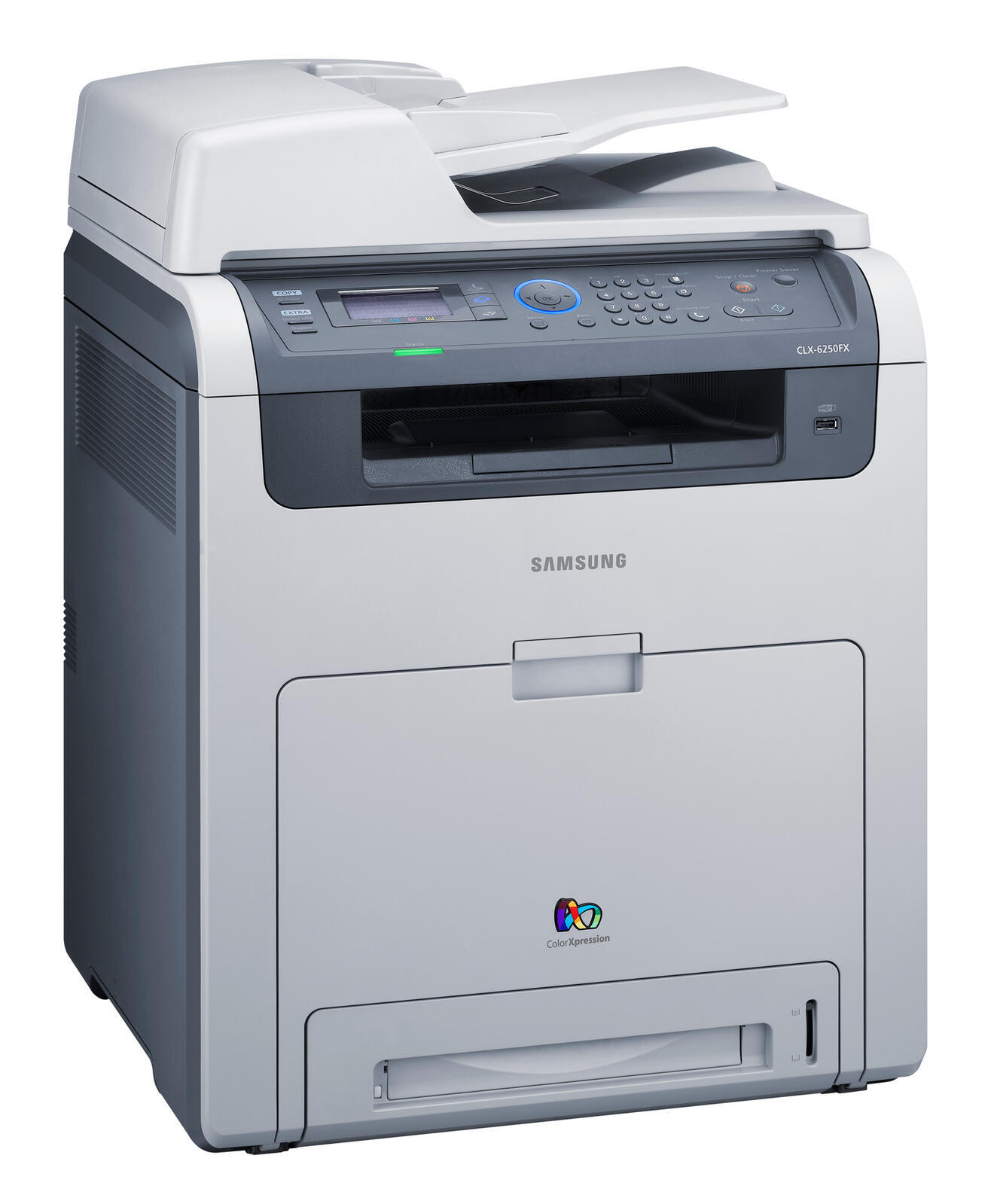
The CLX-6250FX arrived in the late 2000s as a color laser multifunction printer with running costs kept firmly in check. It belongs to the CLX-6250 generation, so parts and toner cross over within that family. It found its niche with workgroups that needed robust color laser performance.
This printer takes the CLT-K508 toner cartridges, including CLT-K508S for black and CLT-C508S for magenta. We stock compatible CLT-K508 toner as well as genuine Samsung OEM cartridges, and every order ships fast from Clever Supplies.
Toner Cartridges for CLX-6250FX
This printer works with the following toner cartridges:
- Samsung CLT-K508S
- Samsung CLT-C508S
- Samsung CLT-M508S
- Samsung CLT-Y508S
- Samsung CLT-K508L
- Samsung CLT-C508L
- Samsung CLT-M508L
- Samsung CLT-Y508L
More Samsung Printers
Frequently Asked Questions
Will eco mode make my CLX-6250FX prints look bad?
Eco mode lightens everything the CLX-6250FX prints to use less toner from the CLT-K508S cartridge, so it suits monochrome text documents well. For anything where appearance matters, switch back to normal quality for that job. The setting never harms the printer or the cartridge.
Does a new CLT-K508S in the CLX-6250FX need any break-in time before it prints normally?
A partially removed sealing tape is the leading reason a new CLT-K508S prints blank in the CLX-6250FX — pull the tape out completely. Look for the pull tab on one end of the tape. Once it is out, rock the cartridge gently before installing it.
Why do copies from the CLX-6250FX look worse than the original?
Copies fading on the CLX-6250FX while computer prints look fine points to a dirty scanner glass or lamp, not low toner. Wipe the glass clean and copy again. If only copies are affected, the scanner needs the attention — the CLT-K508S is not the problem.