




C8600DTN
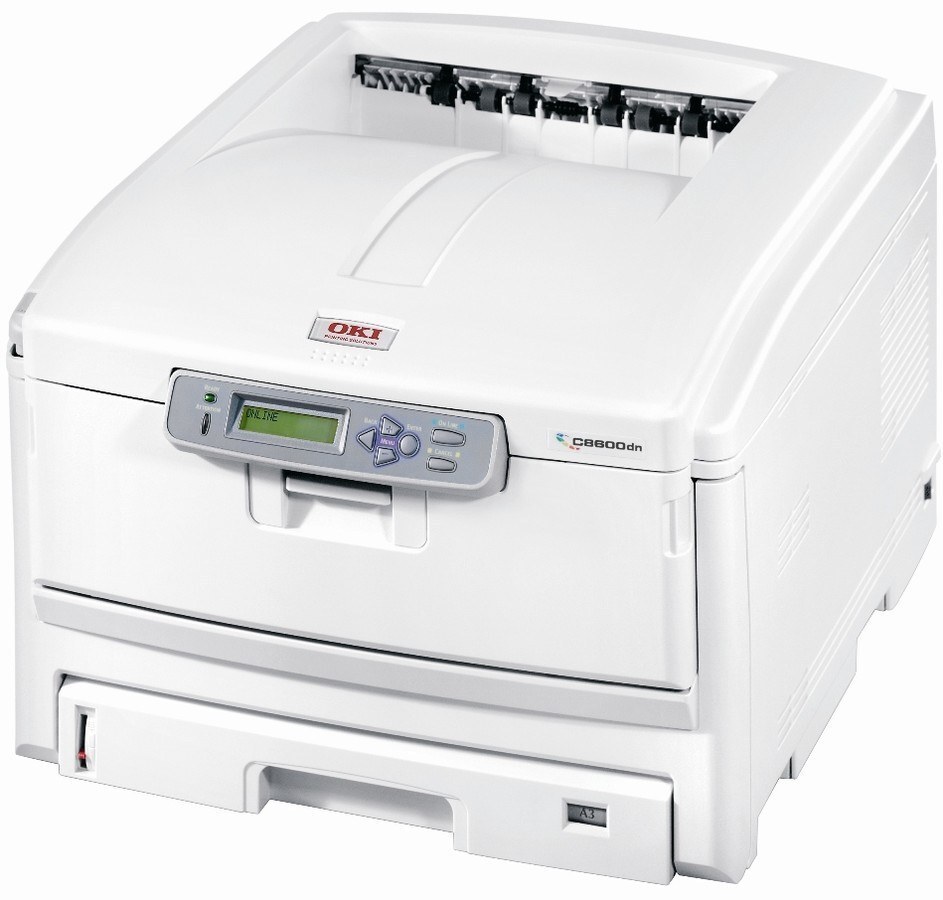
The C8600DTN is the fully loaded C8600 configuration: a color laser printer with two-sided printing and expanded paper capacity, built for departments that print in volume. Its toner set is shared with the C8600N and the C8800: cyan is 43487735, magenta is 43487734 and yellow is 43487733 on this page, while the black slot takes 43487736. Each color is swapped on its own as it runs down.
Volume changes the toner arithmetic. This machine's family serves the larger end of office printing, and its own documentation makes the point plainly: a bigger sheet at the same coverage uses proportionally more toner, so departments printing tabloid or A3 sizes go through cartridges noticeably faster than the letter-size figures suggest. Spares are not a luxury on a DTN; they are the difference between a pause and a standstill.
Toner Cartridges for C8600DTN
| Cartridge | Color | Page Yield |
|---|---|---|
| 43487735 | Cyan | See product page |
| 43487734 | Magenta | See product page |
| 43487733 | Yellow | See product page |
The family's black cartridge is 43487736; it is not among the listings on this page, which stocks the three colors above.
Which cartridge should you buy?
For a printer working this hard, keep a full spare row — one each of cyan, magenta and yellow — rather than gambling on which color empties first. Replace singles as they run out; there are no sets among this page's listings. Use draft mode in the driver for internal proofs to slow the drain, and reserve full quality for final copies. The black cartridge, 43487736, is not stocked on this page, so plan its supply by that number separately.
Chip, toner and everyday use
Chipped cartridges report their levels individually, and on a high-throughput machine it is worth reading those levels weekly instead of waiting for a warning mid-run. Rock a fading cartridge side to side to redistribute its toner before condemning it — settled toner is a common cause of early fading. Store the spare row sealed, flat and away from heat; a cartridge kept properly loses nothing by waiting months for its slot.
Frequently Asked Questions
What do the letters in C8600DTN mean?
D is duplex — automatic two-sided printing. T is the extra paper trays, and N is network connectivity. The DTN is the fully loaded build of the C8600, aimed at workgroups that print a lot; the toner family is the same as every other C8600.
Does A3 or tabloid printing use more toner?
Yes. A larger page at the same coverage consumes proportionally more toner per sheet, so keep spares of the colors if you print large formats regularly. Draft mode in the driver helps stretch cartridges on internal proofs.
Which toner does the C8600DTN use?
Yellow 43487733, magenta 43487734, cyan 43487735 and black 43487736, replaced individually as each color depletes. This page stocks the three colors; black is ordered by its own number.
Do these compatible cartridges carry a warranty?
Yes — a 1-year warranty with 1-year returns covers the compatible cartridges on this page.
More printers that use the same cartridges
Departments running any of these models draw on the identical four cartridges:
C8600, C8600DN, C8600N, C8800, C8800dn, C8800dtn, C8800N, C8800TN