




C610DN
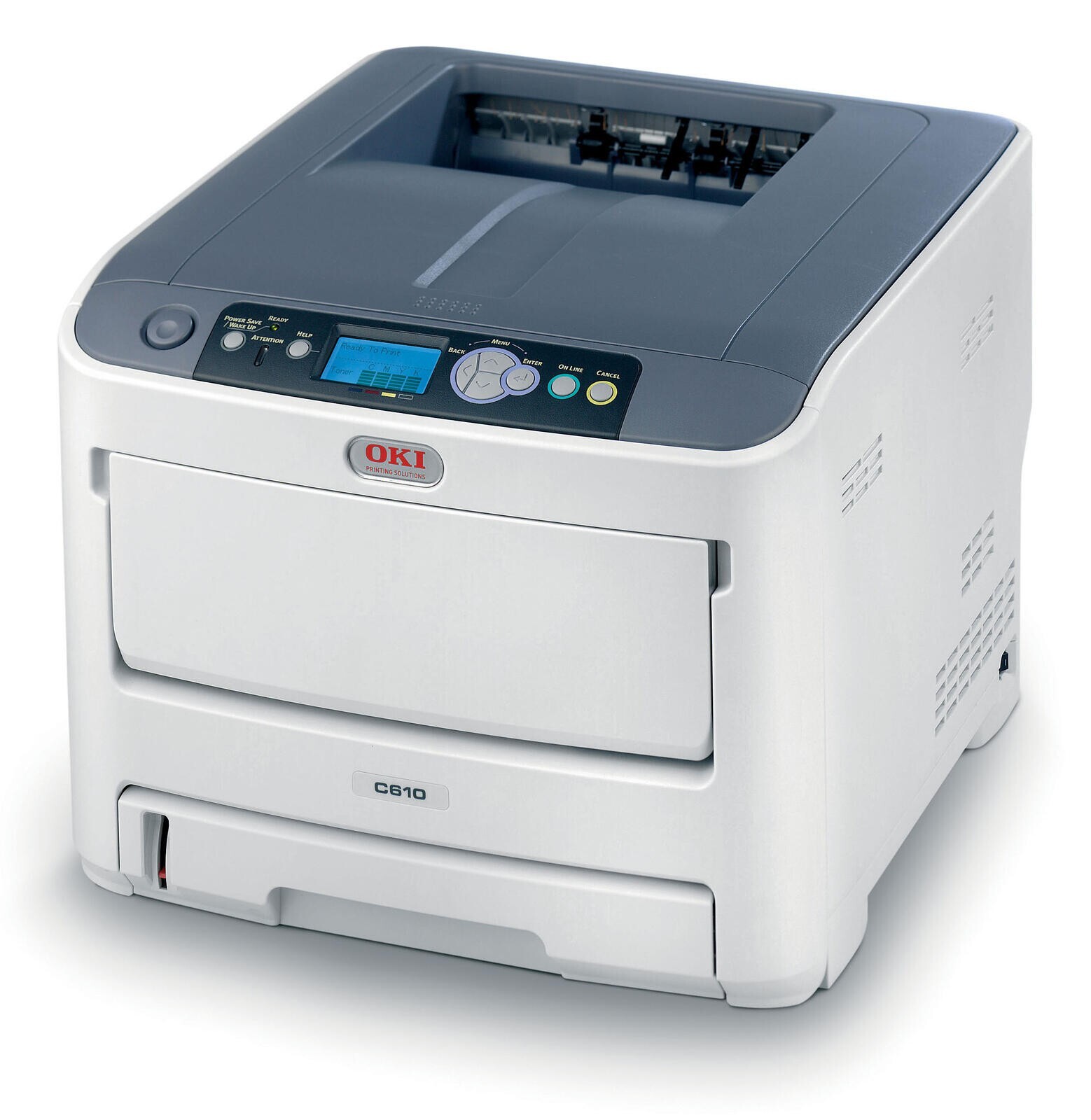
The Okidata C610DN is a duplex, network-ready color printer aimed at workgroups that need efficient shared color. It uses Type C15 toner: yellow 44315301 with magenta 44315302, cyan 44315303 and black 44315304. Two-sided printing plus the right cartridges keeps per-page costs in check, and because the toner set is shared across the C610 series, one stock of cartridges covers the whole workgroup.
Shared color is the DN's job. Several people send jobs to one printer, so the cartridges turn over steadily and the four separate slots matter: when yellow runs out, only yellow gets replaced. Duplex is the other half of the savings — internal documents printed on both sides use half the paper, and the driver can be set to make two-sided the default for everyone on the network.
Toner Cartridges for C610DN
| Cartridge | Color | Page Yield |
|---|---|---|
| 44315304 | Black | See product page |
| 44315303 | Cyan | See product page |
| 44315302 | Magenta | See product page |
| 44315301 | Yellow | See product page |
Sets and multi-packs on this page: C610DN four-color set, C610DN premium four-color set, Type C15 four-color set, 443153 four-color set, 443153 five-color set, 443153 eight-color set, 443153 three-color set, 443153 six-color set, 44315304 black single, 44315303 cyan single, 44315302 magenta single, 44315301 yellow single, 44315304 black two-cartridge pack, 44315304 black three-cartridge pack and 44315304 black five-cartridge pack. Listings numbered 44135304, 44135303, 44135302 and 44135301 also appear on this page; match the number on your current cartridge. Their packs: 44135304 black two-pack, 44135304 black three-pack, 44135304 black five-pack, 441353 three-color set, 441353 four-color set, 441353 five-color set, 441353 six-color set and 441353 eight-color set.
Which cartridge should you buy?
In a shared workgroup, buy by what is actually empty. The 44315304 black cartridge drains fastest on high-coverage pages, so black multi-packs are the most useful stock item for this printer. The three colors should be replaced one at a time as each runs out. A four-color set is the right choice when several colors are low at once or when the printer is being stocked from scratch. Before ordering, check the number on the cartridge in the machine: listings numbered 44135301 through 44135304 also appear on this page, and the number already in your printer is the number to match.
Chip, toner and everyday use
Use draft mode and duplex for everyday printing, and avoid printing large black backgrounds that drain the 44315304 cartridge quickly. A gentle side-to-side shake redistributes toner in a low cartridge and can finish the job in progress. Store spare cartridges sealed in a cool, dry place, and keep one spare black on hand since it is the color a workgroup uses most. If a color starts printing pale while the others look fine, that single cartridge is the problem — replace it on its own rather than swapping the set.
Frequently Asked Questions
Which toner set fits the Oki C610DN?
The C610DN uses yellow 44315301, magenta 44315302, cyan 44315303 and black 44315304, the same set as the C610 and C610CDN. Duplex and network features do not change the toner family.
My C610DN prints duplex booklets with the second side upside down. Is that a toner issue?
No. That is a duplex binding setting. Choose the correct flip option, long-edge versus short-edge, in the driver. Toner has nothing to do with page orientation.
How do I make the C610DN's black cartridge last longer?
Use draft mode and duplex for everyday printing, and avoid printing large black backgrounds. The 44315304 black cartridge drains fastest on high-coverage pages, so draft mode and two-sided printing stretch it noticeably.
More printers that use the same cartridges
The same cartridges fit these printers: C15, C610, C610CDN, C610DTN, C610n.