




MagiColor 1600
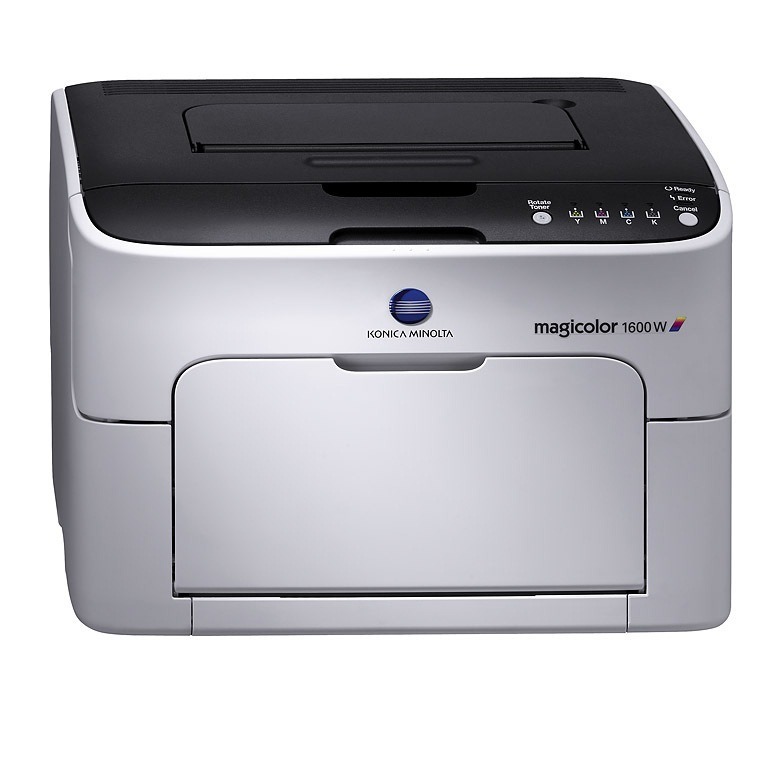
The MagiColor 1600 is the base of Konica Minolta's 16xx color laser family — the plain variant of a series OEM docs list under its lettered siblings (1600W, 1630N, 1650EN, 1680MF, 1690MF), all sharing one toner set. That set is the A0V3 family: high-capacity A0V301F black, A0V306F yellow, A0V30CF magenta and A0V30HF cyan, with standard-yield color options (A0V305F/A0V30AF/A0V30GF — no standard black in the Americas). Our compatible A0V3 cartridges bring color laser printing down to sensible cost.
Toner Cartridges for Konica Minolta MagiColor 1600
This printer works with the following toner cartridges:
- Konica Minolta A0V301F
- Konica Minolta A0V305F
- Konica Minolta A0V306F
- Konica Minolta A0V30AF
- Konica Minolta A0V30CF
- Konica Minolta A0V30GF
- Konica Minolta A0V30HF
Frequently Asked Questions
The MagiColor 1600's black cartridge is rated around 2,500 pages - what about the color cartridges?
Color cartridges come in two sizes: standard-capacity (A0V305F yellow, A0V30AF magenta, A0V30GF cyan) and high-capacity (A0V306F, A0V30CF, A0V30HF). If you print color regularly, the high-capacity versions lower your cost per page and need replacing less often.
Can I install a high-capacity A0V306F yellow alongside standard-capacity magenta and cyan in the MagiColor 1600?
Yes - each slot is independent, so you can mix standard and high-capacity cartridges freely. Many owners run the high-capacity black A0V301F with whichever color size matches their usage.
My MagiColor 1600 prints black text fine but photos look dull - which cartridge is likely the problem?
Photos lean heavily on cyan, magenta and yellow, so check those three levels first. If one color is low, its cartridge in the A0V30xF series is the culprit - replace it, and run a calibration from the printer menu if colors still look off.