




LaserJet Pro M102w
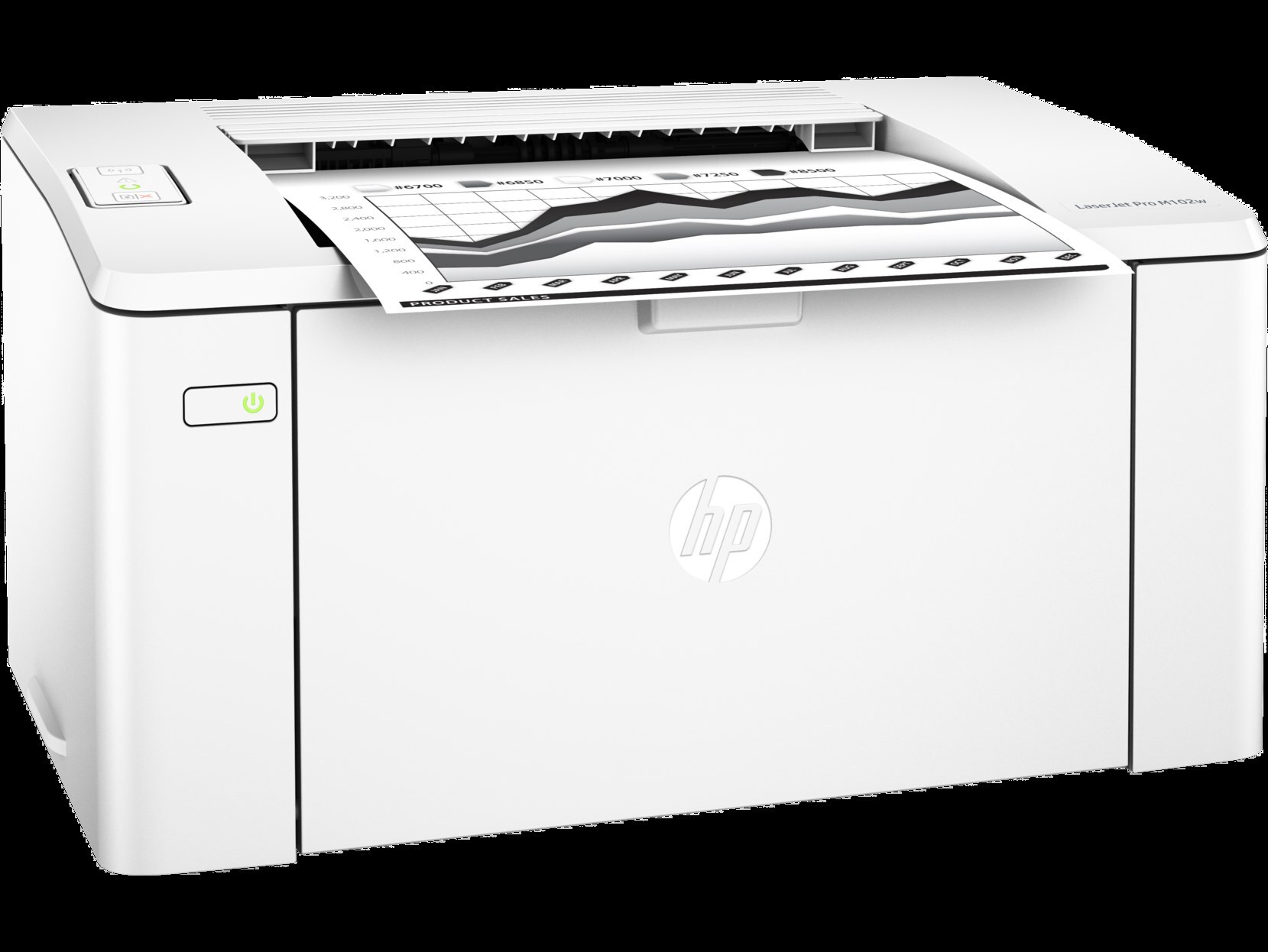
Among mid-2010s LaserJets, the LaserJet Pro M102w holds a familiar spot — a mono single-function printer that offices kept because it simply worked. The LaserJet Pro M102w was never about flash; it was about everyday office document printing, and on that measure it still delivers.
Like 7 other models in its family, the LaserJet Pro M102w takes the HP 17A cartridge line — look for the CF217A. From the standard CF217A upward, our HP 17A selection keeps the LaserJet Pro M102w supplied — in genuine OEM or quality-compatible form. For heavier use, the compatible market also offers the CF217AJ, a jumbo-filled take on the same 17A cartridge, and print quality over the long run also depends on the separate CF219A imaging drum that works alongside the toner inside the LaserJet Pro M102w.
Toner Cartridges for LaserJet Pro M102w
This printer works with the following toner cartridges:
- HP CF217A
More HP Printers
- LaserJet M102w MFP
- LaserJet M130a MFP
- LaserJet M130FN
- LaserJet M130fn MFP
- LaserJet M130FW
- LaserJet M130fw MFP
- LaserJet M130NW
Frequently Asked Questions
How do I know I'm buying the right toner for my LaserJet Pro M102w?
Compare the code on the box with the LaserJet Pro M102w's list: CF217A. HP makes look-alike cartridges for different printer families, so a code match is your guarantee.
How should I store spare toner for the LaserJet Pro M102w?
Leave spare CF217A cartridges boxed and unopened for the LaserJet Pro M102w until swap day — the factory seal protects the toner from humidity and light. A room-temperature shelf or closet works fine; just keep the LaserJet Pro M102w's spares out of garages and cars where heat swings are extreme.
How do I clear a paper jam in the LaserJet Pro M102w?
Power off the LaserJet Pro M102w, open its doors, and pull the jammed paper out slowly in the direction of the paper path — never against it. Check that the tray guides sit snug against the paper stack, since loose guides cause repeat jams. Fan the paper and avoid overfilling the tray.