




LaserJet M130fn MFP
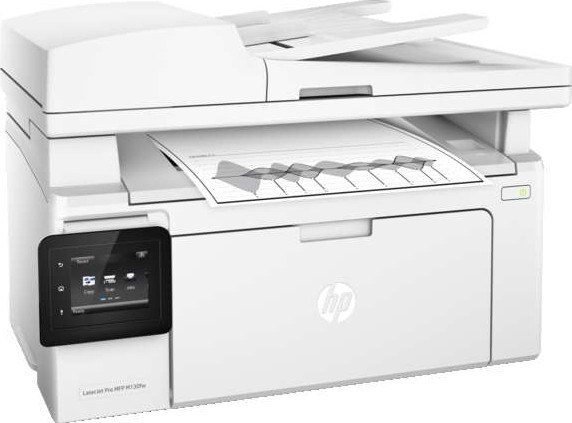
Fax and networking join the compact multifunction: the LaserJet M130fn MFP adds fax and Ethernet to the M130's print/scan/copy set — for small offices where the fax line hasn't retired yet. Toner is the HP 17A cartridge, the CF217A.
Compatible and genuine OEM CF217A cartridges for the M130fn MFP are both in stock. Fax traffic nibbles at the same cartridge as everything else; fast Clever Supplies shipping keeps a spare within reach.
Toner Cartridges for LaserJet M130fn MFP
This printer works with the following toner cartridges:
- HP CF217A
More HP Printers
- LaserJet M102w MFP
- LaserJet M130a MFP
- LaserJet M130FN
- LaserJet M130FW
- LaserJet M130fw MFP
- LaserJet M130NW
- LaserJet Pro M102w
Frequently Asked Questions
What toner cartridges does the LaserJet M130fn MFP use?
The LaserJet M130fn MFP uses CF217A. Order by these exact codes — cartridges made for other HP families won't fit or won't be recognized.
How do I install a new toner cartridge in my LaserJet M130fn MFP?
Open the cartridge door on the LaserJet M130fn MFP and slide the old CF217A out by its handle — set it aside for recycling. Unpack the new CF217A, pull off its protective seal, and slide it straight in until it clicks. Close the door and print a test page from the LaserJet M130fn MFP to confirm.
How do I clear a paper jam in the LaserJet M130fn MFP?
Power off the LaserJet M130fn MFP, open its doors, and pull the jammed paper out slowly in the direction of the paper path — never against it. Check that the tray guides sit snug against the paper stack, since loose guides cause repeat jams. Fan the paper and avoid overfilling the tray.