




Color LaserJet Professional CP5225N
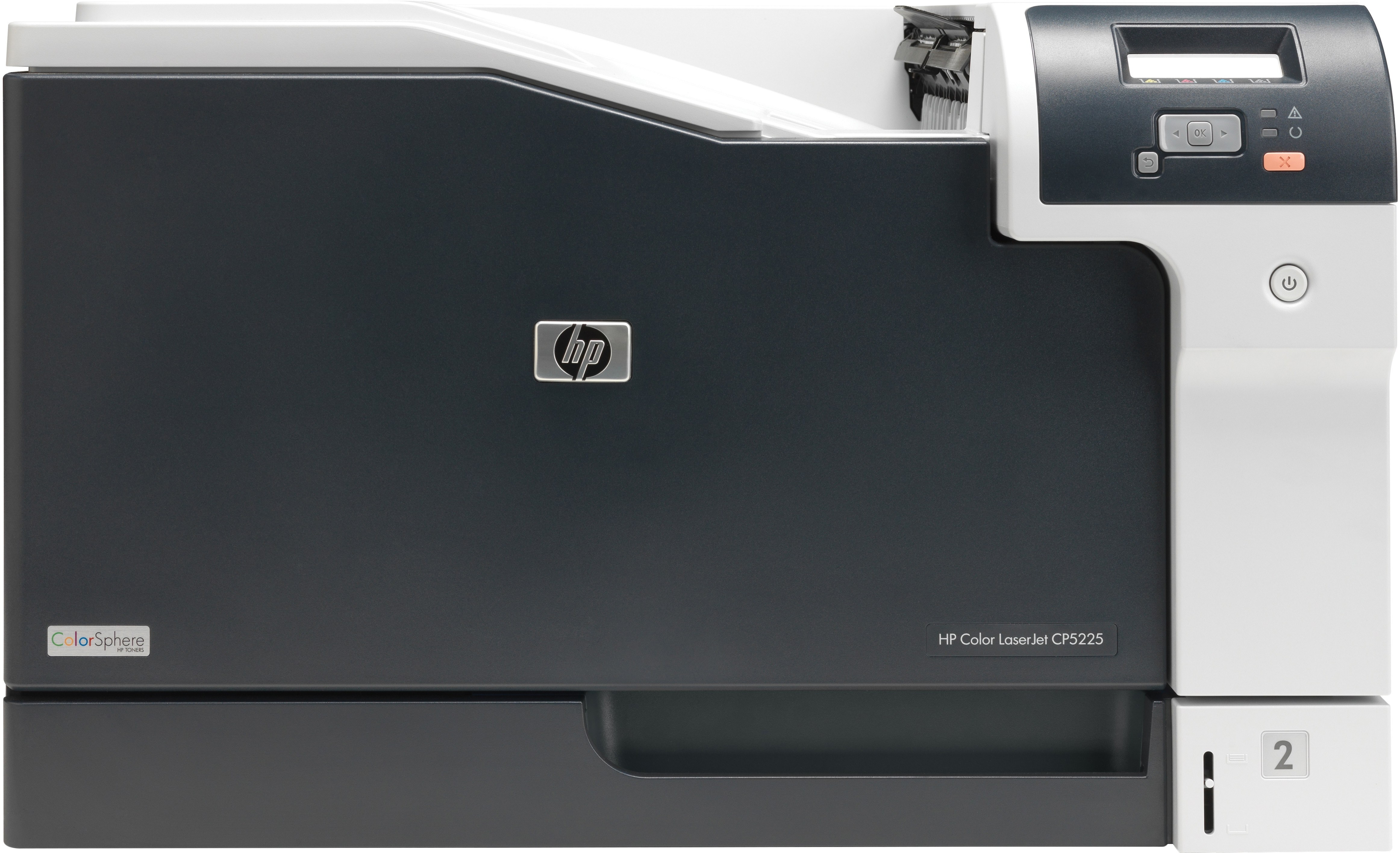
Network connectivity defined the HP Color LaserJet Professional CP5225N, making its wide-format color output available to everyone on the office LAN. A practical choice for teams sharing large-page printing.
The printer uses HP 307A toner: CE740A black plus CE741A, CE742A and CE743A for color. We offer compatible and genuine OEM cartridges for the CP5225N.
Toner Cartridges for Color LaserJet Professional CP5225N
This printer works with the following toner cartridges:
- HP CE740A
- HP CE741A
- HP CE742A
- HP CE743A
More HP Printers
- Color CP5225n
- Color LaserJet CP5225
- Color LaserJet CP5225DN
- Color LaserJet CP5225N
- Color LaserJet Professional CP5200
- Color LaserJet Professional CP5220
- Color LaserJet Professional CP5225DN
- Color Professional CP5200
- Color Professional CP5220
- Color Professional CP5225
- Color Professional CP5225dn
- Color Professional CP5225n
Frequently Asked Questions
Which cartridges fit the Color LaserJet Professional CP5225N?
The correct cartridges for the Color LaserJet Professional CP5225N are CE740A, CE741A, CE742A, CE743A (HP 307A). Whether you buy OEM or compatible, that number is what matters — anything outside HP 307A will not seat properly in the Color LaserJet Professional CP5225N.
My Color LaserJet Professional CP5225N says the toner is low — can I keep printing?
A toner-low message on the Color LaserJet Professional CP5225N is an early warning, not a hard stop — you can typically keep printing while a replacement is on the way. When output starts looking faded, remove the cartridge, rock it gently side to side, and reinstall it to squeeze out extra pages.
How should I store a spare HP 307A cartridge for my Color LaserJet Professional CP5225N?
Yes — an unopened HP 307A cartridge keeps well as a backup for the Color LaserJet Professional CP5225N. Leave the seal intact and store it in normal room conditions until the Color LaserJet Professional CP5225N calls for it.