




Color LaserJet CP5225N
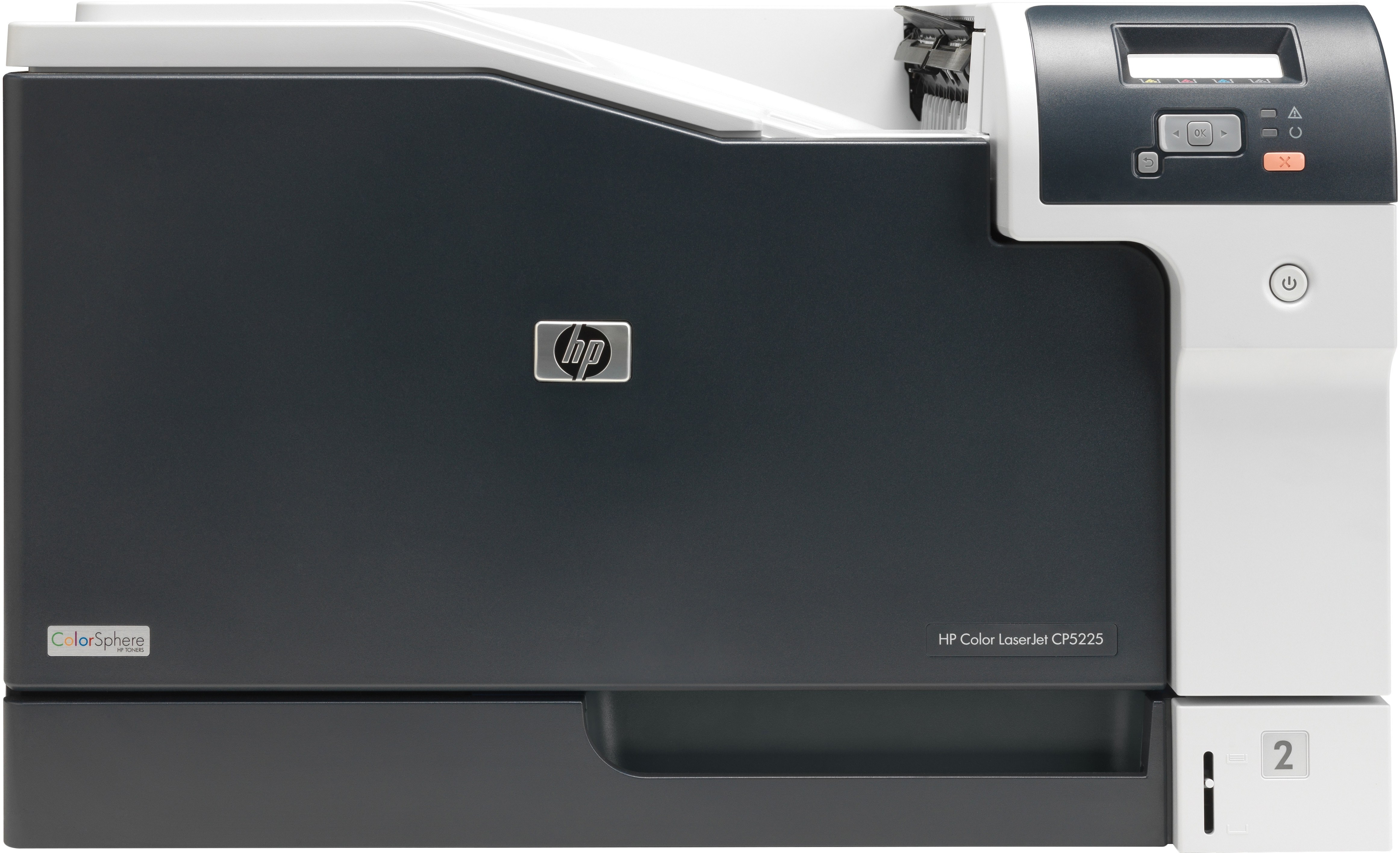
The HP Color LaserJet CP5225N was the network-ready member of the wide-format CP5225 family, letting workgroups share large-format color output over Ethernet. It kept the same A3 capability in a shareable package.
It uses the HP 307A family — CE740A black and the CE741A/CE742A/CE743A color set. Compatible and genuine OEM cartridges for the CP5225N ship fast from Clever Supplies.
Toner Cartridges for Color LaserJet CP5225N
This printer works with the following toner cartridges:
- HP CE740A
- HP CE741A
- HP CE742A
- HP CE743A
More HP Printers
- Color CP5225n
- Color LaserJet CP5225
- Color LaserJet CP5225DN
- Color LaserJet Professional CP5200
- Color LaserJet Professional CP5220
- Color LaserJet Professional CP5225DN
- Color LaserJet Professional CP5225N
- Color Professional CP5200
- Color Professional CP5220
- Color Professional CP5225
- Color Professional CP5225dn
- Color Professional CP5225n
Frequently Asked Questions
What toner family does the Color LaserJet CP5225N belong to?
The correct cartridges for the Color LaserJet CP5225N are CE740A, CE741A, CE742A, CE743A (HP 307A). Whether you buy OEM or compatible, that number is what matters — anything outside HP 307A will not seat properly in the Color LaserJet CP5225N.
Is there a way to reduce paper jams in the Color LaserJet CP5225N?
With the Color LaserJet CP5225N turned off, open the trays and rear access door, and pull jammed paper straight out in the direction of the paper path — never yank sideways. Check for torn scraps, then reload with paper that isn't curled or overfilled.
My Color LaserJet CP5225N vanished from the network — what should I check?
Print a configuration page from the Color LaserJet CP5225N's control panel to confirm it still holds an IP address, then check the Ethernet link light at the cable port. If the address changed, re-run the HP driver installer on your computer so it finds the Color LaserJet CP5225N again.