




Color Professional CP5200
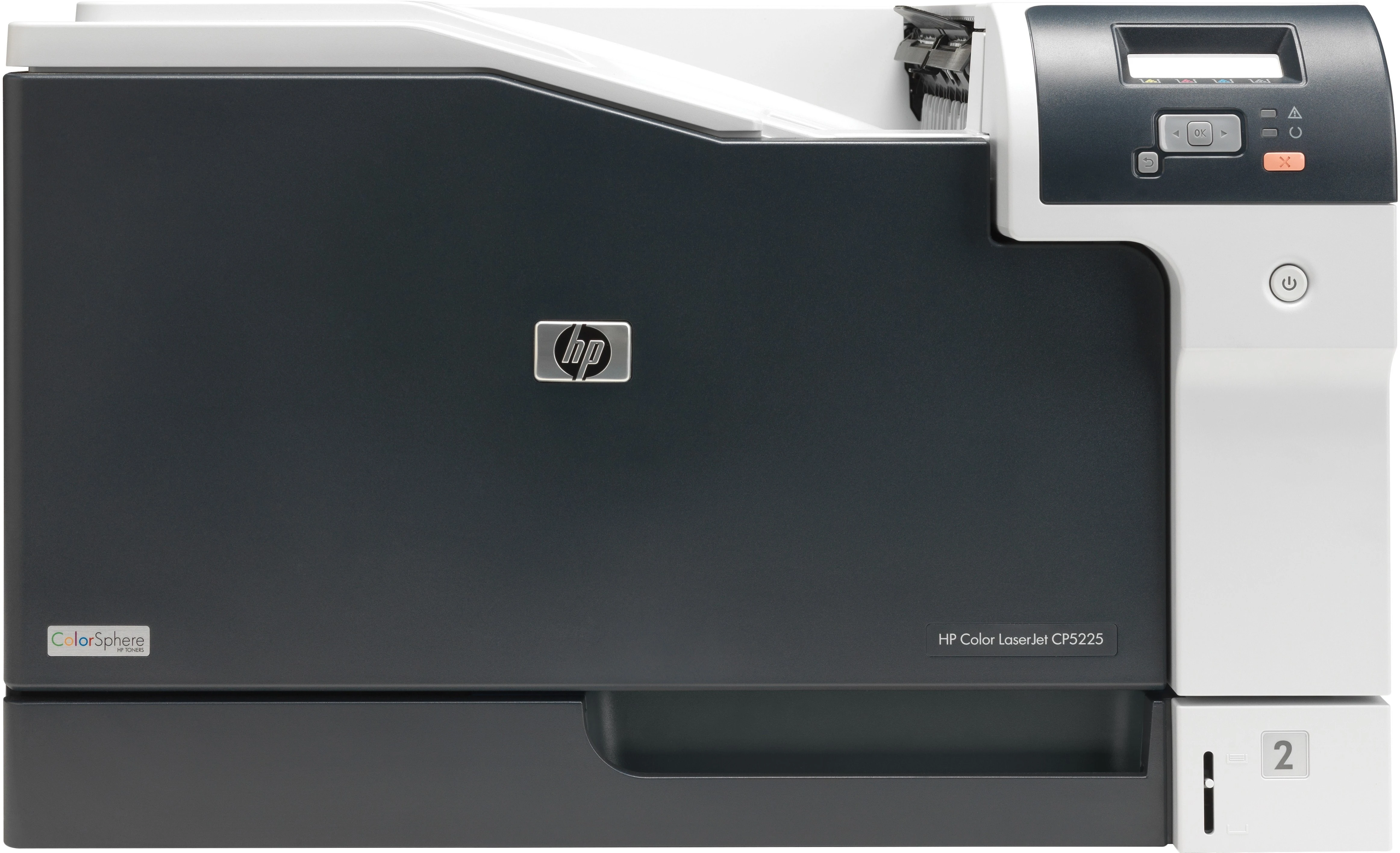
The Color Professional CP5200 opened HP's wide-format color line to professional offices that wanted tabloid-size output in-house, with crisp laser quality for design-conscious teams. It feeds on HP 307A toner: the CE740A black cartridge, CE741A in cyan, CE742A in yellow and CE743A in magenta. Of that set, the cartridge you can buy on this page is the magenta one, in a compatible CE743A listing (its title names the CP5220, a sibling model — the code is the match). The other three 307A cartridges are not stocked here.
Think of the CP5200 as the proofing desk's printer. Its pages are the ones people gather around: layouts at real size, charts that survive being pinned to a wall, color documents where 'close enough' on a small printer was not enough. That work is color-first, so the three color cartridges do the heavy lifting while the black handles the text that supports them — a usage pattern that empties the colors unevenly and makes single-slot replacement the normal event on this machine.
Toner Cartridges for Color Professional CP5200
| Cartridge | Color | Page Yield |
|---|---|---|
| CE743A | Magenta | See product page |
Which cartridge should you buy?
Since each 307A cartridge is bought separately, the economical habit is to replace strictly on the printer's own reporting: when the CP5200 flags magenta, the CE743A on this page is the purchase, and it comes with a 1-year warranty and 1-year returns. There is no higher-yield alternate tier listed for this family here, so cost control comes from behavior — proof in monochrome when color is not the point, and keep the one spare for the slot your work consumes fastest. Codes outside the 307A four do not fit this printer, however similar the box may look.
Chip, toner and everyday use
Before a swap, glance at the supplies gauge so you open the right slot — replacing a healthy cartridge wastes its remaining toner. The chip in each cartridge is how the CP5200 keeps those levels honest, and a new cartridge is recognized as soon as it clicks into place. Handle a cartridge by its ends, keep it out of strong light while it is unwrapped, and return the spent one to its bag. Spares waiting their turn should stay sealed in a cool, dry cabinet rather than on top of the warm printer.
Frequently Asked Questions
Which cartridges belong in the Color Professional CP5200?
The HP 307A four: CE740A for black, CE741A for cyan, CE742A for yellow and CE743A for magenta. This page sells the magenta CE743A only; the other three are named here so you can identify your full set.
The cartridge listing names the CP5220 — is it right for a CP5200?
It is. The listing title carries a sibling model's name, but the cartridge is a CE743A, and CE743A is the magenta cartridge for the whole CP5200/CP5225 family, this printer included. Order by part code.
Should I change all four cartridges when one runs out on the CP5200?
No. Each slot empties on its own schedule, and the printer reports them individually. Replacing only the empty cartridge is both the manufacturer's design and the cheapest way to run this machine.
How do I make a 307A set last longer in the CP5200?
Send drafts and internal documents in black-and-white so only the black cartridge is consumed, and save full color for final proofs. That single habit does more for color cartridge life than any setting.
More printers that use the same cartridges
All of these models take the same HP 307A cartridges — the magenta listing above is shared across the line:
Color CP5200, Color CP5225n, Color LaserJet CP5200, Color LaserJet CP5220, Color LaserJet CP5225, Color LaserJet CP5225DN, Color LaserJet CP5225N, Color LaserJet Professional CP5200, Color LaserJet Professional CP5220, Color LaserJet Professional CP5225DN, Color LaserJet Professional CP5225N, Color Professional CP5220, Color Professional CP5225, Color Professional CP5225dn, Color Professional CP5225n, HP 307A.
SELECT YOUR PRINTER FAMILY TO SHOP Color Professional CP5200 PRODUCTS
There are no products listed under this category.