




Color LaserJet Professional CP5200
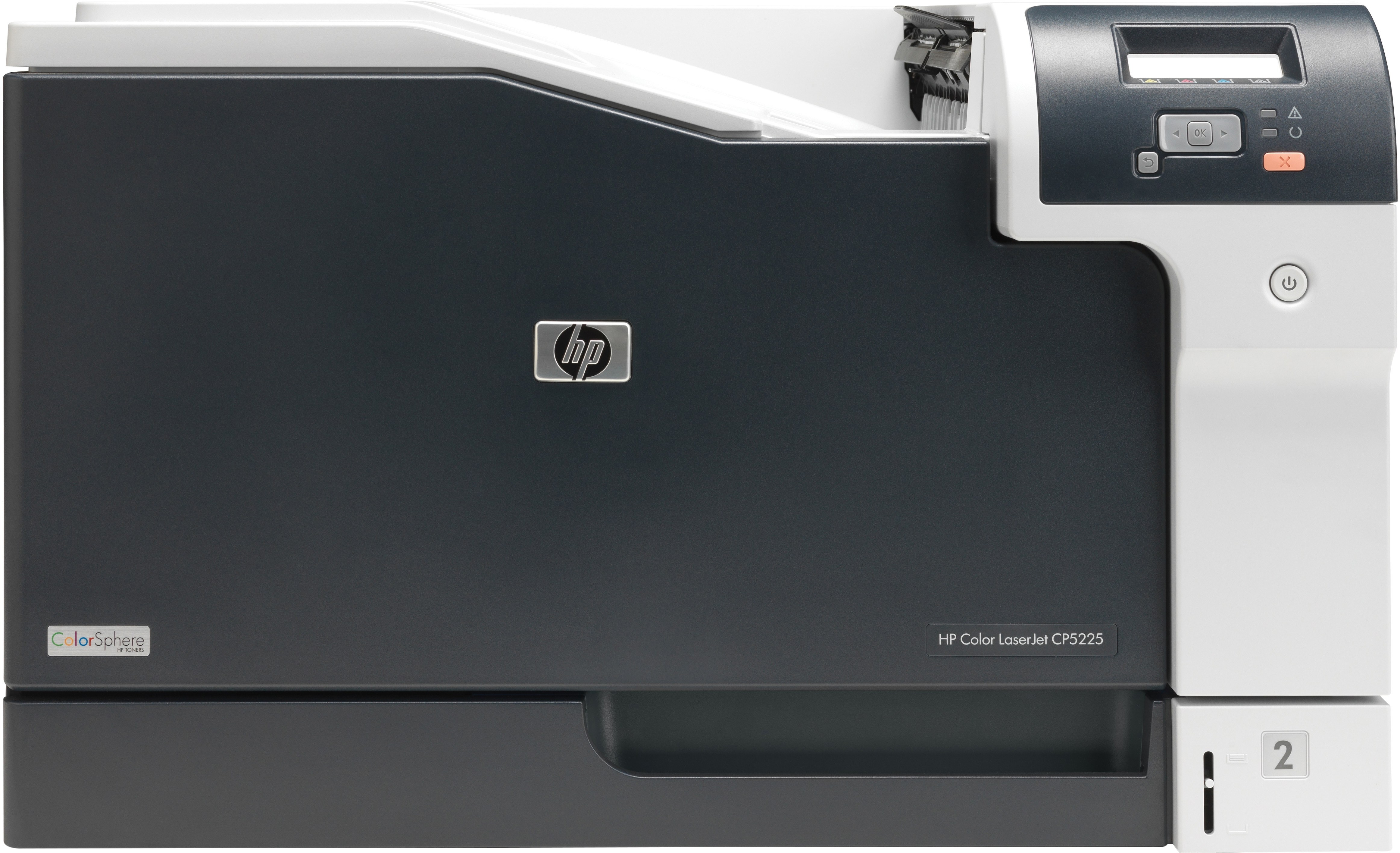
HP's Color LaserJet Professional CP5200 targeted businesses stepping up to wide-format color for the first time. Tabloid printing moved from the copy shop to the corner of the office.
The machine takes HP 307A toner: black CE740A alongside cyan CE741A, magenta CE742A and yellow CE743A. We carry compatible cartridges and genuine OEM cartridges for the CP5200.
Toner Cartridges for Color LaserJet Professional CP5200
This printer works with the following toner cartridges:
- HP CE740A
- HP CE741A
- HP CE742A
- HP CE743A
More HP Printers
- Color CP5225n
- Color LaserJet CP5225
- Color LaserJet CP5225DN
- Color LaserJet CP5225N
- Color LaserJet Professional CP5220
- Color LaserJet Professional CP5225DN
- Color LaserJet Professional CP5225N
- Color Professional CP5200
- Color Professional CP5220
- Color Professional CP5225
- Color Professional CP5225dn
- Color Professional CP5225n
Frequently Asked Questions
Will any HP toner cartridge work in the Color LaserJet Professional CP5200, or does it need a specific family?
The correct cartridges for the Color LaserJet Professional CP5200 are CE740A, CE741A, CE742A, CE743A (HP 307A). Whether you buy OEM or compatible, that number is what matters — anything outside HP 307A will not seat properly in the Color LaserJet Professional CP5200.
Why does the Color LaserJet Professional CP5200 jam more often when printing heavier paper?
Heavier stock jams more easily, so on the Color LaserJet Professional CP5200 load thick paper one tray setting at a time and select the matching media type. Keeping the paper dry and flat matters more than anything for the Color LaserJet Professional CP5200.
My computer doesn't recognize the Color LaserJet Professional CP5200 — where do I start?
Download the latest driver for the Color LaserJet Professional CP5200 from HP's official support site, choosing your exact operating system. Install it with the printer connected or on the same network, then print a test page.