




Color LaserJet Professional CP5220
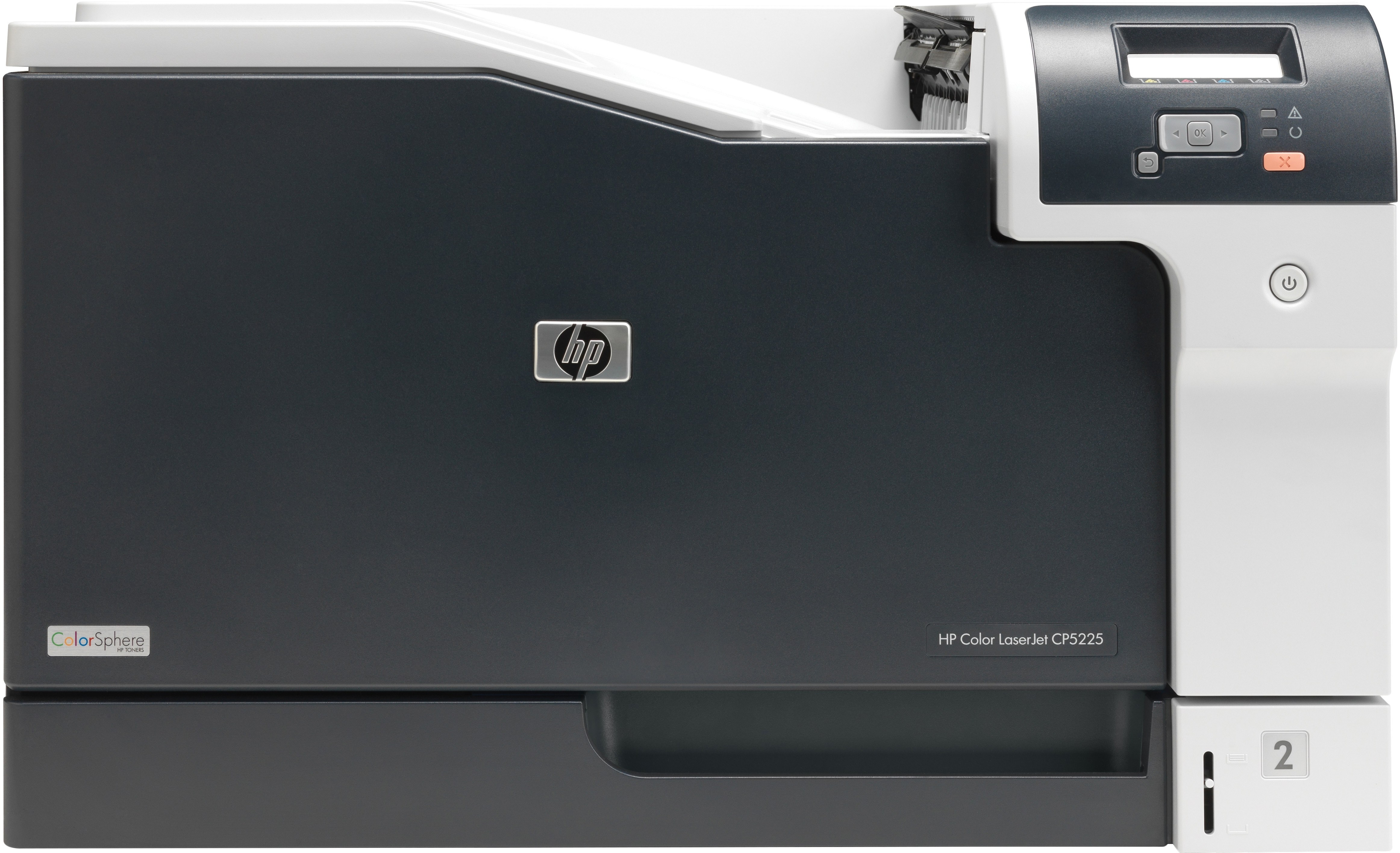
Sitting between the CP5200 and CP5225, the HP Color LaserJet Professional CP5220 offered wide-format color with professional-grade build quality. It suited departments producing presentation materials in-house.
HP 307A cartridges — CE740A black plus CE741A, CE742A and CE743A — keep it running. Both compatible and genuine OEM options are available for this model.
Toner Cartridges for Color LaserJet Professional CP5220
This printer works with the following toner cartridges:
- HP CE740A
- HP CE741A
- HP CE742A
- HP CE743A
More HP Printers
- Color CP5225n
- Color LaserJet CP5225
- Color LaserJet CP5225DN
- Color LaserJet CP5225N
- Color LaserJet Professional CP5200
- Color LaserJet Professional CP5225DN
- Color LaserJet Professional CP5225N
- Color Professional CP5200
- Color Professional CP5220
- Color Professional CP5225
- Color Professional CP5225dn
- Color Professional CP5225n
Frequently Asked Questions
Does the Color LaserJet Professional CP5220 accept only genuine HP cartridges, or do compatibles work too?
The correct cartridges for the Color LaserJet Professional CP5220 are CE740A, CE741A, CE742A, CE743A (HP 307A). Whether you buy OEM or compatible, that number is what matters — anything outside HP 307A will not seat properly in the Color LaserJet Professional CP5220.
One color looks off on my Color LaserJet Professional CP5220 — what should I check first?
Streaks on the Color LaserJet Professional CP5220 are most often a low or dirty cartridge, not a printer failure. Try shaking the low cartridge side to side, and if the banding stays, replace that single HP 307A cartridge rather than the whole set.
Which software do I need to get the Color LaserJet Professional CP5220 working?
Download the latest driver for the Color LaserJet Professional CP5220 from HP's official support site, choosing your exact operating system. Install it with the printer connected or on the same network, then print a test page.