




Color Professional CP5225dn
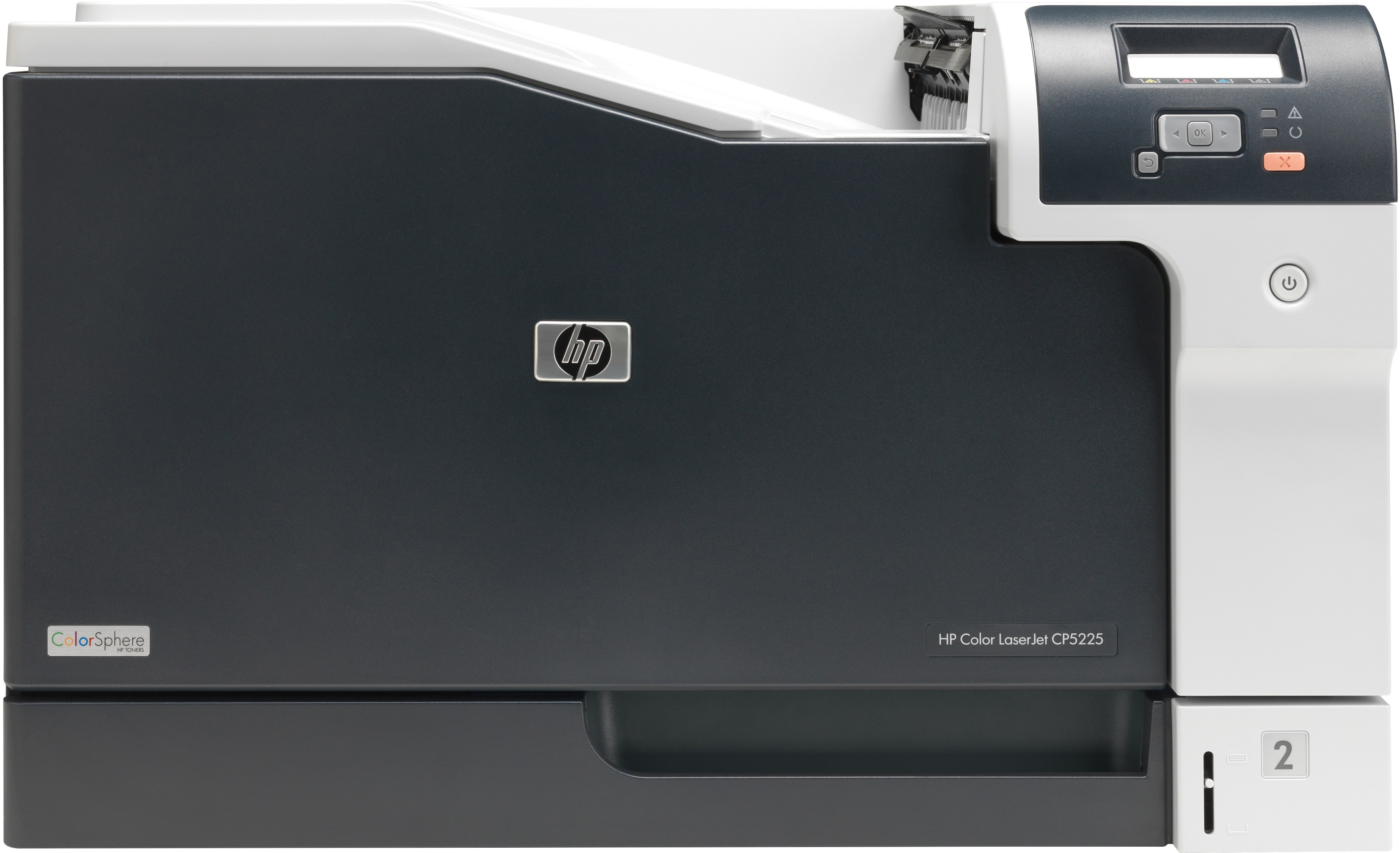
Duplex printing plus networking made the HP Color Professional CP5225dn the workhorse configuration of its line. Shared wide-format color, printed on both sides automatically, suited busy departments.
It takes HP 307A toner: CE740A black with the CE741A/CE742A/CE743A color set. Compatible cartridges cut costs; genuine OEM cartridges keep everything factory-original.
Toner Cartridges for Color Professional CP5225dn
This printer works with the following toner cartridges:
- HP CE740A
- HP CE741A
- HP CE742A
- HP CE743A
More HP Printers
- Color CP5225n
- Color LaserJet CP5225
- Color LaserJet CP5225DN
- Color LaserJet CP5225N
- Color LaserJet Professional CP5200
- Color LaserJet Professional CP5220
- Color LaserJet Professional CP5225DN
- Color LaserJet Professional CP5225N
- Color Professional CP5200
- Color Professional CP5220
- Color Professional CP5225
- Color Professional CP5225n
Frequently Asked Questions
Will any HP toner cartridge work in the Color Professional CP5225dn, or does it need a specific family?
The Color Professional CP5225dn needs the HP 307A family — CE740A for black, plus CE741A, CE742A, and CE743A for the colors. Genuine HP and quality-compatible versions of those exact codes both work in the Color Professional CP5225dn; cartridges from other HP families will not fit.
When one cartridge runs out on the Color Professional CP5225dn, is it better to change all of them?
Changing everything at once on the Color Professional CP5225dn is rarely the right call. Check the supplies gauge, replace the cartridge that is actually out, and leave the rest for the Color Professional CP5225dn to use up.
Does printing in black-and-white save toner on the Color Professional CP5225dn?
Black-and-white jobs on the Color Professional CP5225dn use only the black cartridge, leaving the color cartridges untouched. Switching to monochrome for everyday documents is the fastest way to make a HP 307A set last.