




Color Professional CP5225
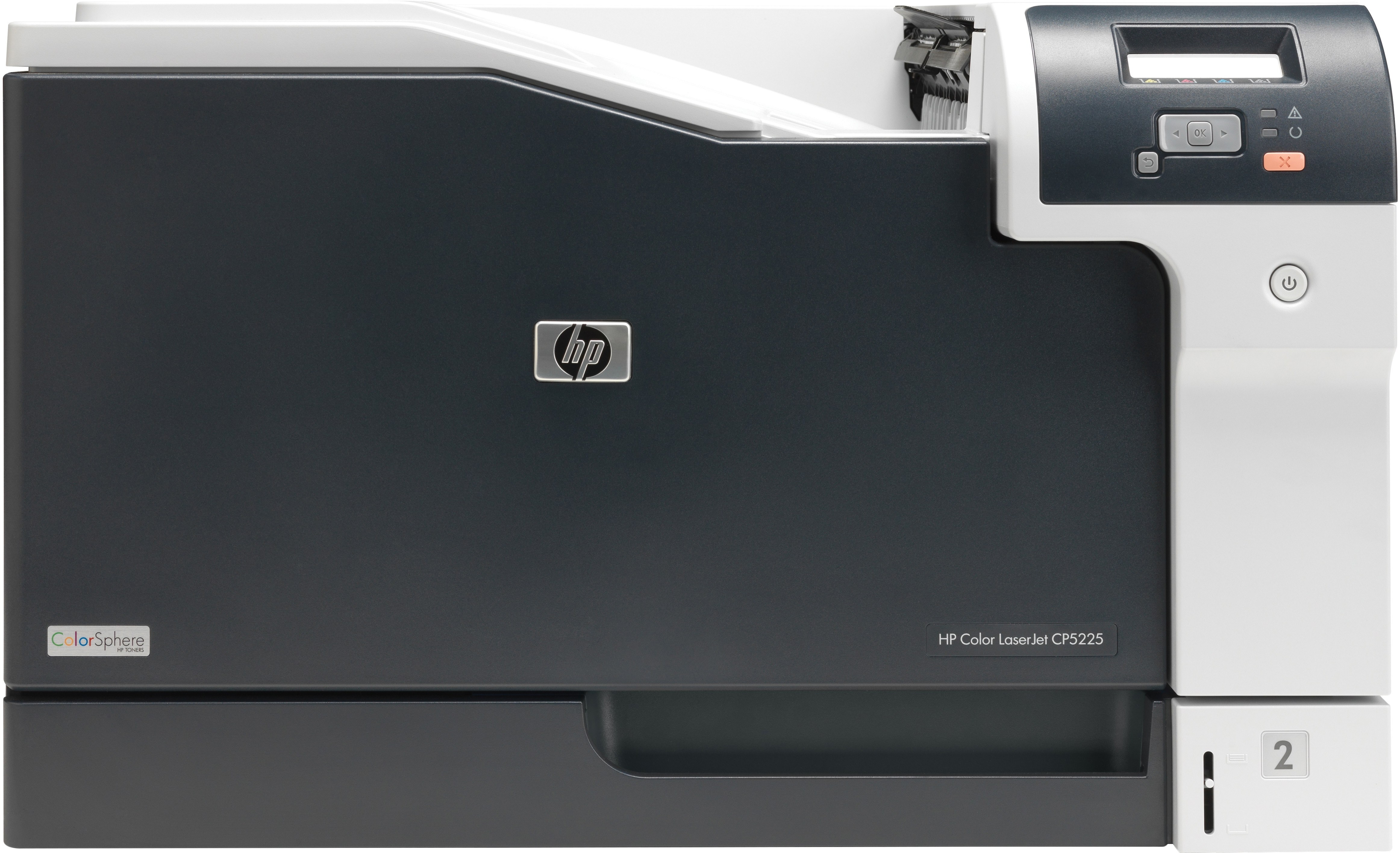
When standard printers couldn't handle the page size, the HP Color Professional CP5225 stepped in with full A3 color output. Marketing departments and engineering offices relied on it for oversized documents.
HP 307A cartridges power the machine — black CE740A plus cyan CE741A, magenta CE742A and yellow CE743A. Both compatible and genuine OEM options ship from Clever Supplies.
Toner Cartridges for Color Professional CP5225
This printer works with the following toner cartridges:
- HP CE740A
- HP CE741A
- HP CE742A
- HP CE743A
More HP Printers
- Color CP5225n
- Color LaserJet CP5225
- Color LaserJet CP5225DN
- Color LaserJet CP5225N
- Color LaserJet Professional CP5200
- Color LaserJet Professional CP5220
- Color LaserJet Professional CP5225DN
- Color LaserJet Professional CP5225N
- Color Professional CP5200
- Color Professional CP5220
- Color Professional CP5225dn
- Color Professional CP5225n
Frequently Asked Questions
How do I know which toner to order for my Color Professional CP5225?
Use CE740A, CE741A, CE742A, CE743A in the Color Professional CP5225 — that is the full HP 307A set. Compatible replacements work fine as long as they are made for HP 307A; the Color Professional CP5225 will not accept cartridges from other HP families.
Why do documents from the Color Professional CP5225 look faded even with new toner?
Streaks on the Color Professional CP5225 are most often a low or dirty cartridge, not a printer failure. Try shaking the low cartridge side to side, and if the banding stays, replace that single HP 307A cartridge rather than the whole set.
If only the black is empty on the Color Professional CP5225, do the color cartridges need changing too?
No — the Color Professional CP5225 lets you replace each HP 307A cartridge independently, so swap only the empty one. The printer's supplies status will tell you which of the four is actually low.