




Color LaserJet CP2025DN
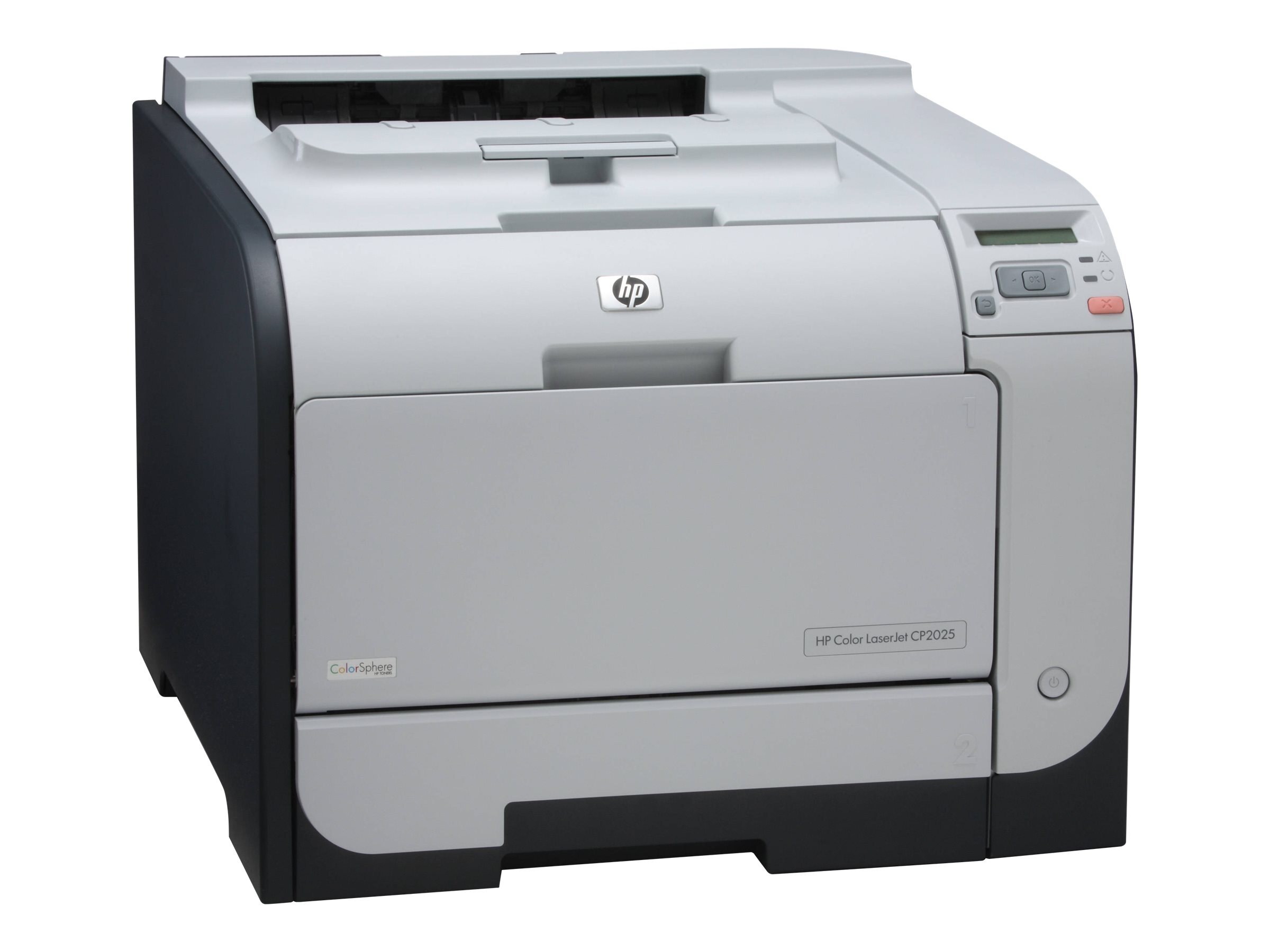
Two-sided printing and network connectivity made the HP Color LaserJet CP2025DN the practical pick of the CP2025 line. Automatic duplexing cut paper use in half, and Ethernet let the whole office share one machine.
It takes HP 304A cartridges — CC530A black plus CC531A cyan, CC532A magenta and CC533A yellow. Stock up on compatible toner for savings, or choose genuine OEM; either way it ships fast.
Toner Cartridges for Color LaserJet CP2025DN
This printer works with the following toner cartridges:
- HP CC530A
- HP CC531A
- HP CC532A
- HP CC533A
More HP Printers
- Color LaserJet CM2320
- Color LaserJet CM2320FXI
- Color LaserJet CM2320MFP
- Color LaserJet CM2320N
- Color LaserJet CM2320NF
- Color LaserJet CP2020
- Color LaserJet CP2025
- Color LaserJet CP2025N
- Color LaserJet CP2025X
- Color LaserJet CP2026
Frequently Asked Questions
What are the correct toner cartridge numbers for the Color LaserJet CP2025DN?
The correct cartridges for the Color LaserJet CP2025DN are CC530A, CC531A, CC532A, CC533A (HP 304A). Whether you buy OEM or compatible, that number is what matters — anything outside HP 304A will not seat properly in the Color LaserJet CP2025DN.
My Color LaserJet CP2025DN won't connect over Ethernet — what should I check?
Plug an Ethernet cable from the Color LaserJet CP2025DN into your router or network switch, then install the HP driver on each computer. The Color LaserJet CP2025DN picks up a network address automatically, and the driver installer should find it.
When one cartridge runs out on the Color LaserJet CP2025DN, is it better to change all of them?
Only the empty cartridge needs replacing in the Color LaserJet CP2025DN; the color cartridges are independent. Changing a half-full cartridge wastes toner and money.