




Color LaserJet CP2025
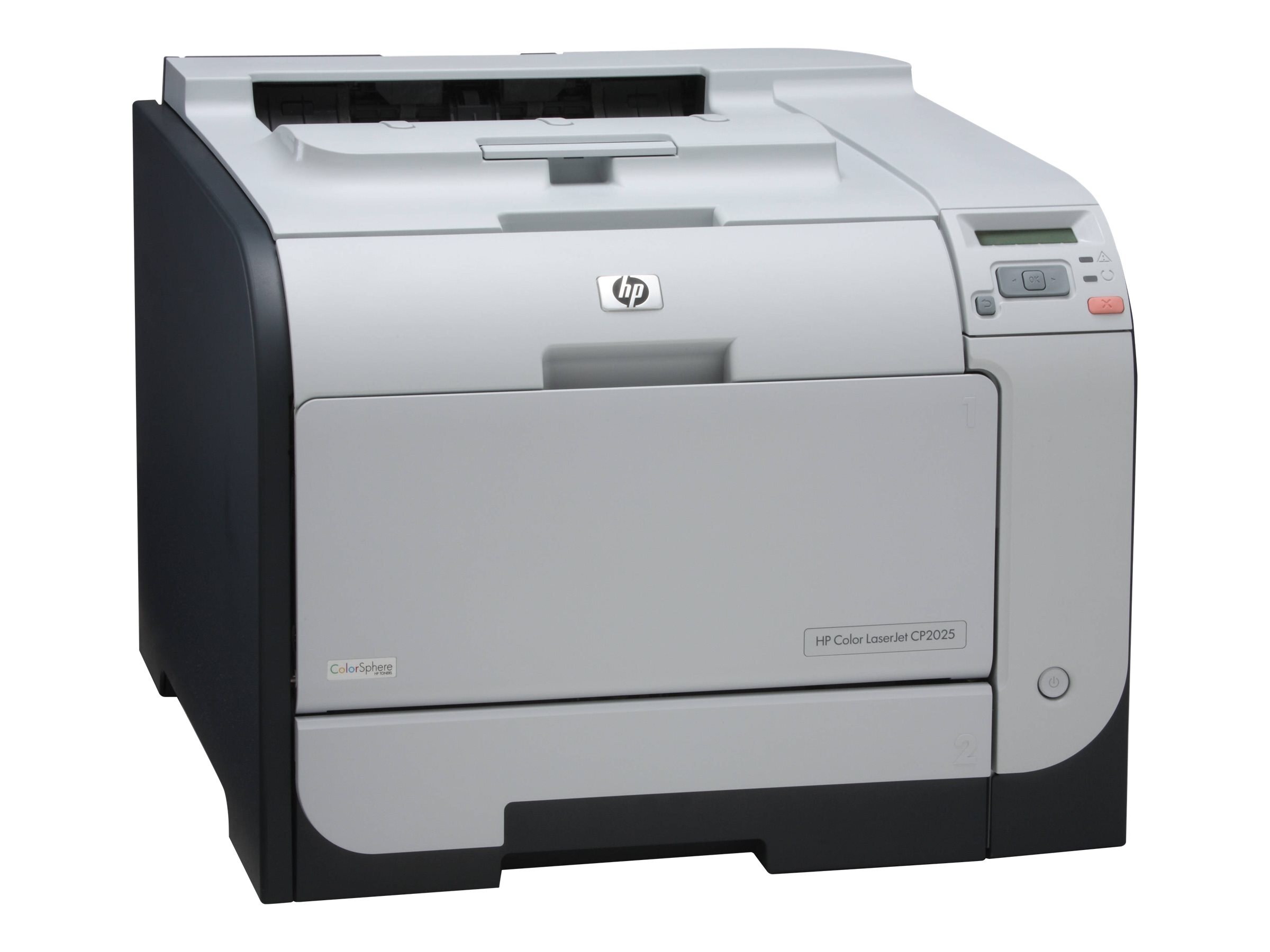
As one of HP's most widely deployed small-office color lasers, the HP Color LaserJet CP2025 handled the daily grind of proposals, flyers and reports. Its compact design slipped into offices where a full-size departmental printer never would.
The CP2025 uses the HP 304A cartridge family — black CC530A with the CC531A, CC532A and CC533A color trio. Both compatible and genuine OEM toner for this model are available, so you can print color on your terms.
Toner Cartridges for Color LaserJet CP2025
This printer works with the following toner cartridges:
- HP CC530A
- HP CC531A
- HP CC532A
- HP CC533A
More HP Printers
- Color LaserJet CM2320
- Color LaserJet CM2320FXI
- Color LaserJet CM2320MFP
- Color LaserJet CM2320N
- Color LaserJet CM2320NF
- Color LaserJet CP2020
- Color LaserJet CP2025DN
- Color LaserJet CP2025N
- Color LaserJet CP2025X
- Color LaserJet CP2026
Frequently Asked Questions
What are the correct toner cartridge numbers for the Color LaserJet CP2025?
Use CC530A, CC531A, CC532A, CC533A in the Color LaserJet CP2025 — that is the full HP 304A set. Compatible replacements work fine as long as they are made for HP 304A; the Color LaserJet CP2025 will not accept cartridges from other HP families.
One color looks off on my Color LaserJet CP2025 — what should I check first?
Streaks on the Color LaserJet CP2025 are most often a low or dirty cartridge, not a printer failure. Try shaking the low cartridge side to side, and if the banding stays, replace that single HP 304A cartridge rather than the whole set.
How do I replace the toner cartridge in my Color LaserJet CP2025?
Open the front cover of the Color LaserJet CP2025, pull the empty cartridge out by its handle, slide the new one in until it clicks, and close the cover. The Color LaserJet CP2025 usually calibrates itself right after.