




Color LaserJet 2500TN
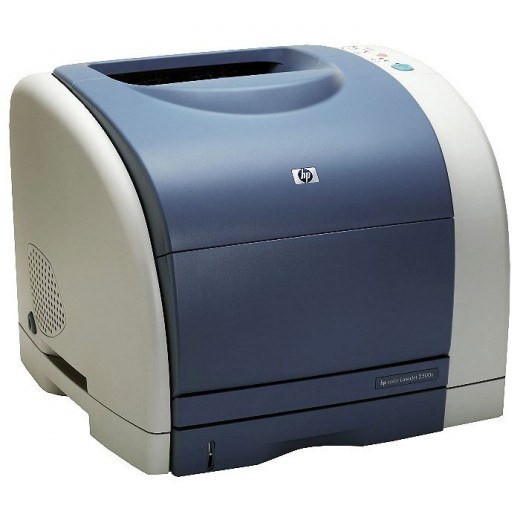
Extra paper plus networking: the TN in the Color LaserJet 2500TN means a second input tray and built-in Ethernet — the high-volume configuration of the 2500 family for departments that print in bulk.
The extra tray does not change the toner bay, which is still the HP 121A line (C9700A through C9703A). With this much paper on board, a spare compatible set makes sense; genuine OEM C9700A-family cartridges are here for factory-spec output.
Toner Cartridges for Color LaserJet 2500TN
This printer works with the following toner cartridges:
- HP C9700A
- HP C9701A
- HP C9702A
- HP C9703A
More HP Printers
- Color LaserJet 1500
- Color LaserJet 1500L
- Color LaserJet 1500LXI
- Color LaserJet 2500
- Color LaserJet 2500L
- Color LaserJet 2500LSE
- Color LaserJet 2500N
Frequently Asked Questions
Will C9700A work in my Color LaserJet 2500TN?
You need C9700A, C9701A, C9702A, and C9703A for the Color LaserJet 2500TN. If a listing shows one of these codes, it is made for your printer.
Will a compatible cartridge print as well as the OEM in the Color LaserJet 2500TN?
A good compatible C9700A produces output comparable to the OEM in the Color LaserJet 2500TN; print a test page after installing it in the Color LaserJet 2500TN and judge the quality yourself before committing.
Why does paper keep jamming in the Color LaserJet 2500TN?
Repeat jams in the Color LaserJet 2500TN usually trace to overfilled trays, damp or curled paper, or guides that are not snug — fan the stack, load less paper, and square the guides in the Color LaserJet 2500TN's tray.