




Color LaserJet 2500L
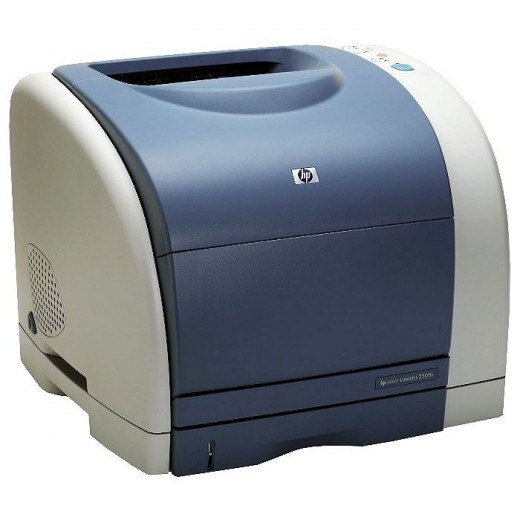
HP's 2500L took the workgroup color chassis of the 2500 and trimmed the configuration — less in the box and a lower price, aimed at lighter workloads.
The toner bay stayed standard: the 2500L uses HP 121A cartridges (C9700A through C9703A). Compatible sets bring the per-page cost down; genuine OEM C9700A-series cartridges match the original formulation.
Toner Cartridges for Color LaserJet 2500L
This printer works with the following toner cartridges:
- HP C9700A
- HP C9701A
- HP C9702A
- HP C9703A
More HP Printers
- Color LaserJet 1500
- Color LaserJet 1500L
- Color LaserJet 1500LXI
- Color LaserJet 2500
- Color LaserJet 2500LSE
- Color LaserJet 2500N
- Color LaserJet 2500TN
Frequently Asked Questions
Can I use C9700A toner in the Color LaserJet 2500L?
The correct cartridges for the Color LaserJet 2500L are C9700A, C9701A, C9702A, and C9703A. Check the code printed on your current cartridge to confirm.
Can I keep printing after the Color LaserJet 2500L shows a low-toner message?
Yes, in most cases. The Color LaserJet 2500L warns early, so keep printing until quality actually drops, and have the replacement C9700A ready for a quick swap in the Color LaserJet 2500L.
Why does paper keep jamming in the Color LaserJet 2500L?
Repeat jams in the Color LaserJet 2500L usually trace to overfilled trays, damp or curled paper, or guides that are not snug — fan the stack, load less paper, and square the guides in the Color LaserJet 2500L's tray.