




Laser W5600N
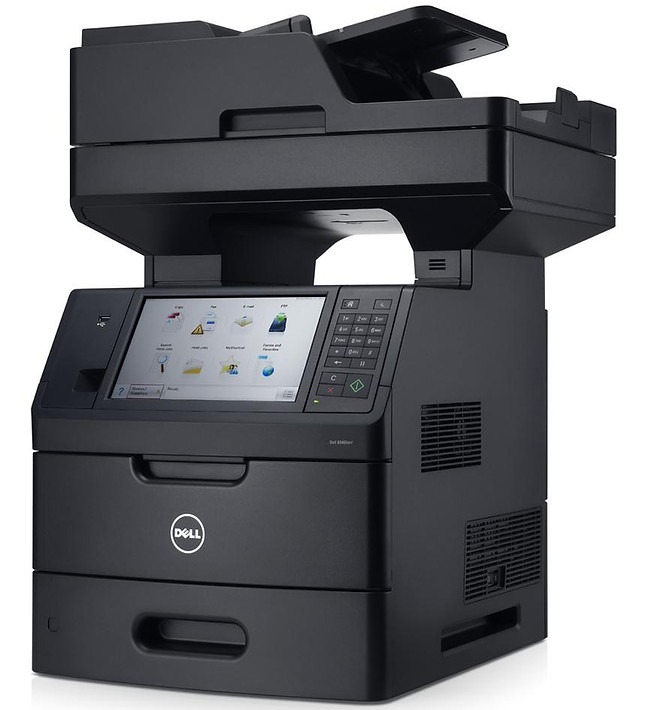
The Dell W5600N combines the W5600's high-speed departmental mono engine with standard networking for shared workgroup use. Optional duplex, expanded paper trays, and PostScript/PCL support make it a complete departmental solution, and the heavy-duty duty cycle shrugs off large monthly volumes.
The W5600N shares its cartridge family with the W5300 — high-yield toner up to 27,000 pages that keeps a busy printer productive for months between changes. Genuine and compatible cartridges are in stock below.
Toner Cartridges for Dell W5600N
This printer works with the following toner cartridges:
- Dell K2885
- Dell X2046
- Dell J2925
- Dell 310-4133
- Dell M2925
- Dell N2157
- Dell C3044
- Dell Y2044
- Dell 310-4585
- Dell 310-4587
Frequently Asked Questions
Which supplies fit the Dell W5600N?
The W5600N takes K2885, X2046, J2925, 310-4133, M2925, N2157, C3044, Y2044, 310-4585, and 310-4587 - the full W5300/W5600 family set.
Does the W5600N support automatic duplexing?
The W5600N configuration supports two-sided printing: enable duplex in the driver to print both sides automatically. Pair it with the right cartridge capacity for your office's monthly volume.
My W5600N prints look washed out - cartridge or settings?
Check that toner-save mode is not enabled in the W5600N's driver first, since it deliberately lightens output. If prints are still washed out at full quality, replace the cartridge with a fresh one from the listed codes.