




Color Laser Laser W5300N
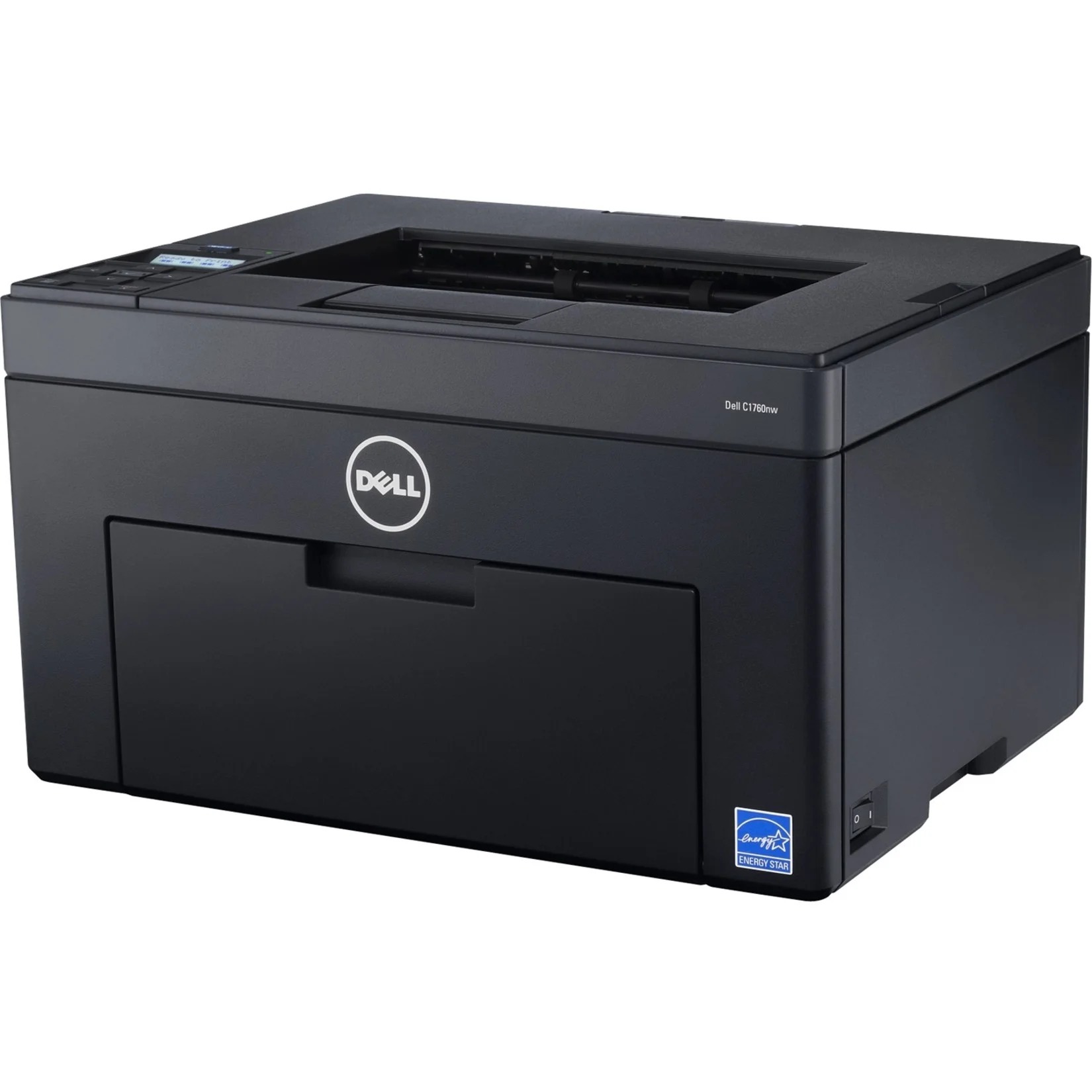
For offices that standardized on shared network printers, the Dell W5300N brought departmental-grade monochrome output to the Ethernet: a massive duty cycle, optional duplexing and expandable input, serving queues that would overwhelm lesser machines. Stocked for it here is the 310-4133 high-yield black toner, a 21,000-page cartridge that keeps shared queues moving without constant attention — sold singly and in packs of two, three, five and ten.
Two things define life with this printer. The first is the queue: as a network resource it absorbs the whole department's output, including the jobs nobody plans for. The second is size — the W5300N handles tabloid 11" x 17" sheets, which makes it the machine people seek out for wide spreadsheets, drawings and oversized documents. Both traits argue for the same supply policy: a long-life cartridge, bought ahead, so the busiest shared device in the building is never the one standing idle.
Toner Cartridges for W5300N
| Cartridge | Color | Page Yield |
|---|---|---|
| 310-4133 Black Toner Cartridge | Black | Approx. 21,000 pages |
| 310-4133 Black Toner Cartridges, 2 Pack | Black | Approx. 21,000 pages |
| 310-4133 Black Toner Cartridges, 3 Pack | Black | Approx. 21,000 pages |
| 310-4133 Black Toner Cartridges, 5 Pack | Black | Approx. 21,000 pages |
| 310-4133 Black Toner Cartridges, 10 Pack | Black | Approx. 21,000 pages |
Which cartridge should you buy?
The 310-4133 is the cartridge; the only variable is quantity. A department that shares one W5300N should keep at least the two pack in rotation — one cartridge working, one waiting — because a network printer's empty day is everybody's empty day. Heavier sites and multi-printer floors get the best per-cartridge pricing from the five and ten packs, and at 21,000 pages per unit even a ten pack is a measured stock, not a gamble. No other yield tier is offered for this model here, by design: high-yield is what a machine of this duty cycle is built around.
Chip, toner and everyday use
Keep the spare where the printer is, labeled for this model, so any staff member can complete a swap without hunting through a supply room. Fit the cartridge until it seats cleanly and let the chip register before jobs resume. Oversized tabloid pages carry more toner per sheet than letter pages, so departments printing many 11" x 17" documents should expect somewhat shorter intervals between cartridges than the letter-page rating suggests. A gentle side-to-side rock of a fading cartridge remains the quickest way to finish a job cleanly before the replacement goes in.
Frequently Asked Questions
Which replacement toner should I buy for the W5300N?
The 310-4133 high-yield black cartridge, rated at 21,000 pages. Order by that code and the match is certain; it is available here from a single cartridge up to a ten pack.
Can the W5300N print on 11" x 17" paper?
Yes — wide-format tabloid output is one of this model's main advantages over standard desktop lasers. Set the paper size in the print dialog, load the tray, and wide spreadsheets print across the full sheet.
Does sharing the printer on a network change its supplies?
No. Networking changes who can send jobs, not what the machine consumes. The cartridge remains the 310-4133; what changes is how fast a department works through its 21,000 pages.
How do I get the best value from cartridges here?
Buy the high-yield cartridge in the largest pack your usage justifies, and use toner-save settings for internal drafts. On a shared machine the savings compound quickly, because every user's pages draw from the same well-priced supply.
More printers that use the same cartridges
One shared cartridge covers these Dell workgroup models as well: Color Laser Laser M5200, Color Laser Laser M5200N, Color Laser Laser W5300, Color Laser Laser W5600N, Dell 310-4133, Laser 5200, Laser 5200N, Laser M5200, Laser M5200N, Laser W5300, Laser W5300N, Laser W5600, Laser W5600N.