




Laser M5200
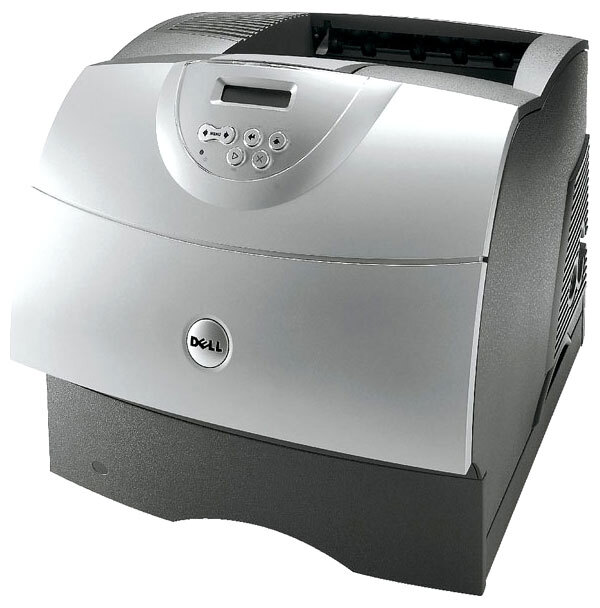
The Dell M5200 workgroup laser is the desktop-direct sibling of the networked 5200N — same rugged monochrome engine, built for high-volume black-and-white output in offices that don't need Ethernet on every desk. It accepts optional duplex and extra trays, so it scales from a busy desk to a departmental workhorse.
Like the rest of the 5200 family, the M5200 uses high-yield toner cartridges from the 310-413x series, keeping cost per page low where it matters most. Compatible and OEM cartridges for the M5200 are listed below with fast shipping.
Toner Cartridges for Dell M5200
This printer works with the following toner cartridges:
- Dell R0136
- Dell 310-4132
- Dell D1853
- Dell X2046
- Dell K2885
- Dell 310-4131
- Dell J2925
- Dell R0137
- Dell W2989
- Dell 310-4549
- Dell 310-4133
- Dell 310-3544
- Dell 310-3545
Frequently Asked Questions
What cartridges does the Dell M5200 take?
The M5200 uses the 5200-series supply family: 310-4132, 310-4131, 310-4133, 310-4549, 310-3544, 310-3545, plus R0136, D1853, X2046, K2885, J2925, R0137, and W2989. Verify the part number on your installed cartridge before ordering.
Is the M5200 the same printer as the 5200?
The M5200 shares the 5200 print engine and cartridge set, so supplies are interchangeable between the two models. If you replace a 5200 with an M5200, your spare cartridges carry straight over.
How do I clear a paper jam on the M5200?
Power off the M5200, open the front and rear covers, and gently pull the jammed paper out in the direction of the paper path - never yank it backward. Check around the toner cartridge area (310-4132 series) for torn scraps before closing everything up.