




Color Laser Laser W5300
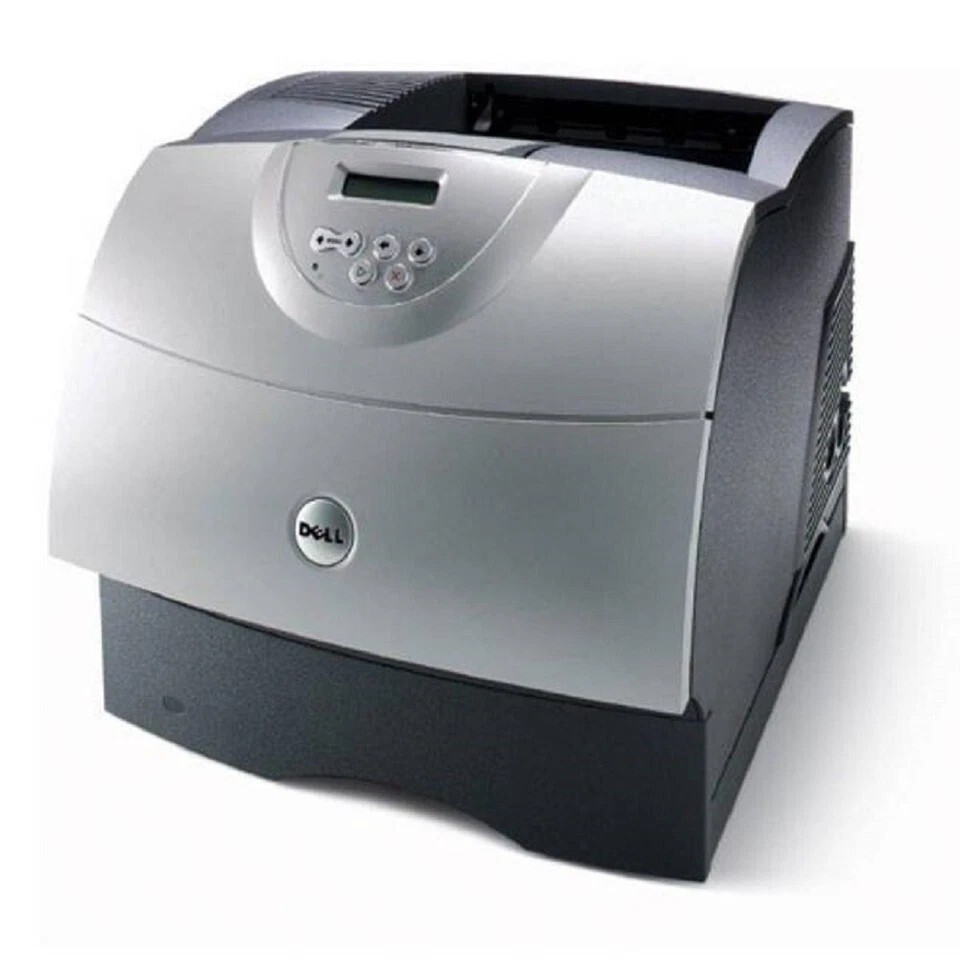
The Dell W5300 was designed for one thing: relentless monochrome output. Its industrial-grade engine carries a 225,000-page monthly duty cycle and a million-page service life, numbers that put it in a different class from desktop lasers. Optional duplex and additional trays let it adapt to departmental paper flows.
The standout consumable story is the ultra-high-yield toner option — up to 27,000 pages per cartridge — which turns toner replacement into a quarterly event instead of a weekly chore. Both OEM and compatible versions are below.
Toner Cartridges for Dell W5300
This printer works with the following toner cartridges:
- Dell K2885
- Dell X2046
- Dell J2925
- Dell 310-4133
- Dell M2925
- Dell N2157
- Dell C3044
- Dell Y2044
- Dell 310-4585
- Dell 310-4587
Frequently Asked Questions
How do I find the right cartridge for the Dell W5300?
Look for cartridge codes 310-4133 and C3044 when shopping for the Dell W5300; the full list of compatible options is shown in the cartridges section of this page.
How do I print a large spreadsheet on the Dell W5300?
Load 11" x 17" paper in the Dell W5300's tray, set the paper size to tabloid in the print dialog, and the spreadsheet prints across the full sheet.
Should I stock up on toner for the Dell W5300?
Buy only what you'll use within a year: cartridges for the Dell W5300, such as 310-4133, keep best in their sealed packaging, and one spare on the shelf beats an emergency rush order.