




Laser W5300N
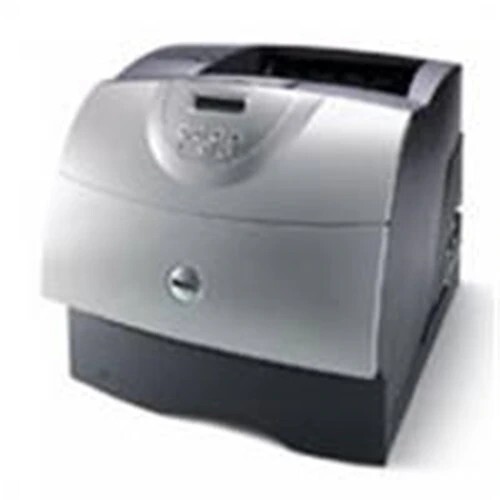
The Dell W5300N is the networked version of Dell's heavy-duty W5300 mono laser — Ethernet standard for shared departmental printing. Behind it sits the same industrial engine: 225,000-page monthly duty cycle, million-page design life, and ultra-high-yield toner options up to 27,000 pages.
For IT teams, the W5300N's MIB-compliant network management and expandable memory make it easy to administer at scale. High-capacity genuine and compatible toner cartridges for the W5300N are below.
Toner Cartridges for Dell W5300N
This printer works with the following toner cartridges:
- Dell K2885
- Dell X2046
- Dell J2925
- Dell 310-4133
- Dell M2925
- Dell N2157
- Dell C3044
- Dell Y2044
- Dell 310-4585
- Dell 310-4587
Frequently Asked Questions
How do I connect the Dell W5300N to my network?
The W5300N has built-in Ethernet: plug it into your switch and install it as a network printer on each workstation. Everyone shares the same cartridge set (K2885, X2046, J2925, 310-4133, and the rest).
Which cartridges fit the W5300N?
The W5300N takes K2885, X2046, J2925, 310-4133, M2925, N2157, C3044, Y2044, 310-4585, and 310-4587 - identical to the base W5300.
The W5300N is shared by our whole floor - cartridge strategy?
A floor-shared W5300N consumes toner fast, so stock the highest-capacity cartridges in its list and keep a spare beside the printer. Check supply levels through the network status page weekly.