




WorkCentre 3550YX
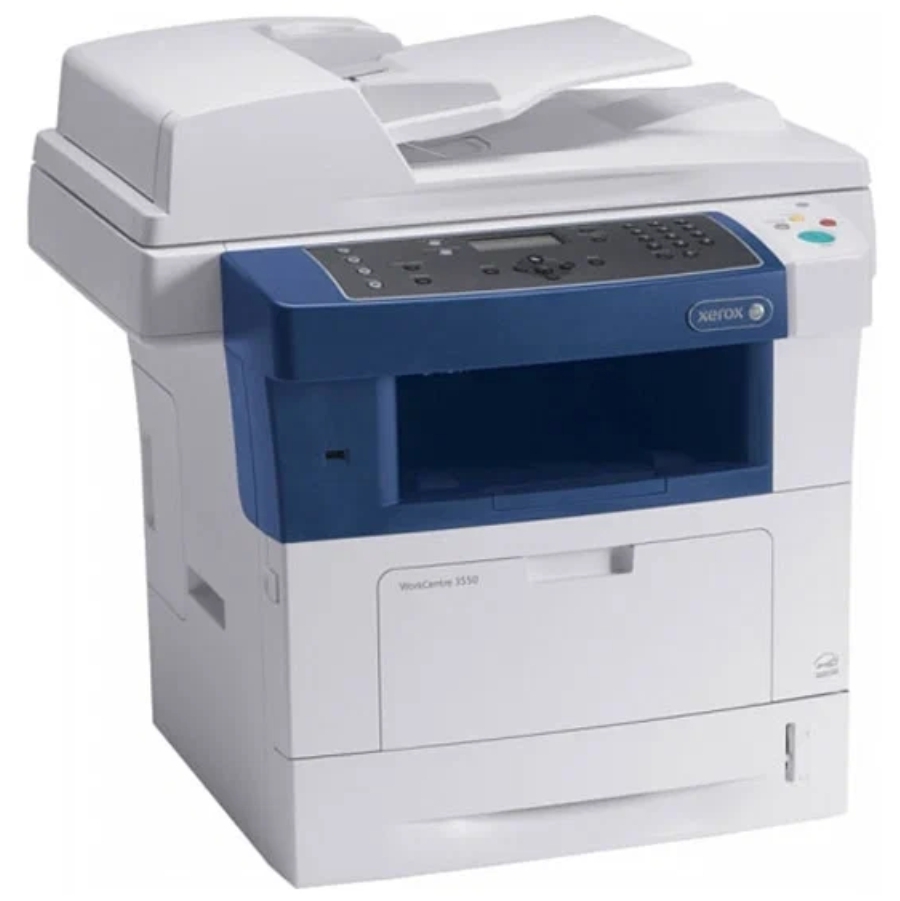
The Xerox WorkCentre 3550YX is a monochrome multifunction laser printer configured for high-demand office environments. Like its 3550 siblings, it runs on the Xerox 106R01529 toner cartridge — one consumable to manage. Stock 106R01529 toner for the 3550YX here so the work never stops. For the highest-demand setups, the 3550YX also runs the 106R01530 high-yield black cartridge, cutting down on how often toner needs attention.
Toner Cartridges for WorkCentre 3550YX
| Cartridge | Color | Page Yield | OEM # |
|---|---|---|---|
| Xerox 106R01529 (Compatible) | Black | See product listing | 106R01529 |
Frequently Asked Questions
What toner does the WorkCentre 3550YX use?
The WorkCentre 3550YX uses the Xerox 106R01529 toner cartridge. The OEM cartridge carries the same 106R01529 part number, and compatible versions are listed alongside it.
How many pages does a 106R01529 cartridge print?
Page yield varies by cartridge; check the individual product listing for the rated yield.
Are compatible 106R01529 cartridges safe for the WorkCentre 3550YX?
Compatible 106R01529 cartridges are designed to work in the WorkCentre 3550YX. If your printer is still under warranty, check the warranty terms before using third-party supplies.
How do I install a 106R01529 cartridge in the WorkCentre 3550YX?
Open the front cover of the WorkCentre 3550YX, remove the old 106R01529 cartridge, unbox the new one, gently rock it to distribute the toner, slide it in until it clicks, and close the cover.