




WorkCentre 3550TM
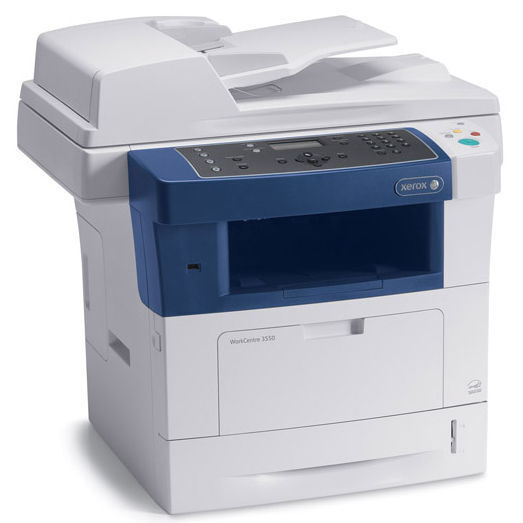
A monochrome multifunction with an eye on speed, the WorkCentre 3550TM handles printing, copying, scanning, and faxing for busy small offices. Its toner is the 106R01529 cartridge, the genuine Xerox supply for this engine. The 3550TM's brisk output and duplexing keep black-and-white document flow moving.
Toner Cartridges for WorkCentre 3550TM
| Cartridge | Color | Page Yield | OEM # |
|---|---|---|---|
| Xerox 106R01529 (Compatible) | Black | See product listing | 106R01529 |
Frequently Asked Questions
What toner does the WorkCentre 3550TM use?
The WorkCentre 3550TM uses Xerox 106R01529 toner cartridges — the OEM part number is 106R01529, which is the genuine Xerox supply designed for this printer.
How many pages does a 106R01529 cartridge print?
Page yield varies by cartridge; check the individual product listing for the rated yield of the specific 106R01529 cartridge you're considering for the WorkCentre 3550TM.
Are compatible 106R01529 cartridges safe for the WorkCentre 3550TM?
Compatible 106R01529 cartridges are designed to work with the WorkCentre 3550TM and meet the same fit and function standards, but check your printer's warranty terms before choosing a third-party supply.
How do I install a 106R01529 cartridge in the WorkCentre 3550TM?
Open the front cover of the WorkCentre 3550TM, remove the spent cartridge, slide the new 106R01529 cartridge into its slot until it seats firmly, then close the cover.