




ALTALINK C8030
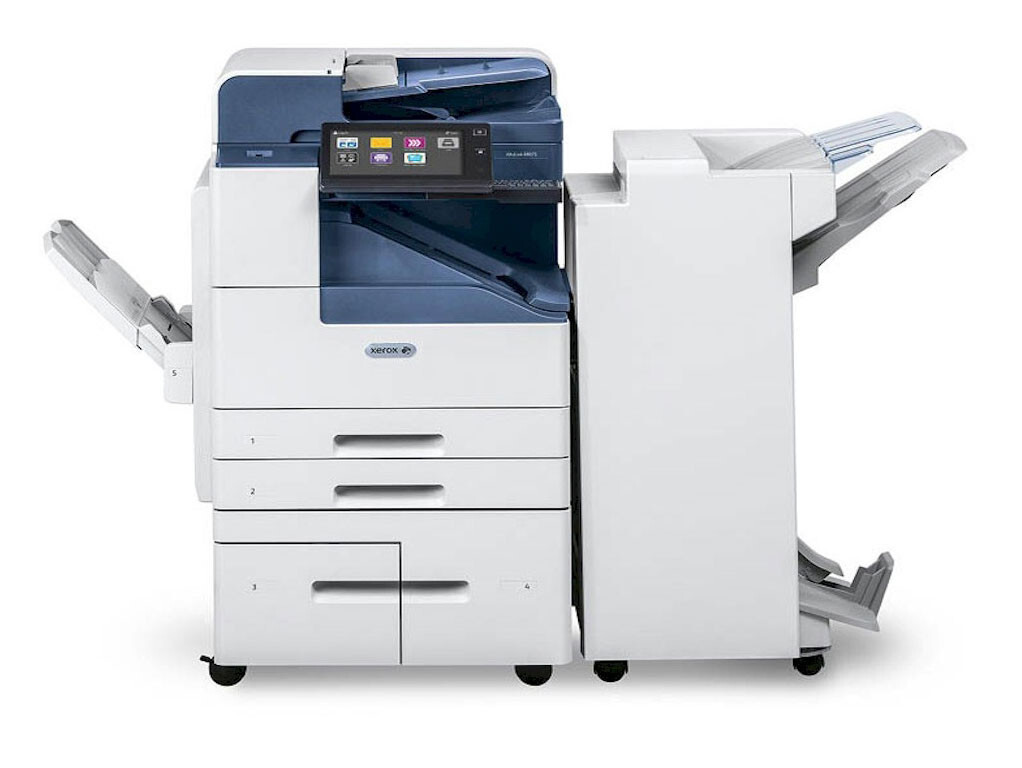
Shared color printing is the daily reality the Xerox ALTALINK C8030 was built for: a color multifunction printer for workgroups that want sharp documents and send as many jobs from phones as from desks. It runs on four separate toner cartridges. Black work comes from the 006R01697 cartridge, and color pages draw on 006R01698 in cyan, 006R01699 in magenta and 006R01700 in yellow. Because each color lives in its own cartridge, the C8030 only ever asks you to replace the one that has actually run dry.
On a machine shared by a whole workgroup, toner duty usually falls to whoever is standing nearby when a cartridge gives out, which makes the four codes worth learning once. The black cartridge does the heavy lifting on reports, invoices and everyday correspondence, while the three colors burn down unevenly depending on what the team prints — a single quarter of slide decks can empty a yellow that plain memos would have spared for months. And none of it needs a service visit: the spent cartridge slides out, its replacement seats with a click, and the line of waiting jobs moves again.
Toner Cartridges for ALTALINK C8030
| Cartridge | Color | Page Yield |
|---|---|---|
| 006R01697 | Black | Standard yield |
| 006R01697 (2 Pack) | Black | Standard yield |
| 006R01698 | Cyan | See product page |
| 006R01699 | Magenta | See product page |
| 006R01700 | Yellow | See product page |
| 006R01697, 006R01698, 006R01699, 006R01700 (4 Color Set) | Black, Cyan, Magenta, Yellow | See product page |
Which cartridge should you buy?
Start from the simplest rule this printer offers: buy the cartridge the machine is asking for, and no other. The four cartridges empty on their own schedules, so a low yellow says nothing about the cyan sitting beside it, and replacing colors one at a time keeps your spending tied to what the workgroup actually printed. Single cartridges are the right purchase in most weeks. Black is the one exception worth planning around — text dominates workgroup printing, so the black 2 pack puts a spare on the shelf before the current cartridge runs out, instead of after. The 4 color set earns its place in narrower moments: stocking a newly installed machine, or a stretch where several cartridges are flagging low together. Every compatible cartridge listed here is covered by a 1-year warranty and 1-year returns.
Chip, toner and everyday use
If a fresh cartridge is not recognized at first, pull it out and seat it again firmly — the chip needs solid contact before the C8030 will read it. Before any cartridge goes in, rock it gently from side to side a few times so the toner inside settles evenly and the first pages come out consistent. Remember that rated page yields are estimates worked out at 5% coverage: a page carrying photographs or full-color charts uses far more toner than a page of text, so real life from a cartridge depends on what your workgroup prints. Keep spare cartridges sealed, stored flat in a cool, dry spot away from direct sunlight, and they will be ready the day they are needed.
Frequently Asked Questions
Which toner cartridges does the ALTALINK C8030 use?
The C8030 uses four cartridges: 006R01697 for black, 006R01698 for cyan, 006R01699 for magenta and 006R01700 for yellow. Each is a separate supply, listed in compatible form on this page — and black also comes as a 2 pack, with all four together in a 4 color set.
One color has run out. Do I have to replace the whole set?
No. Each cartridge in the C8030 swaps independently, so an empty yellow comes out and a fresh yellow goes in while the other three stay exactly where they are. There is no need to retire a color that still has toner in it.
How many pages should I expect from one cartridge?
There is no single honest number, because yield depends on coverage — dense color pages consume toner far faster than text pages. Ratings are measured at 5% coverage, and the rated yield for each cartridge is shown on its product page so you can compare before ordering.
More printers that use the same cartridges
The C8030 shares its four cartridges with the rest of this AltaLink family, so the same supplies serve every model here: ALTALINK C8035, ALTALINK C8045, ALTALINK C8055, ALTALINK C8070.