




SL-C1860FW
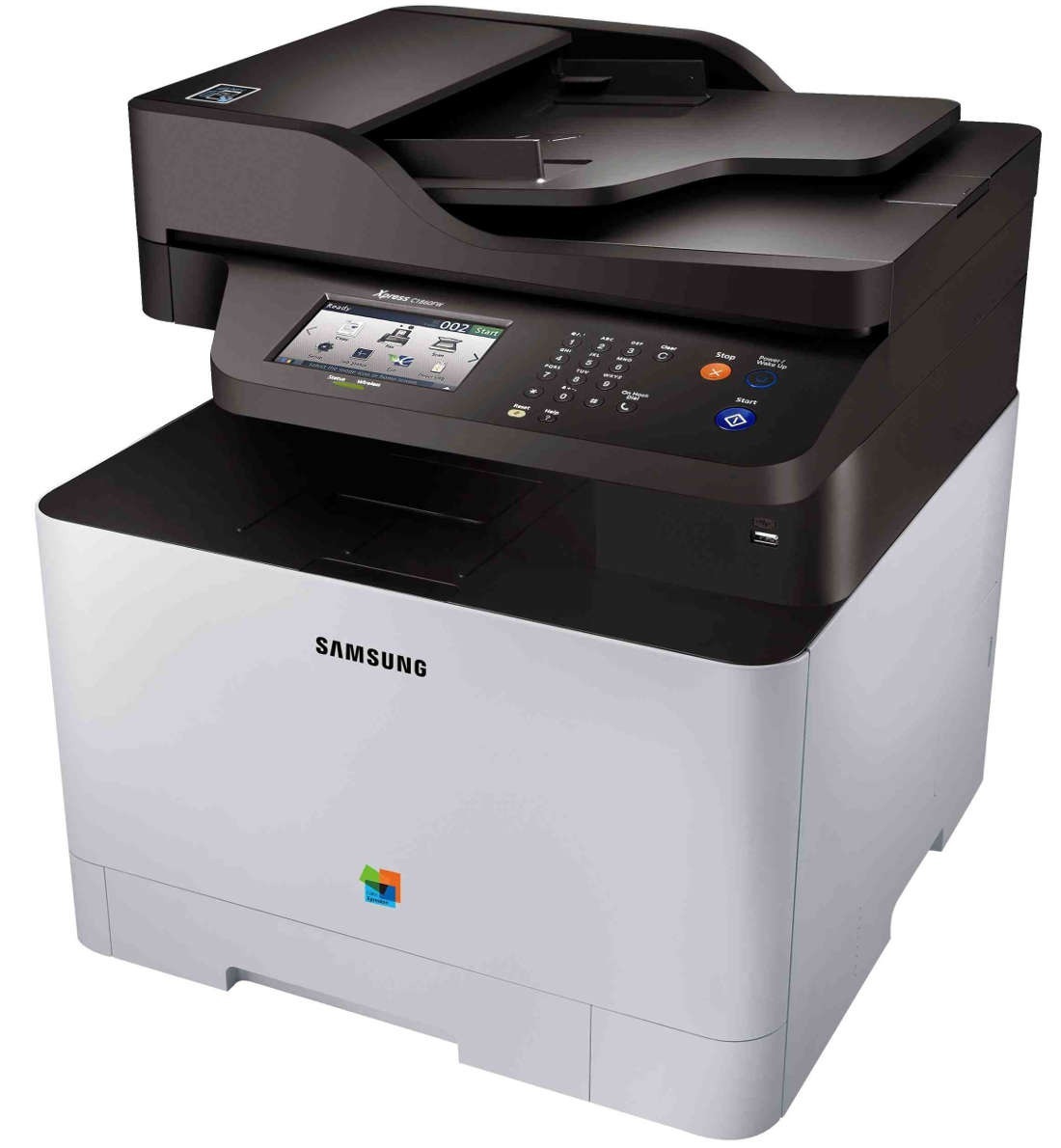
The SL-C1860FW arrived in the early 2010s as a color laser multifunction printer with running costs kept firmly in check. The letters in its model name mean it adds fax and wireless networking, setting it apart from the base SL-C1860. Buyers were typically small workgroups with steady color printing needs.
The specified toner is Samsung's CLT-K504S range: CLT-K504S black alongside CLT-C504S cyan. We stock compatible CLT-K504S toner as well as genuine Samsung OEM cartridges, and every order ships fast from Clever Supplies.
Toner Cartridges for SL-C1860FW
This printer works with the following toner cartridges:
- Samsung CLT-K504S
- Samsung CLT-C504S
- Samsung CLT-M504S
- Samsung CLT-Y504S
More Samsung Printers
- CLP-415
- CLP-415N
- CLP-415NW
- CLP-4195FW
- CLP-470
- CLP-475
- CLX-4195
- CLX-4195FN
- CLX-4195FW
- CLX-4195N
- SL-C1810
- SL-C1810W
- SL-C1860
- Xpress C1810
- Xpress C1810W
Frequently Asked Questions
Is duplex printing worth enabling on the SL-C1860FW?
The SL-C1860FW uses the CLT-K504S black cartridge in a single yield, so yield choice is not a lever here — consolidation is. Share one SL-C1860FW across the office instead of running several printers at low duty. Measure, adjust, repeat — the SL-C1860FW rewards owners who watch their usage.
The SL-C1860FW works over USB but not over the network — driver or network issue?
If the computer misses the SL-C1860FW, try a different USB port or cable first; detection failures are often physical. Print a test page from the driver properties to confirm the SL-C1860FW install before troubleshooting applications. Get the driver from the source, install it cleanly, and the SL-C1860FW behaves.
Quick question: my SL-C1860FW came with toner in the box — which replacement do I order?
When the SL-C1860FW runs dry, the replacement you want is CLT-K504S — nothing else in the Samsung range. Regional variants of Samsung toner exist, so make sure the CLT-K504S you buy is the version sold for your region. Write CLT-K504S on a label inside the printer lid and reordering becomes a two-second job.