




SL-C1810
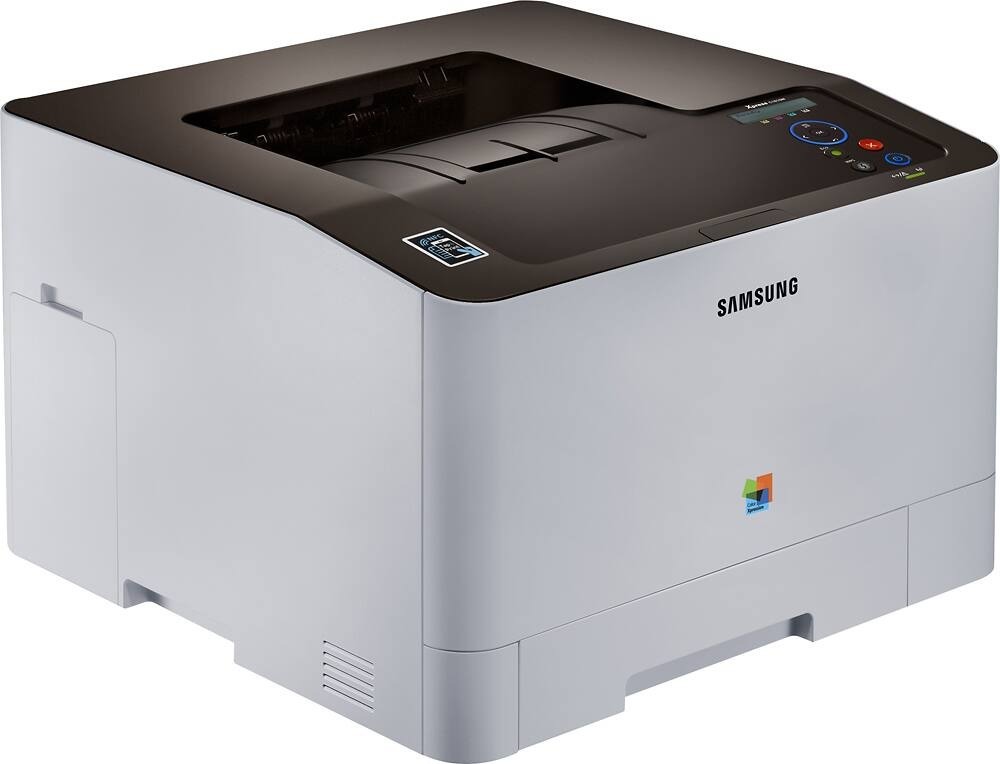
The Samsung SL-C1810 is a color laser printer from Samsung's early 2010s CLP/CLX and Xpress lineup. The model sits in the SL-C1810 generation, sharing consumables across that whole group. The machine suited small workgroups with steady color printing needs well.
Toner for this machine comes from the CLT-K504S family — CLT-K504S for black, plus CLT-C504S and its cyan and yellow siblings. Whether you want compatible savings or genuine OEM CLT-K504S cartridges, we ship fast from Clever Supplies.
Toner Cartridges for SL-C1810
This printer works with the following toner cartridges:
- Samsung CLT-K504S
- Samsung CLT-C504S
- Samsung CLT-M504S
- Samsung CLT-Y504S
More Samsung Printers
- CLP-415
- CLP-415N
- CLP-415NW
- CLP-4195FW
- CLP-470
- CLP-475
- CLX-4195
- CLX-4195FN
- CLX-4195FW
- CLX-4195N
- SL-C1810W
- SL-C1860
- SL-C1860FW
- Xpress C1810
- Xpress C1810W
Frequently Asked Questions
Quick question: how can I prevent jams in the SL-C1810 going forward?
Clear a SL-C1810 jam by pulling the paper slowly in the direction of travel; yanking tears it and leaves scraps behind. Avoid reusing paper with curled edges; the SL-C1810's feed mechanism punishes it. Fresh paper, snug guides, clean rollers: the anti-jam trinity for the SL-C1810.
Office question: what are the first signs that my SL-C1810 needs a new cartridge?
A toner-low message on the SL-C1810 is an early heads-up, not a shutdown — you typically have usable pages left. Note the date when the warning first appears — it helps you predict the CLT-K504S reorder cycle for your SL-C1810. A gentle shake buys time; a fresh cartridge buys certainty.
Help me decide: the SL-C1810 driver installed but printing fails — what next?
If the computer misses the SL-C1810, try a different USB port or cable first; detection failures are often physical. Check that the SL-C1810 is powered on and awake — sleep mode fools more not-detected diagnoses than anything else. Most printer-not-detected cases end at the cable, the port, or the power button.