




CLX-4195FN
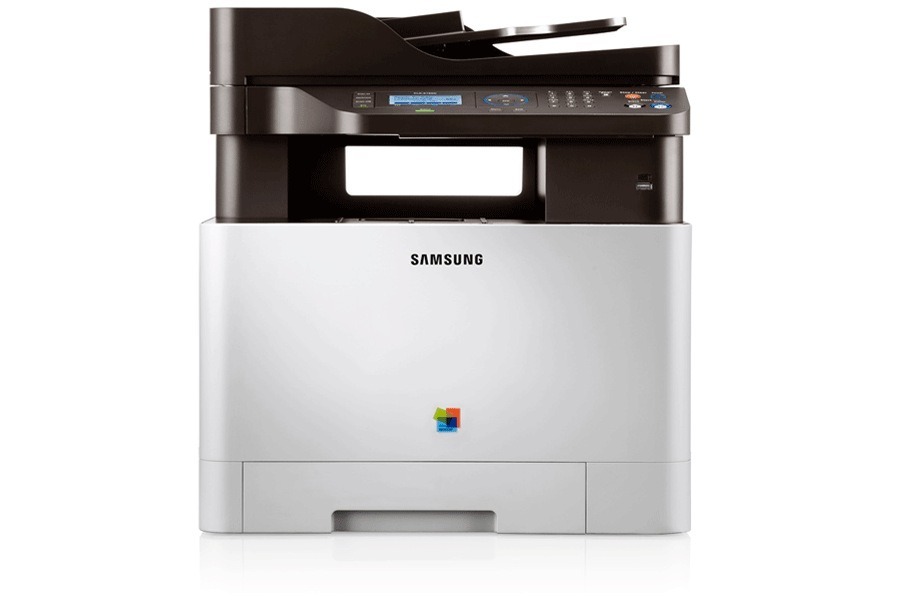
A color laser multifunction printer from Samsung's early 2010s CLP/CLX and Xpress range, the CLX-4195FN brought color laser output to smaller budgets. That letters mean this version adds fax and wired Ethernet networking compared with the standard CLX-4195. It found its niche with small workgroups with steady color printing needs.
The specified toner is Samsung's CLT-K504S range: CLT-K504S black alongside CLT-C504S magenta. Whether you want compatible savings or genuine OEM CLT-K504S cartridges, we ship fast from Clever Supplies.
Toner Cartridges for CLX-4195FN
This printer works with the following toner cartridges:
- Samsung CLT-K504S
- Samsung CLT-C504S
- Samsung CLT-M504S
- Samsung CLT-Y504S
More Samsung Printers
- CLP-415
- CLP-415N
- CLP-415NW
- CLP-4195FW
- CLP-470
- CLP-475
- CLX-4195
- CLX-4195FW
- CLX-4195N
- SL-C1810
- SL-C1810W
- SL-C1860
- SL-C1860FW
- Xpress C1810
- Xpress C1810W
Frequently Asked Questions
Office question: my CLX-4195FN printed a blank page — did the toner run out?
When the CLX-4195FN starts printing pale pages with the CLT-K504S cartridge installed, you are in the final stretch. Note the date when the warning first appears — it helps you predict the CLT-K504S reorder cycle for your CLX-4195FN. Keeping one spare CLT-K504S eliminates the only real risk of low toner: downtime.
How can I prevent jams in the CLX-4195FN going forward?
After clearing a jam, close all doors firmly — the CLX-4195FN will not resume until every sensor is satisfied. Adjust the paper guides snugly against the stack — loose guides let sheets skew into the CLX-4195FN's path. Jams are the CLX-4195FN's most fixable problem — almost always user-serviceable.
New owner here — do starter cartridges differ from replacement CLT-K504S cartridges on the CLX-4195FN?
When the CLX-4195FN runs dry, the replacement you want is CLT-K504S — nothing else in the Samsung range. A cartridge meant for a different Samsung family will not seat properly, so match the full code including the letter suffix. A quick code check takes ten seconds and saves the hassle of a return.