




SL-C1860
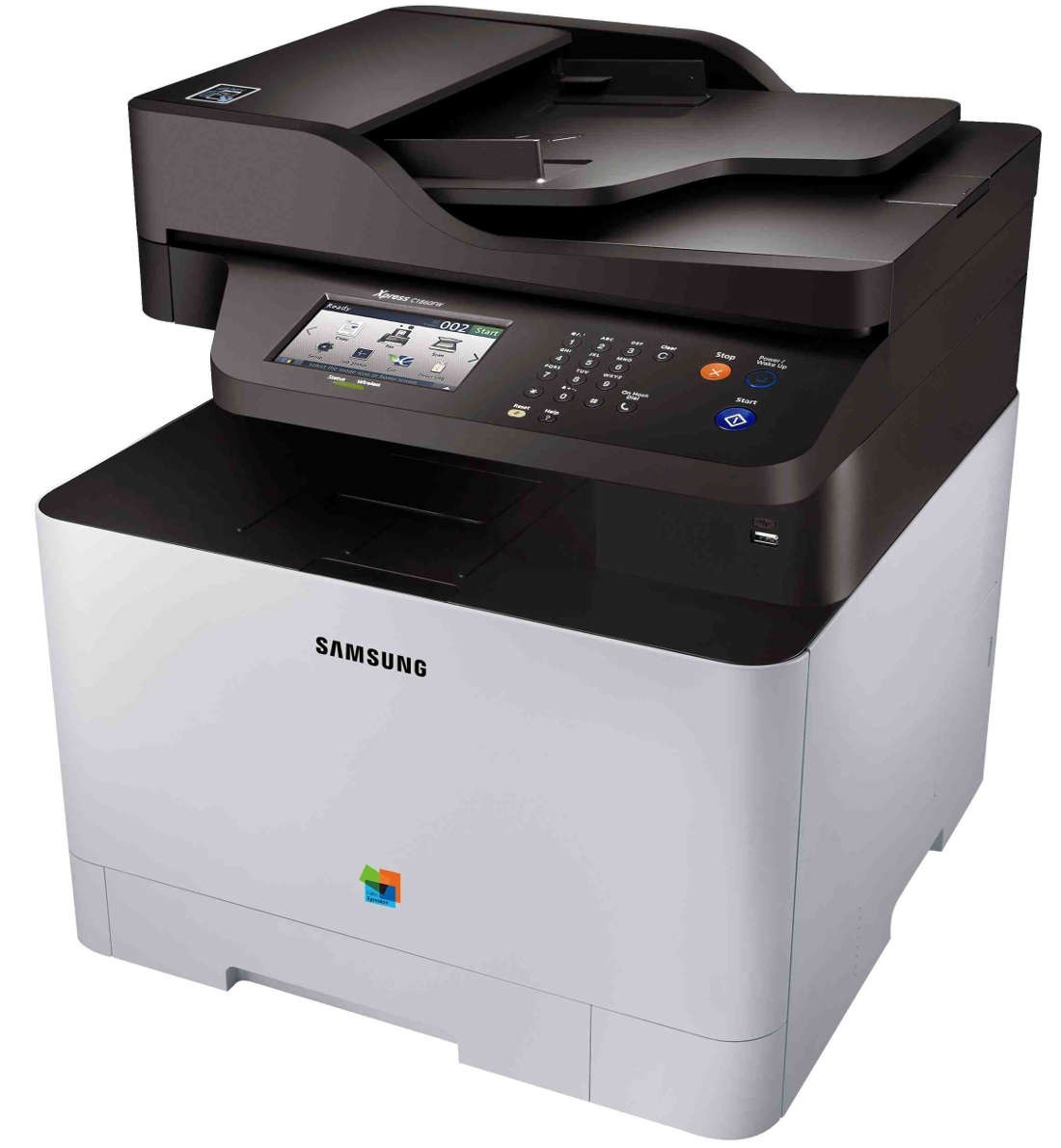
Samsung positioned the SL-C1860 — a color laser multifunction printer — for the early 2010s CLP/CLX and Xpress generation. Under the hood it is the same machine as the SL-C1860, tuned for a particular sales channel. Its natural home was small workgroups with steady color printing needs.
The toner story here is the CLT-K504S family: CLT-K504S does the black work and CLT-C504S handles magenta. We stock compatible CLT-K504S toner as well as genuine Samsung OEM cartridges, and every order ships fast from Clever Supplies.
Toner Cartridges for SL-C1860
This printer works with the following toner cartridges:
- Samsung CLT-K504S
- Samsung CLT-C504S
- Samsung CLT-M504S
- Samsung CLT-Y504S
More Samsung Printers
- CLP-415
- CLP-415N
- CLP-415NW
- CLP-4195FW
- CLP-470
- CLP-475
- CLX-4195
- CLX-4195FN
- CLX-4195FW
- CLX-4195N
- SL-C1810
- SL-C1810W
- SL-C1860FW
- Xpress C1810
- Xpress C1810W
Frequently Asked Questions
Straightforward question: does the SL-C1860 stop printing when the toner runs out?
The SL-C1860 estimates remaining toner from page coverage and cartridge data, so heavy graphics drain it faster. Do not keep a redistribution going indefinitely; running a cartridge bone-dry can affect print consistency. Keeping one spare CLT-K504S eliminates the only real risk of low toner: downtime.
Quick question: what is the difference between the toner cartridge and the imaging unit in my SL-C1860?
Quality loss with a full CLT-K504S cartridge is the classic sign the SL-C1860's imaging unit is reaching end of life. Store a spare imaging unit only if your SL-C1860 runs high volume; most owners buy on demand. Understanding the two consumables saves SL-C1860 owners from buying the wrong part.
Need some guidance — what settings cut toner use on the SL-C1860 without hurting quality?
Toner-save mode on the SL-C1860 is ideal for emails and drafts; switch it off only for client-facing pages. Use the print preview to catch layout mistakes before the SL-C1860 commits toner to paper. The best saving is the page never printed — preview first.