




ML-3051ND
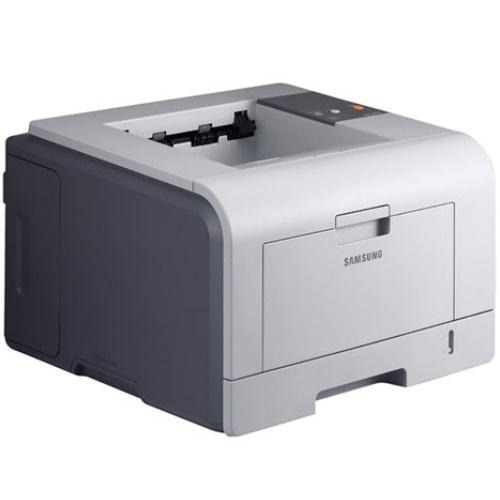
The Samsung ML-3051ND was the fully loaded 3051 — network connectivity plus automatic duplexing for workgroups that wanted shared, two-sided black-and-white printing.
It takes ML-D3050A or ML-D3050B cartridges. Both compatible and genuine OEM options for the ML-3051ND are available here.
Toner Cartridges for ML-3051ND
This printer works with the following toner cartridges:
- Samsung ML-D3050A
- Samsung ML-D3050B
More Samsung Printers
Frequently Asked Questions
What should I avoid when installing a new ML-D3050A in the ML-3051ND?
A cartridge swap on the ML-3051ND takes about a minute once you have done it: open the cover, exchange the ML-D3050A, and close the cover. The printer runs a short calibration, then you are back to printing. Keeping a spare ML-D3050A nearby means a mid-job empty never stalls your work.
Is a blank page from the ML-3051ND a toner problem or a printer problem?
Blank pages from a fresh ML-D3050A in the ML-3051ND most often mean the seal was never pulled or the cartridge is not seated — truly defective cartridges are rare. Reseat it and verify the supplies status shows the printer recognizes the cartridge. Normal output from another ML-D3050A points to the first cartridge as the problem.
The network light on the ML-3051ND is on but nothing prints - what next?
When the ML-3051ND drops off the network every few days, the router is usually reassigning its IP address behind the scenes. Reserve a fixed address for the printer in the router's DHCP settings so the driver port stays correct. This is a networking symptom only — the ML-D3050A toner level is irrelevant.